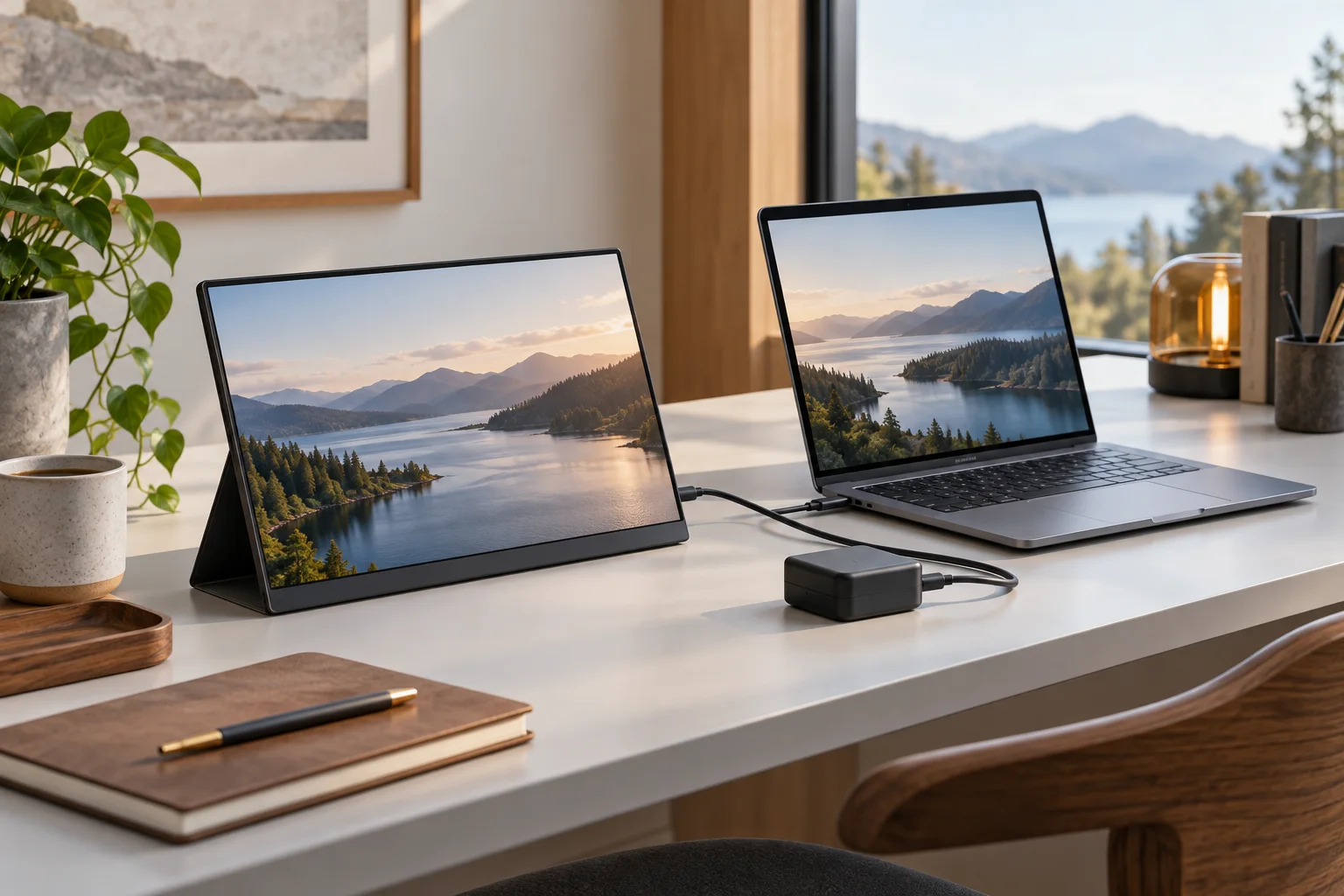
Portable displays
Compare a portable monitor’s video and power requirements
Build a complete portable-display configuration from exact video, power, enclosure and carrying requirements.
Read the guideBuild a complete portable-display configuration from exact video, power, enclosure and carrying requirements.
Read the guide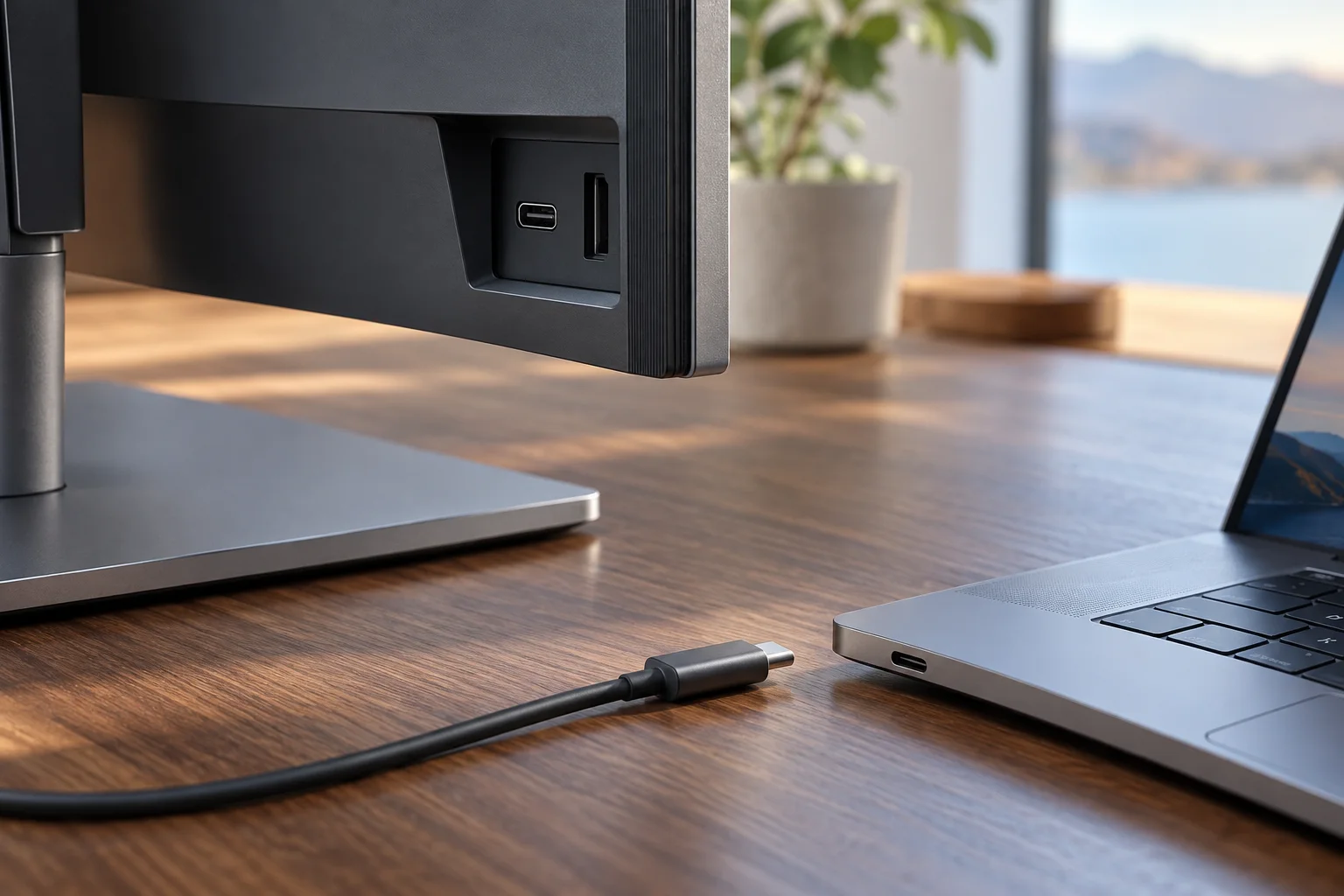
Verify the exact source port, cable route and power arrangement before ordering a USB-C display.
Read the guide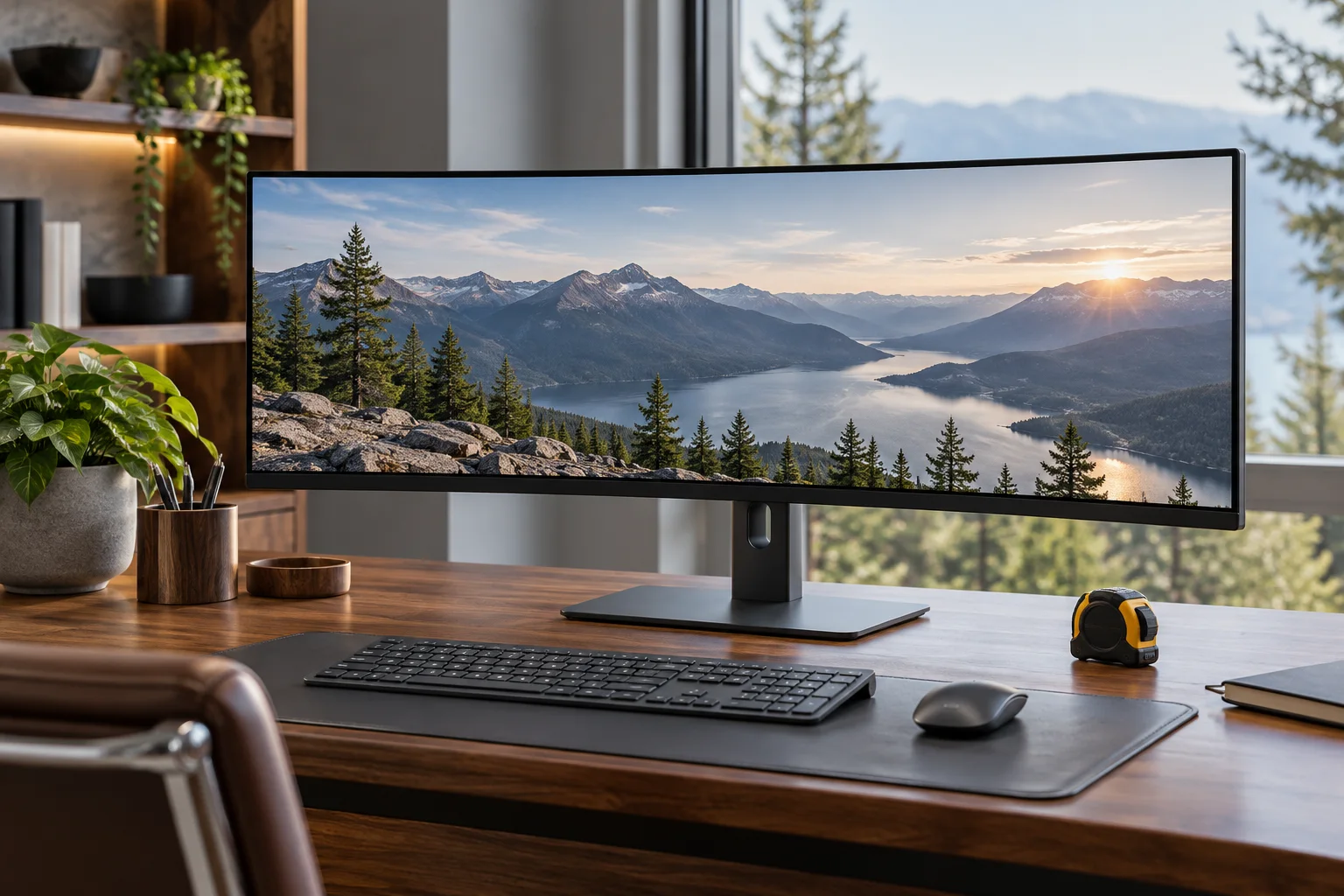
Separate exact enclosure dimensions, support footprint and usable furniture space before ordering.
Read the guide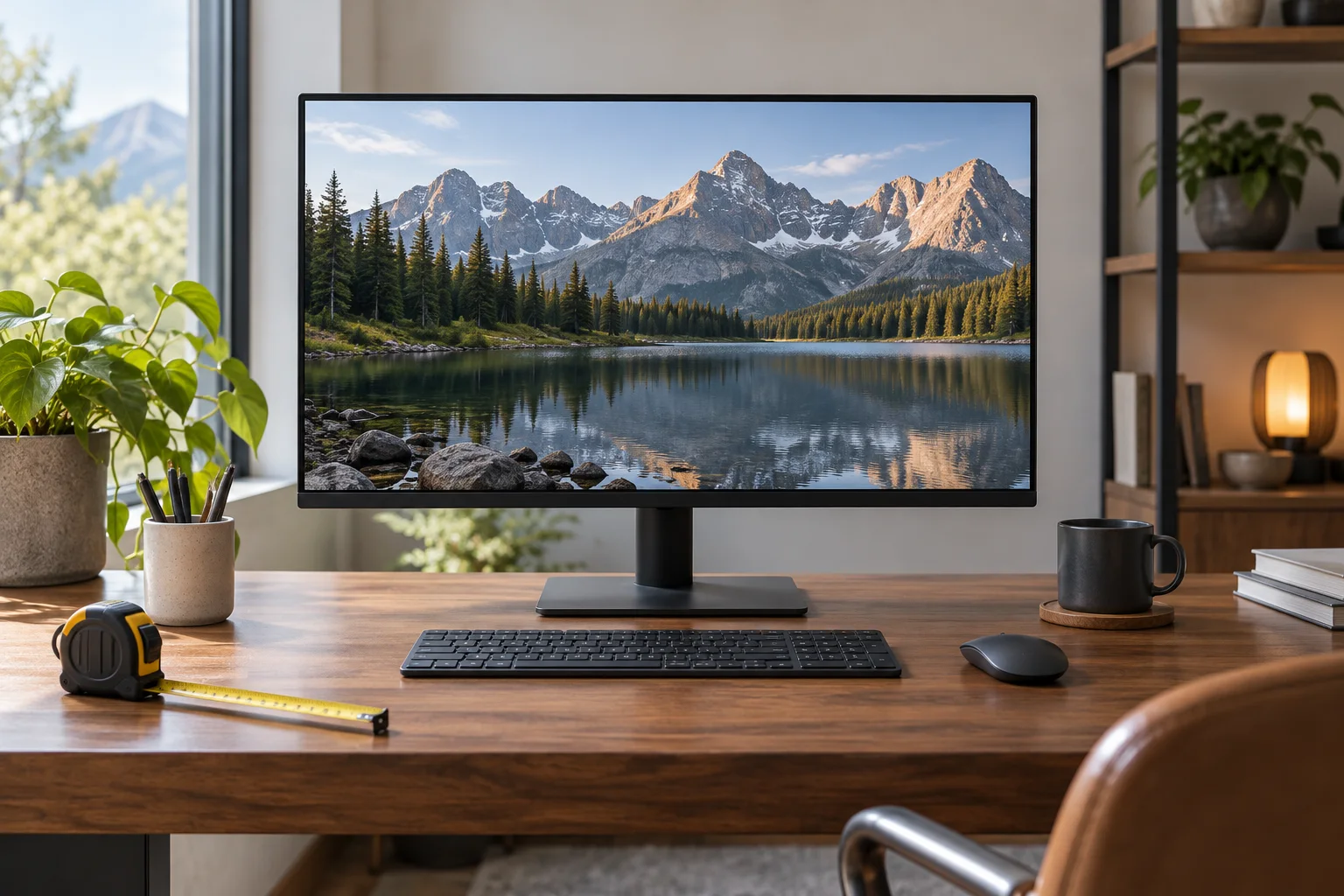
Keep diagonal, active image, outer enclosure and support dimensions separate when planning desk space.
Read the guide
Compare two real 27-inch native pixel grids, connection requirements and the difference between detail and usable workspace.
Read the guide
Compare exact Dell display modes and inspect the selected Windows11 output before treating a refresh-rate label as a complete setup.
Read the guide
Compare a Dell pivot-stand configuration with the 2022 Apple Studio Display VESA configuration, then separate physical rotation from operating-system orientation.
Read the guide
Compare the documented native display limits of M1 and M3 MacBook Air models before buying two screens or a dock.
Read the guide
Work through two documented Dell27-inch pixel grids,then distinguish physical density,Windows scaling and practical workspace.
Read the guide
Compare Dell P2725QE90W upstream power with MSI MAG272UP15W video input and Dell P2725H’s data-only downstream connector.
Read the guide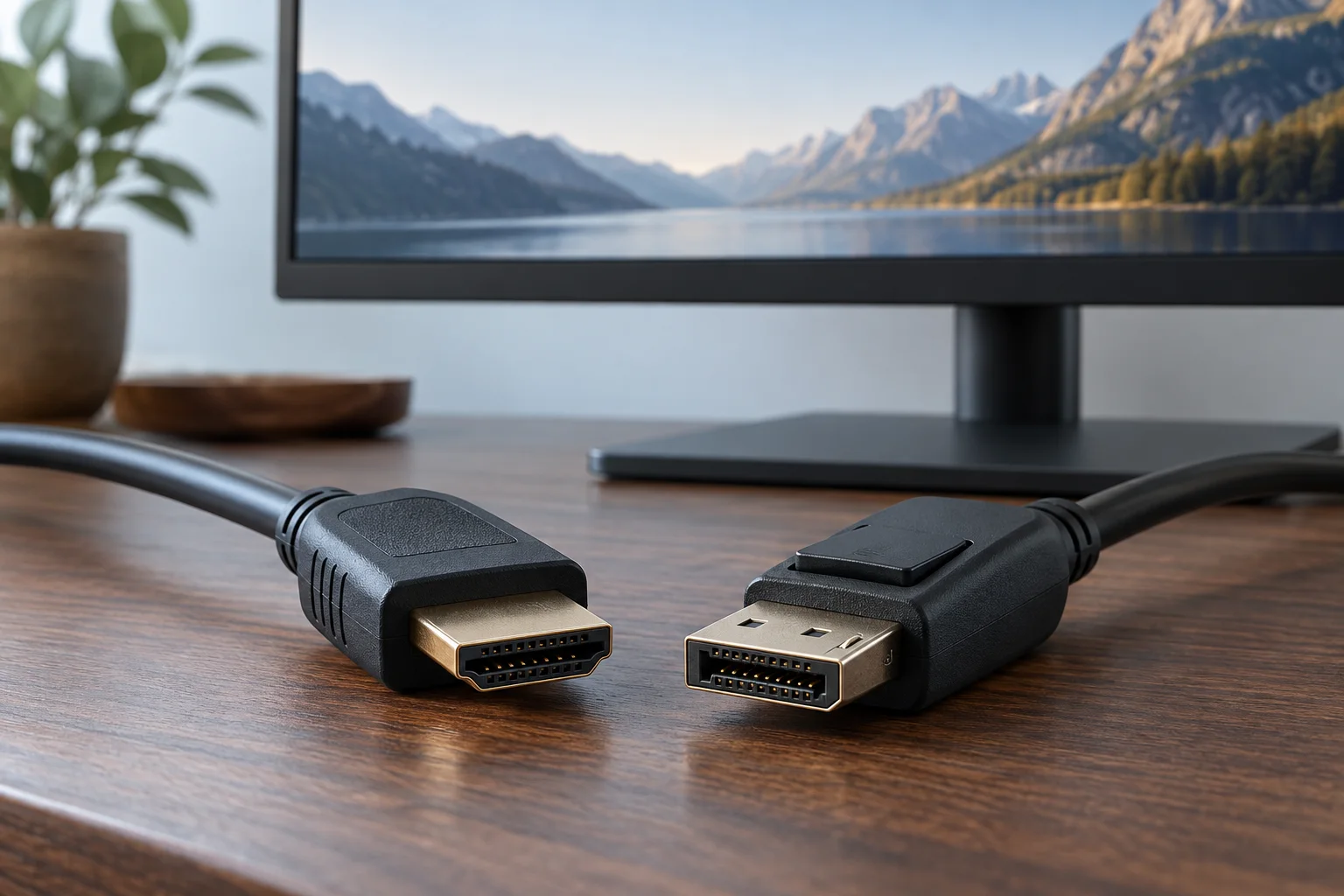
Use two real Dell gaming-monitor mode tables to choose an input route;connector badges alone do not establish resolution or refresh rate.
Read the guide
Compare named MSI and Alienware burn-in warranty statements,then keep the exact monitor’s maintenance requirements and service conditions attached.
Read the guide
Compare three real monitor panel labels while separating panel construction,native mode,care requirements and unmeasured image-quality claims.
Read the guide
Compare actual radius specifications while keeping enclosure size, stand depth and source modes in separate records.
Read the guide
Compare a Dell and ASUS portable display’s documented envelope, then add the actual sleeve, cable and support arrangement.
Read the guide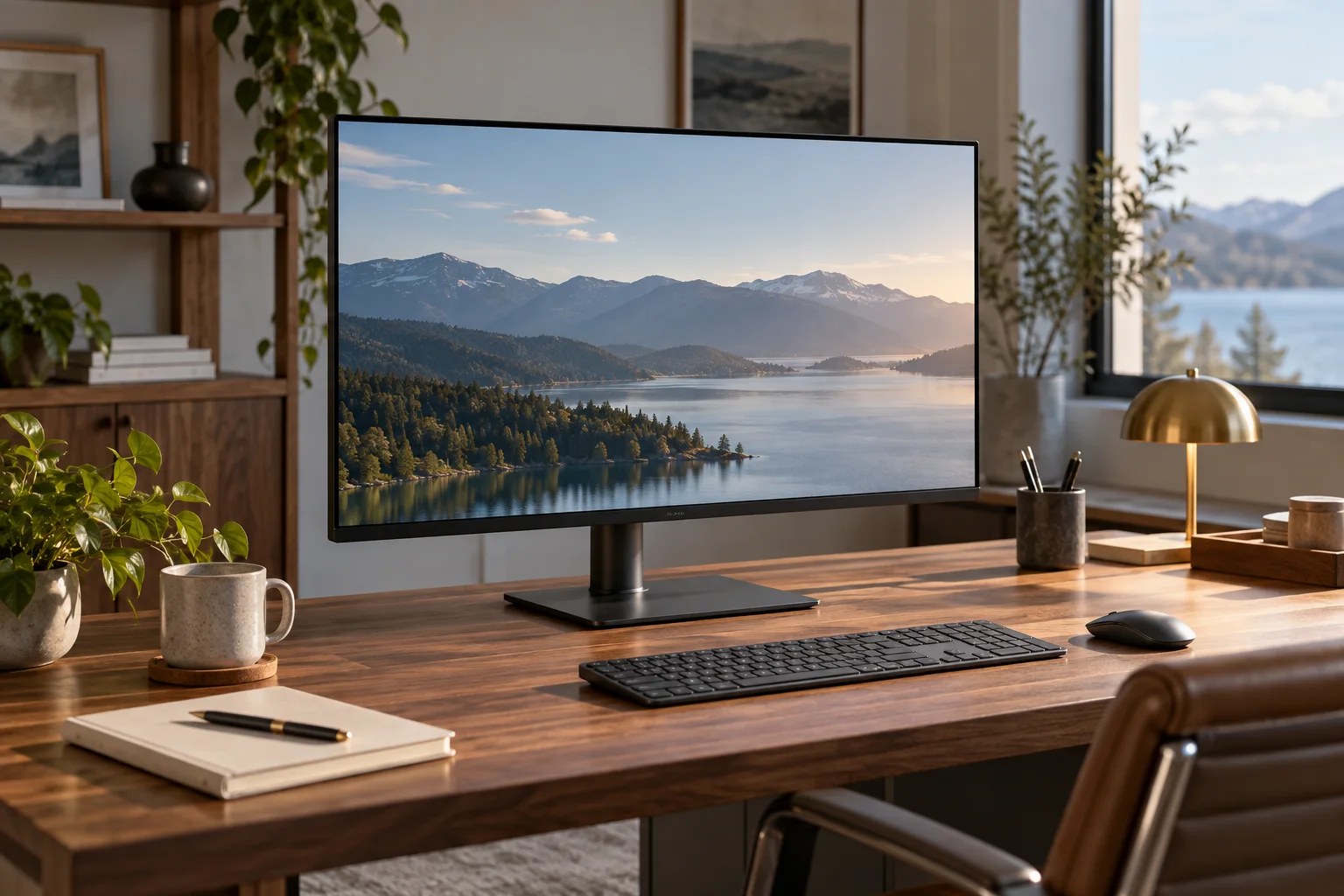
Compare the P1424H’s integrated support with a documented MB166C-and-MTS02D arrangement before buying a portable-monitor stand.
Read the guide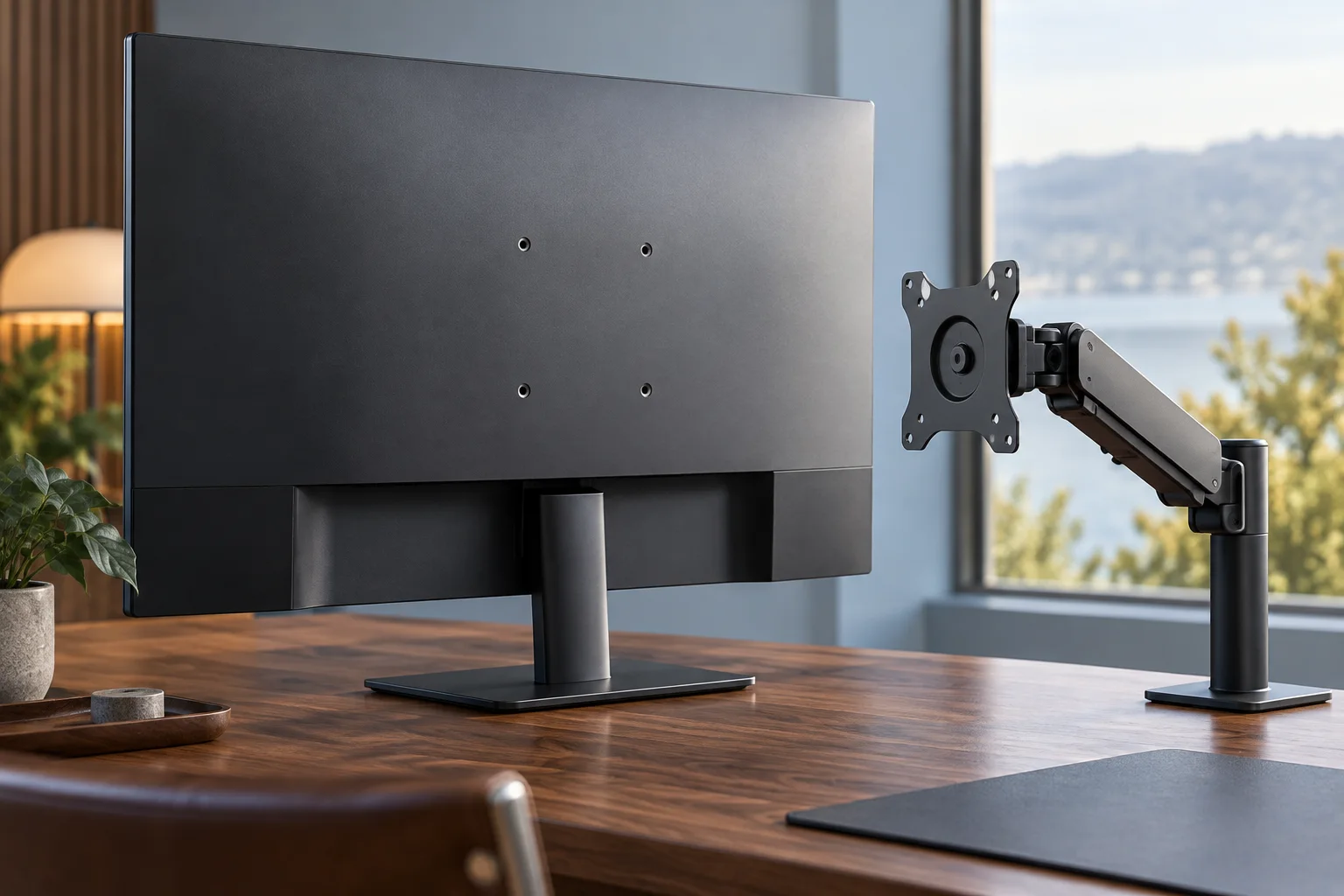
Compare exact monitor mass and VESA information with two actual arm ranges, including the minimum load that can rule out an arm.
Read the guide
Check the exact VESA tier and CTS version, then compare two named MSI models without treating the shared badge as a complete buying answer.
Read the guide
Compare two actual 0.03-ms-GtG specifications with different refresh rates, and calculate frame intervals without calling them measured input lag.
Read the guide
Separate the seller’s return route from manufacturer pixel coverage, including Dell’s actual portable-monitor exception.
Read the guide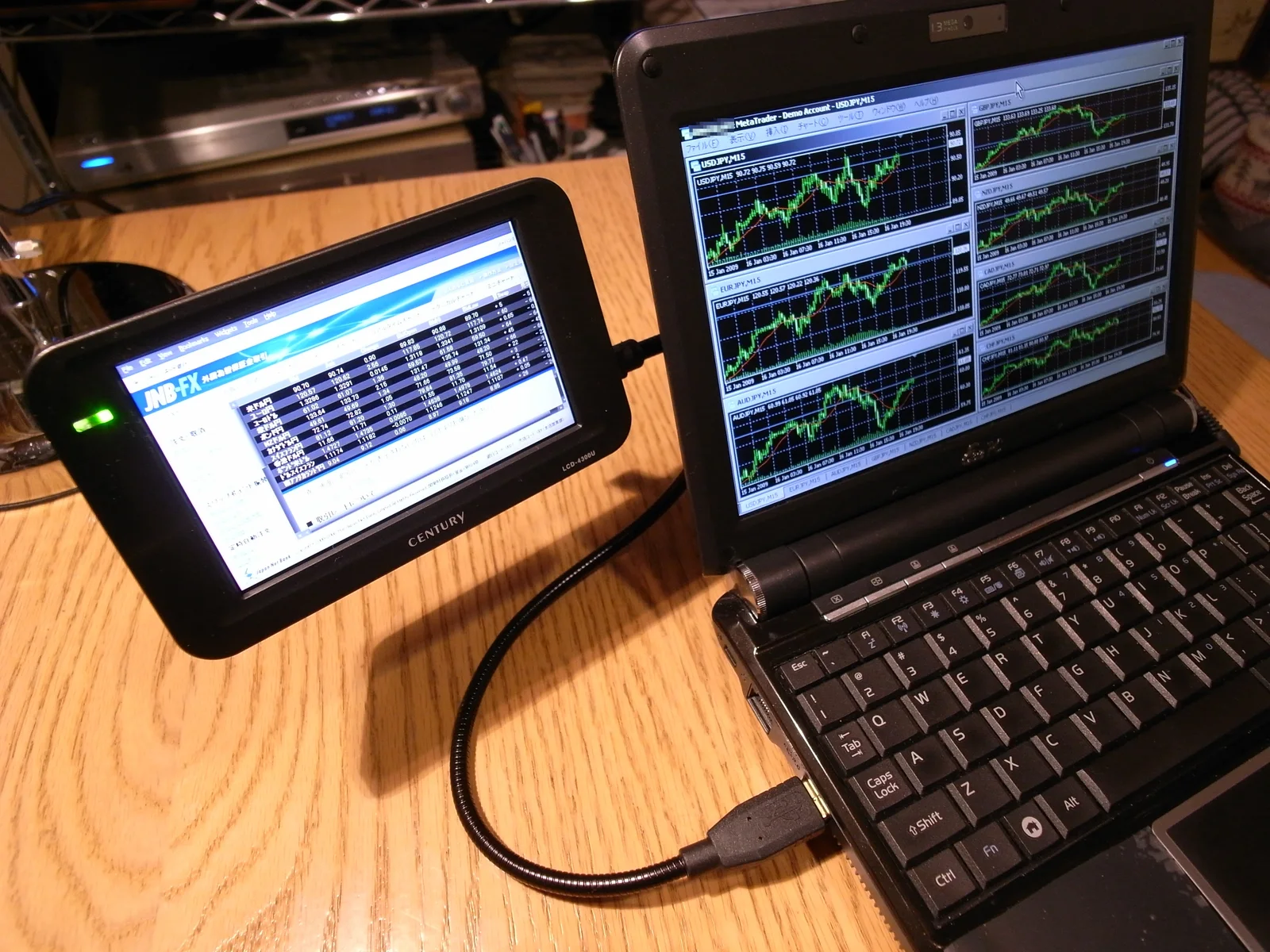
A monitor KVM moves the keyboard and mouse along with the picture, but only when each computer has a video cable and a USB upstream cable.
Read the guide
Touch travels on a USB data link, not on the video cable. Confirm the cabling route and the port it lands on before the monitor arrives.
Read the guide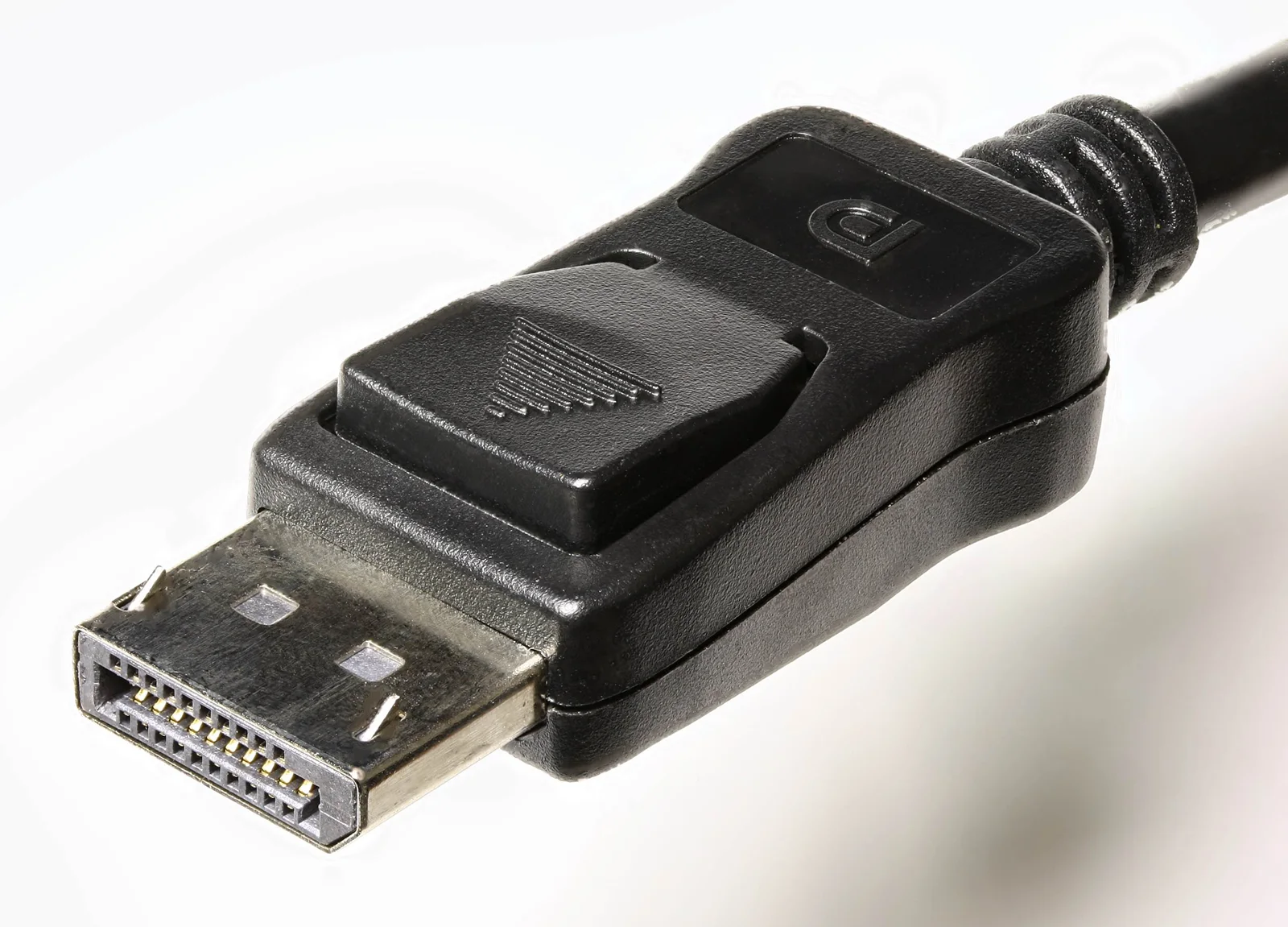
A hub monitor publishes several different watt and port numbers. They answer different questions, and mixing them up is what produces a disappointing desk.
Read the guide