Calculate pixel density without promising text comfort
Work through two documented Dell27-inch pixel grids,then distinguish physical density,Windows scaling and practical workspace.
Updated:
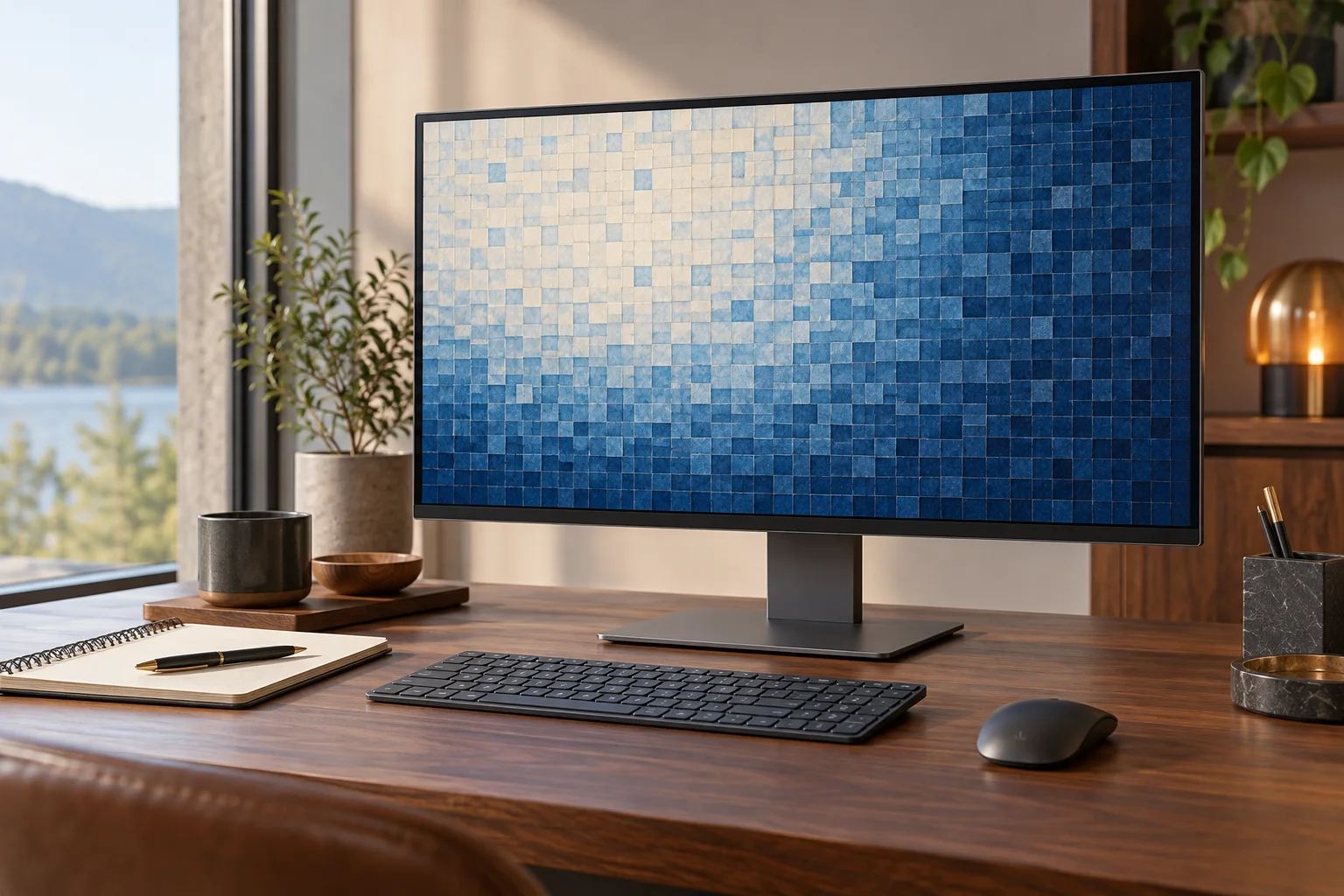
The same nominal diagonal can contain a different pixel grid
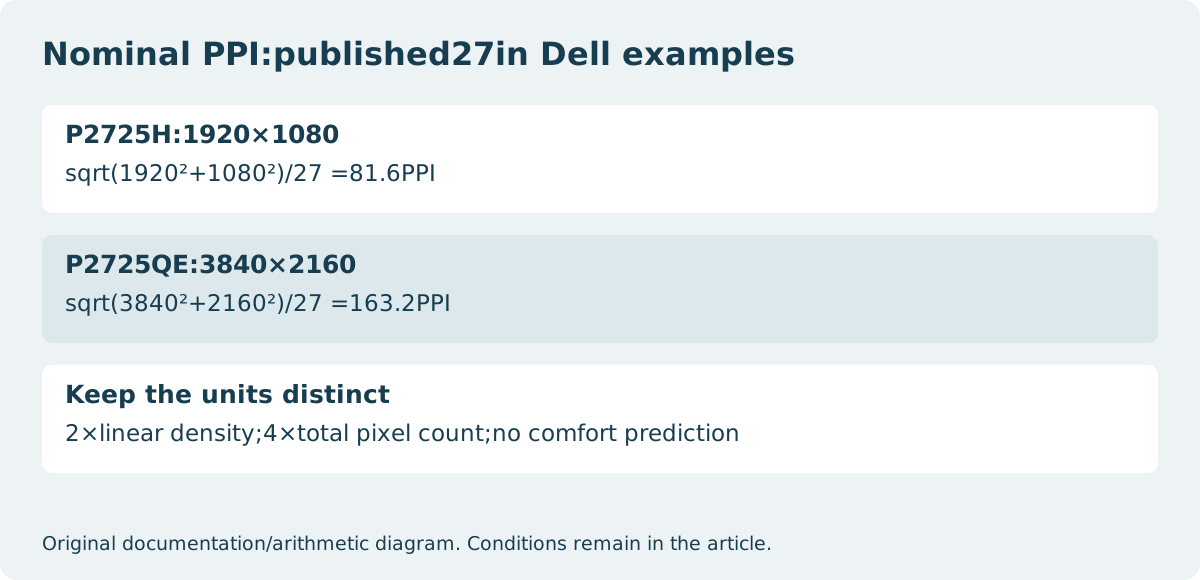
Dell’s US P2725H specifications list27in and 1920×1080 native pixels; P2725QE lists27in and 3840×2160. For a density comparison, those are actual named inputs rather than invented monitor A and B. Using the nominal 27 inches diagonal gives approximately 81.6 pixels per inch for P2725H and 163.2 for P2725QE. These are calculations from published rounded specifications, not our screen measurements.
The denser model gives more physical pixel detail at the same nominal screen size. That is a reason to consider it when detail is the requirement, but it is not a promise of comfortable text, a larger enclosure or four times as much useful application space. Choose the needed source detail and interface size separately.
| Documented model | Published inputs | Calculated nominal density |
|---|---|---|
| Dell P2725H | 27 inches; 1920×1080 | 81.6PPI |
| Dell P2725QE | 27 inches; 3840×2160 | 163.2PPI |
Calculate the diagonal in pixels before dividing
For horizontal pixels H, vertical pixels V and diagonal inches D, the calculation is square root of(H²+V²), divided by D. Use a pixel diagonal with a physical diagonal; dividing the horizontal pixel count by the diagonal inches would mix different axes. Keep the source inputs with the answer so the result is reproducible.
The two Dell examples have the same nominal diagonal and double the pixel count on each axis. Their calculated density therefore doubles. The total pixel count rises from2,073,600 to 8,294,400, which is four times as many pixels. Linear density and total pixel count are different quantities, and neither reports the usable size of a text document.
Scaling changes the interface rather than the physical panel
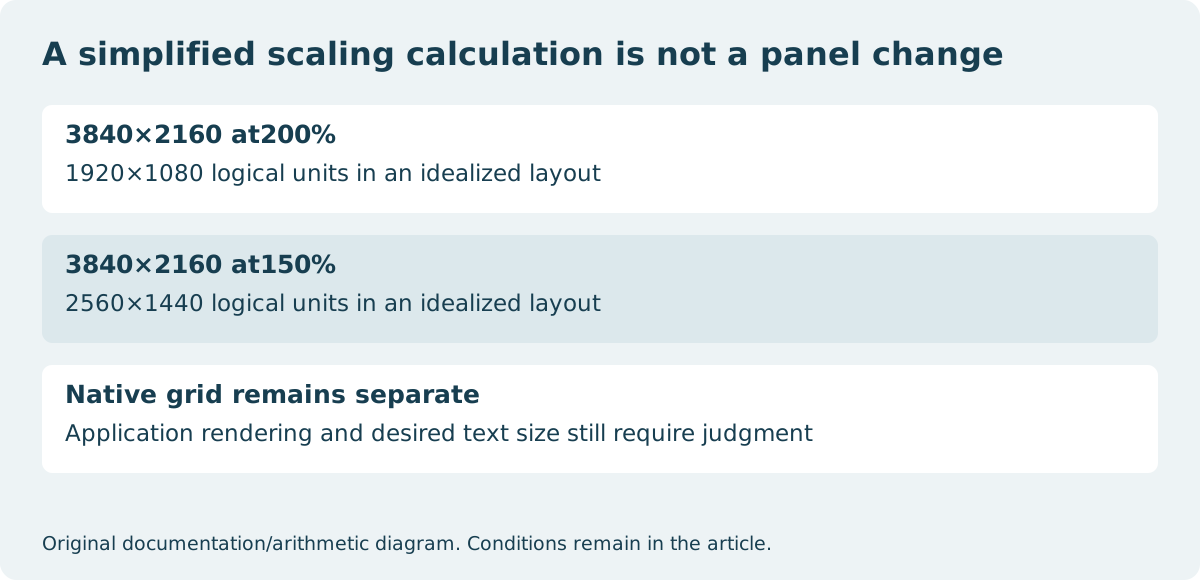
Windows scaling enlarges text and application elements while keeping a selected display resolution. A simplified200% layout maps two physical pixels per logical unit on each axis:3840×2160 divided by2 becomes1920×1080 logical units. At150%, the same division gives2560×1440. These are idealized arithmetic examples, not a guarantee about every application’s layout or rendering.
Microsoft’s Windows guidance treats Scale and Display resolution as separate settings and recommends the marked display resolution. Lowering the resolution simply to enlarge controls changes the incoming image grid and can make text less sharp. Scaling behavior can also differ between applications, so a screenshot of a setting is not proof that your important software will look identical on both models.
Do not convert PPI into an eyesight recommendation
Viewing distance, font design, application rendering, ambient conditions and personal needs remain outside this calculation. Two people can reasonably choose different interface sizes on the same panel. A higher result does not diagnose discomfort or establish a medically preferred screen. If larger controls are the immediate need, the interface setting matters independently from the physical pixel grid.
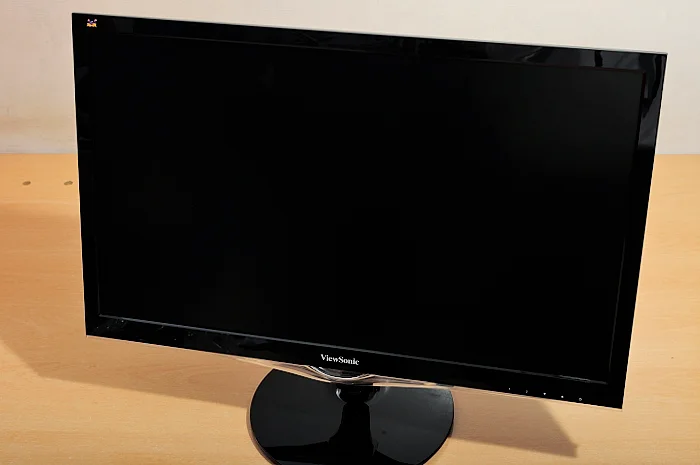
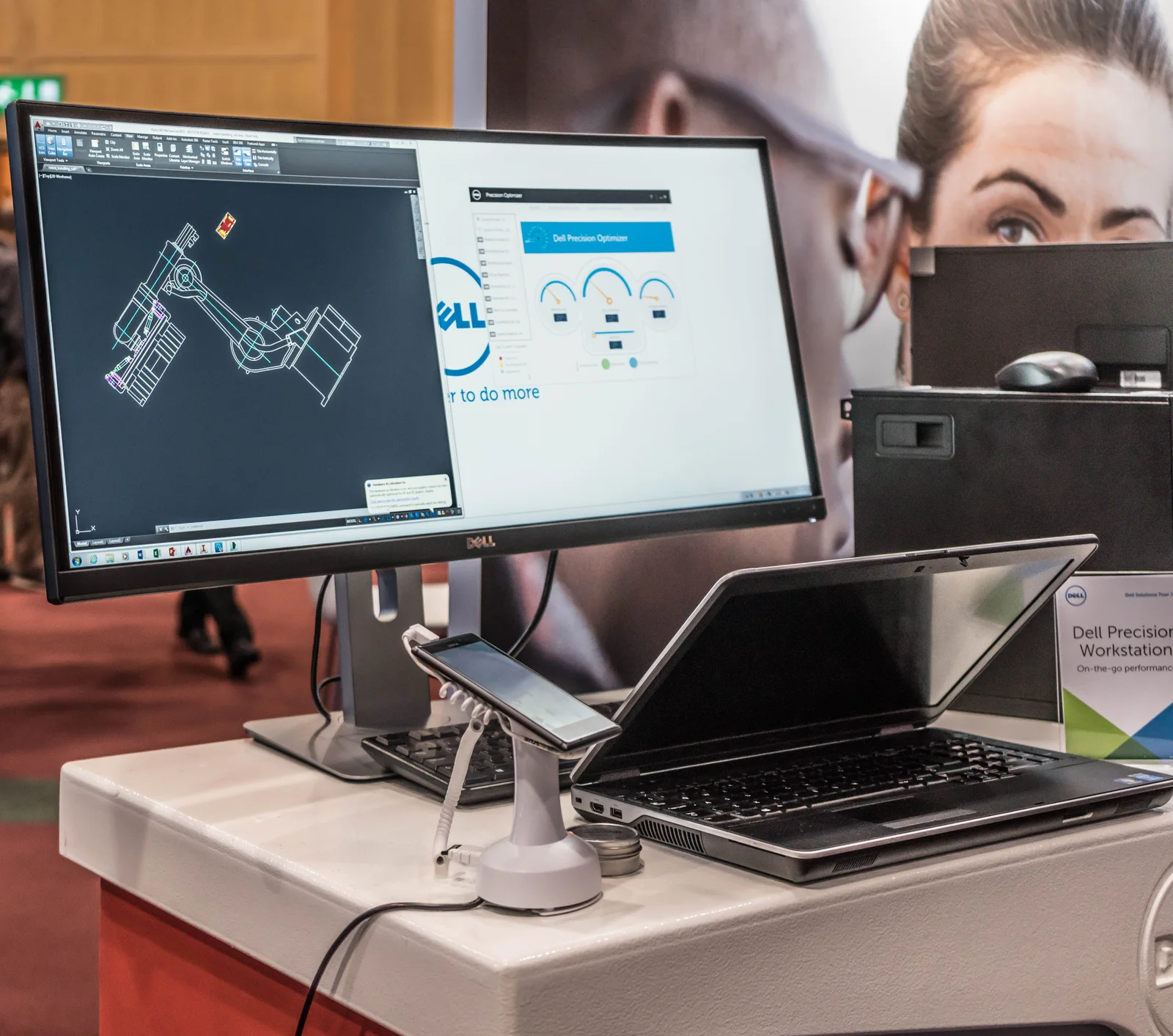
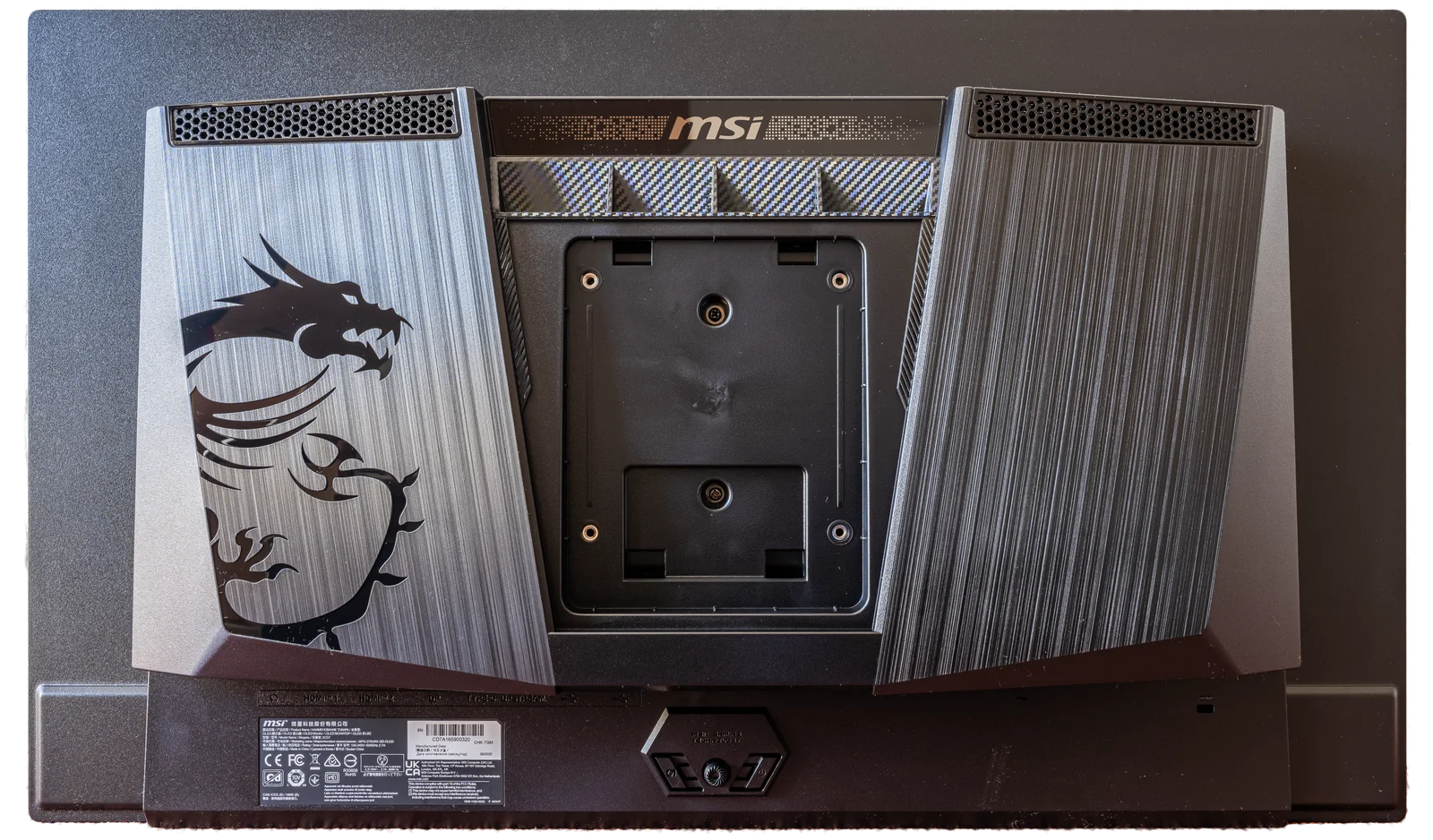
The archival monitor and laptop-display photographs show real screen arrangements, not the exact two Dell models measured side by side. The rear OLED housing is a different MSI model and illustrates that enclosure appearance alone cannot reveal native density. We have not used the photographs to judge text quality or make a hands-on comparison.
Make a shortlist with both density and the intended layout
Record native resolution, published diagonal, calculated PPI, planned operating-system scale and the specific application task. A reader wanting denser source detail can shortlist P2725QE while still planning a larger interface scale. A reader whose task is adequately served by the lower grid should not infer that the denser panel automatically provides a better complete purchase.
Check the source’s supported mode, connection route and physical placement as separate requirements. Keep the rounding visible:nominal-diagonal arithmetic is a useful comparison, not a more precise replacement for a manufacturer’s active-area or pixel-pitch specification. No present price, stock, comfort test or universal best scaling percentage is asserted here.