Read a 27-inch monitor’s actual physical dimensions
Keep diagonal, active image, outer enclosure and support dimensions separate when planning desk space.
Updated:
A diagonal answers only one measurement
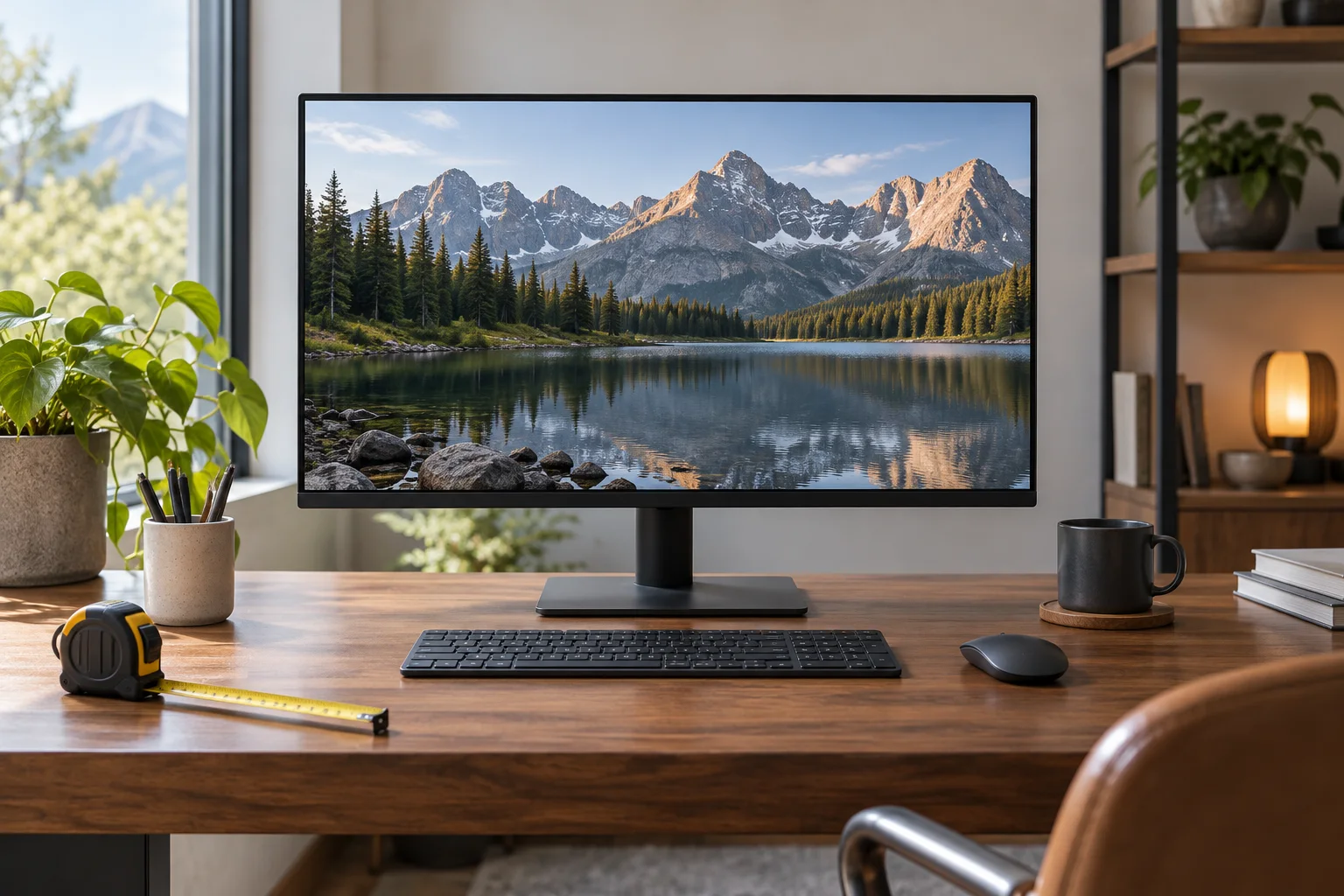
A 27-inch monitor label describes a diagonal, not the width of the outer case. Start by separating three measurements: the active image rectangle, the enclosure and the complete display with its intended support. Only the last two help establish the physical space occupied by an exact product. The active rectangle can help compare image shape, but it leaves out borders, housing, support and the space needed to use the equipment as instructed.
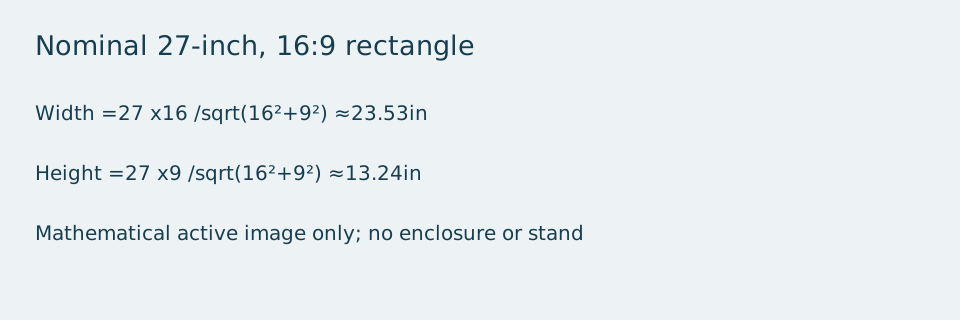
For a flat rectangular 27-inch image with a 16:9 ratio, the geometry calculator gives approximately 23.53 inches wide and 13.24 inches high. The calculation divides the diagonal by the square root of 16 squared plus 9 squared, then multiplies by the relevant side ratio. It describes the mathematical rectangle defined by those inputs. It is not a measurement of a particular monitor or a method for approving a curved enclosure.
Read the manufacturer’s dimension labels
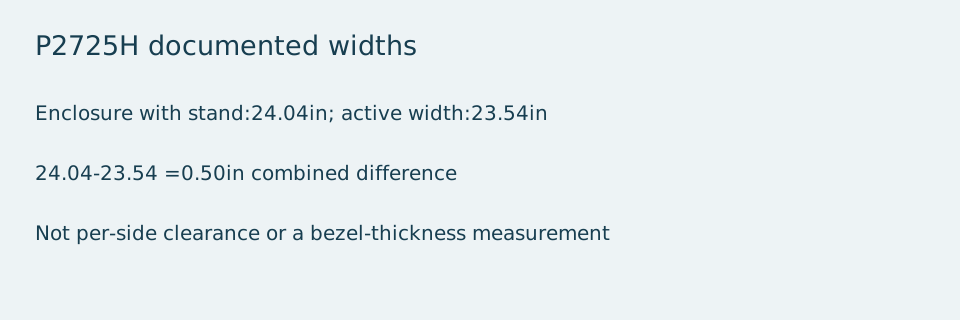
Dell’s US P2725H specification page, checked on 2026-10-28, illustrates the distinction. It lists a 27-inch diagonal, an active display width of 23.54 inches and an enclosure width with stand of 24.04 inches. The small difference between the documented active width and the idealized calculator result comes from using the nominal diagonal and rounding. Use the manufacturer’s actual dimensions for that exact model when planning furniture space.
Subtracting the two listed widths gives 24.04 − 23.54 = 0.50 inches. That difference is the combined width outside the stated active image, not a separate half-inch allowance on each side and not an installation clearance. Do not infer symmetrical borders or a precise bezel thickness from the subtraction. The housing can have features that a simple width comparison does not describe.
Choose the support configuration before measuring furniture
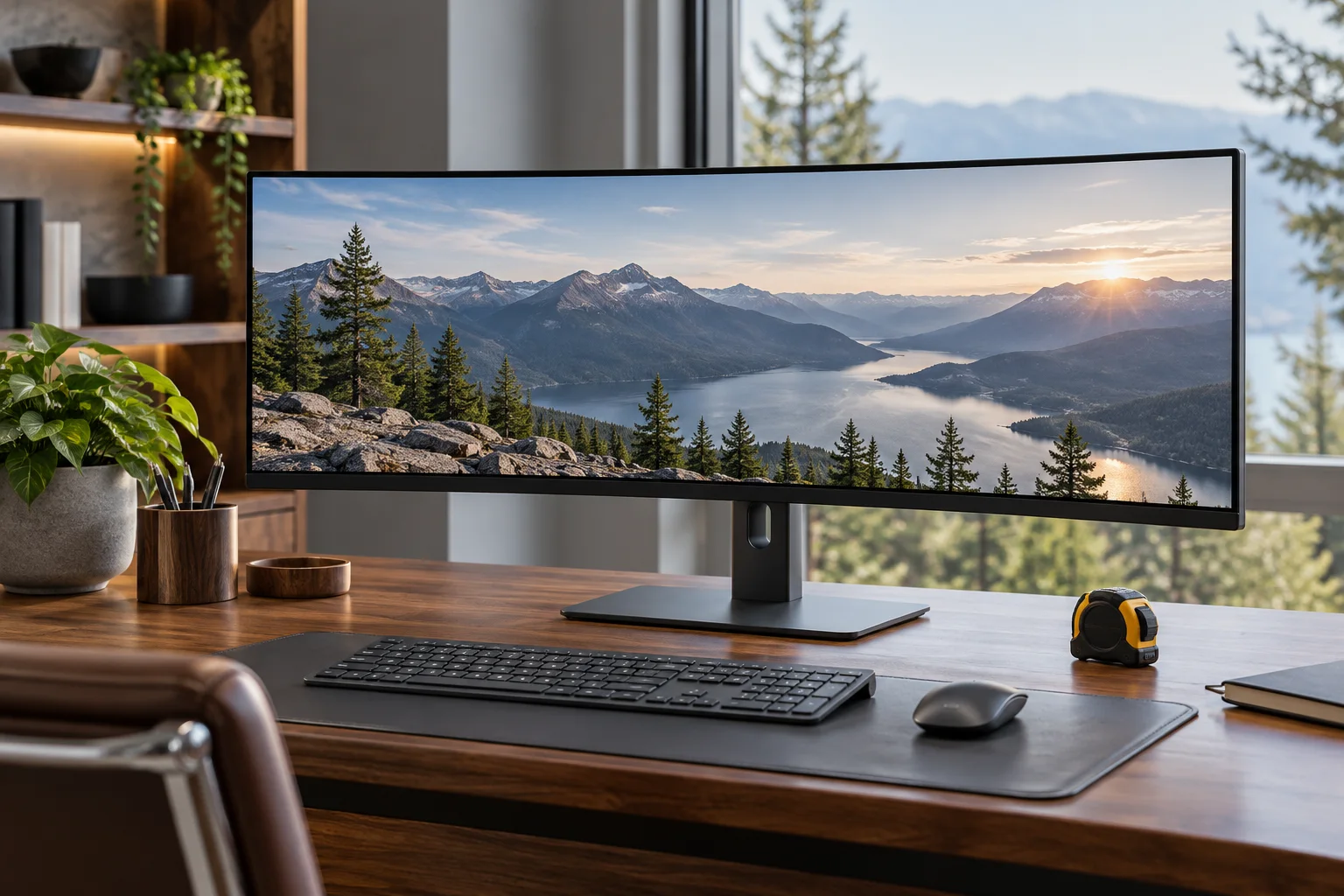
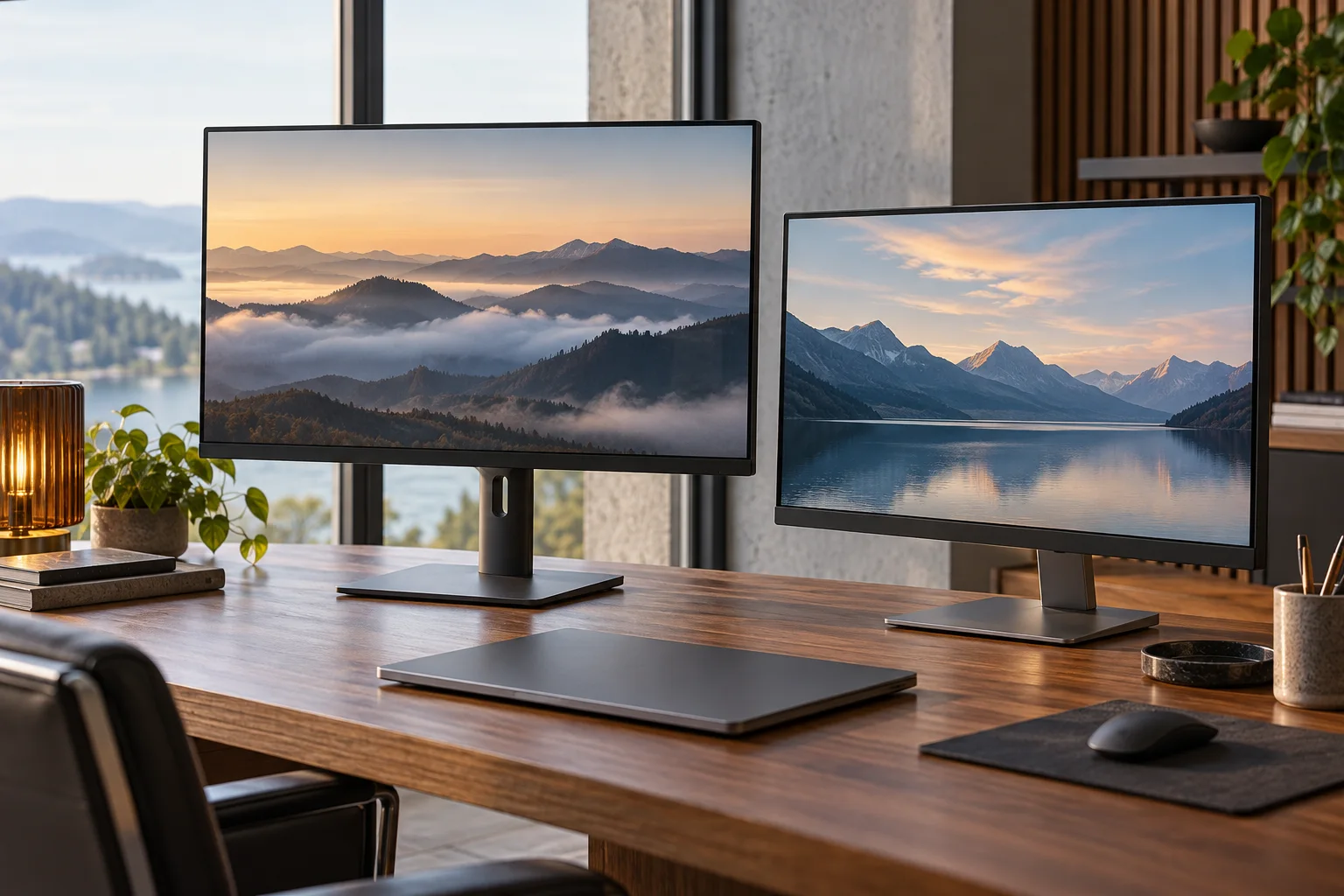
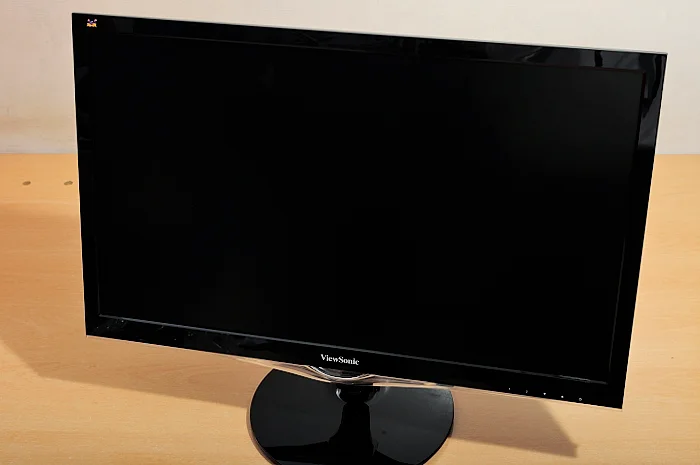
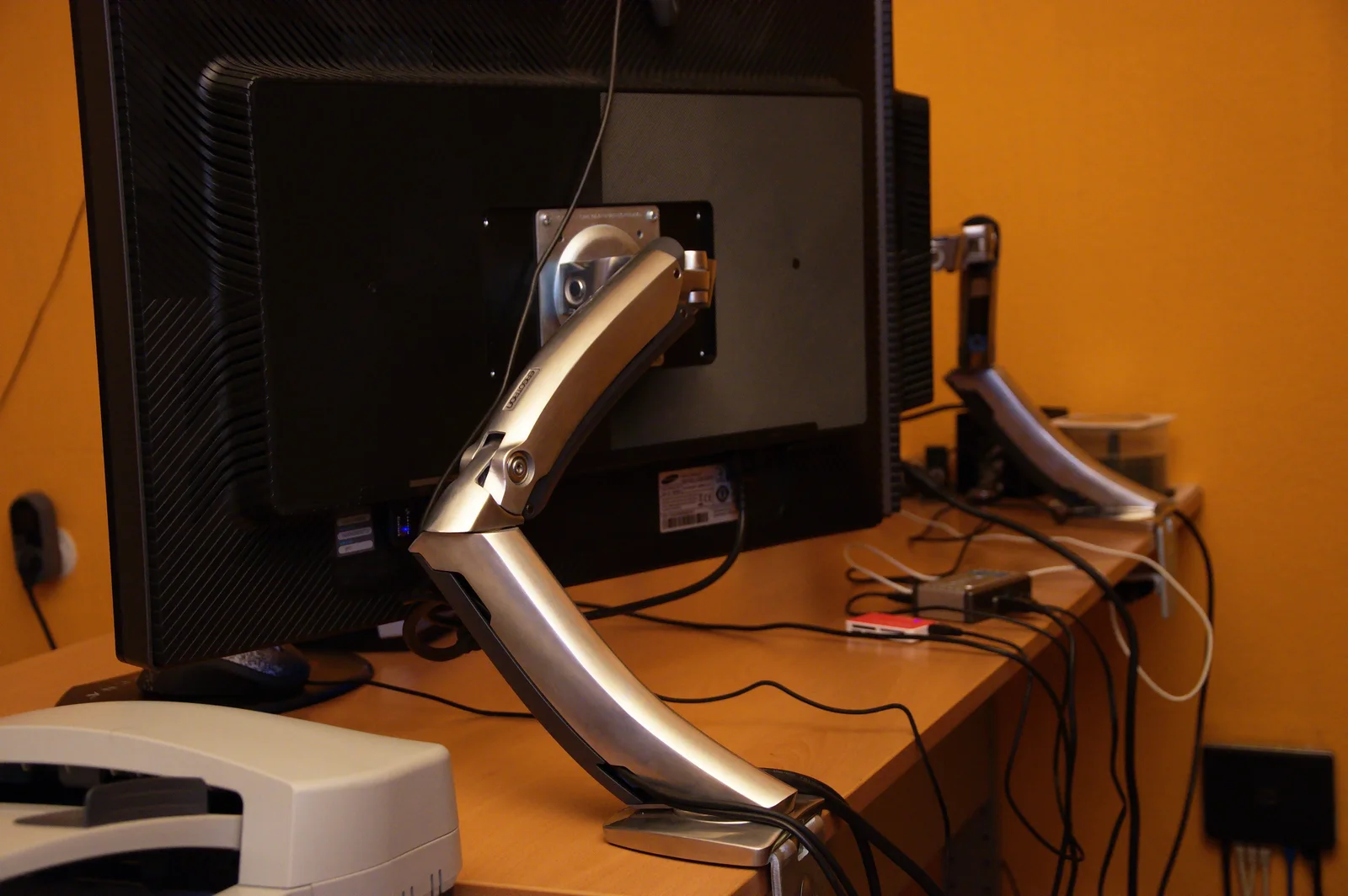
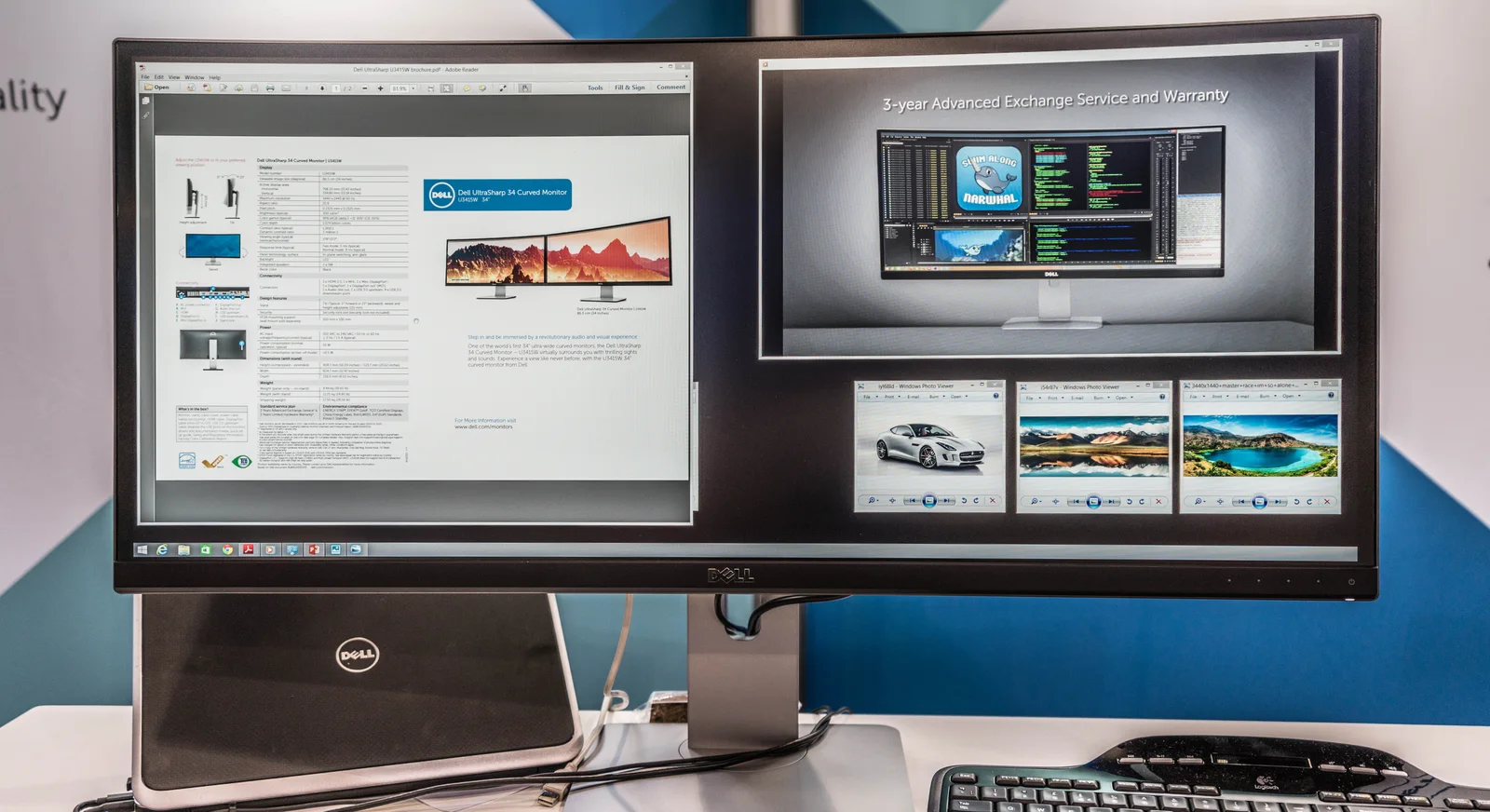
Decide whether you are comparing the supplied stand or a separately documented mount. A stand changes the depth and height of the configuration, while an arm introduces its own furniture attachment and movement requirements. The archival arm photograph shows why support is a separate physical component; it does not approve the pictured attachment or establish a current monitor’s mounting compatibility. The standalone display and wide-display photographs are examples of different forms, not interchangeable dimension records.
Measure the usable furniture surface directly. An advertised desk width may include rounded edges, raised sections or space that existing equipment occupies. Mark the display enclosure and its support separately on a plan. Include other equipment that must remain beside or in front of the screen, and obtain the exact product instructions for the proposed placement. A positive difference between desk width and monitor width does not establish a complete installation.
Keep pixel dimensions out of the furniture calculation
A native resolution such as 1920 × 1080 describes a pixel grid. It cannot replace a physical width measurement. Two monitors with the same pixel counts can have different diagonals and different outer cases. Conversely, two products labeled 27-inch can use different resolutions, supports and enclosure designs. Compare native pixels when considering image detail and scaling, then return to documented physical measurements when considering the desk.
Use consistent units on your planning sheet. Convert inches to centimetres with 2.54 centimetres per inch, and retain enough decimal places until the comparison is complete. Do not round a marginal fit in your favor. If the documentation gives an outer measurement in one unit and your furniture measurement is approximate, preserve that uncertainty rather than presenting a precise-looking final answer.
The buying record to keep
Save the exact model and support option, the manufacturer’s labeled width and depth, your usable furniture measurements and a note of any unresolved movement or cable space. A short record makes it easier to ask a precise question about the remaining uncertainty. Buy after the physical configuration and connection requirements are established. This guide offers geometry and document reading, without predicting viewing comfort, personal suitability or a safe installation from diagonal size alone.
Same nominal diagonal, different physical choices
A second real 27-inch example shows why the enclosure record matters. Apple’s 2022 Studio Display documentation lists a 24.5 inches width; its tilt-only stand version is 6.6 inches deep, while the tilt-and-height stand version is 8.1 inches deep. The Dell P2725H lists a 24.04 inches width and 7.57 inches depth with its stand. Thus the nominal 27-inch class does not settle either dimension.
These are documented configurations, not equivalent systems: the Apple display has separate host compatibility requirements, and the Apple document concerns the 2022 generation, not the 2026 model. Do not combine the Apple tilt-only footprint with the height-adjustable version’s features. The article’s archival photographs are physical-form illustrations and do not depict either exact model in this table.
| Exact model / support | Width | Depth with support |
|---|---|---|
| Dell P2725H / listed stand | 24.04 inches | 7.57 inches |
| Apple Studio Display2022 / tilt-only stand | 24.5 inches | 6.6 inches |
| Apple Studio Display2022 / tilt-and-height stand | 24.5 inches | 8.1 inches |