Plan real desk space for an ultrawide monitor
Separate exact enclosure dimensions, support footprint and usable furniture space before ordering.
Updated:
Measure the enclosure before choosing a diagonal
An ultrawide monitor’s advertised diagonal is not its desk width. Start with the usable surface on your own desk, then compare the documented enclosure and support dimensions of an exact model. Include the existing notebook, keyboard and anything that cannot move. A photograph of an attractive workstation cannot establish whether your furniture accommodates the same arrangement, even when the display sizes look similar.
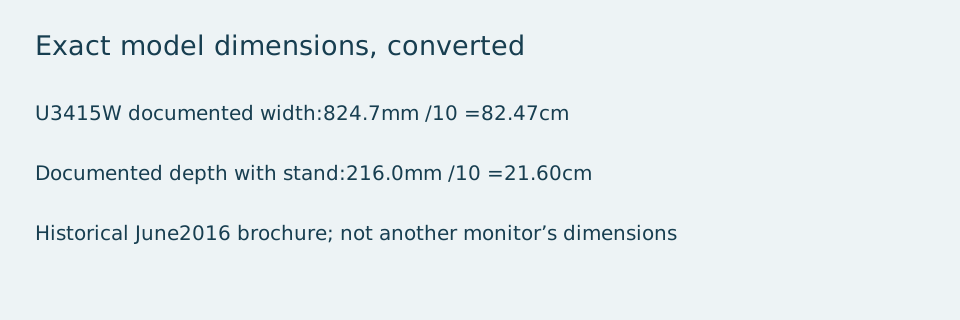
For a concrete historical example, Dell’s North American U3415W brochure, revision 6 dated June 2016, lists a width of 824.7 mm and a depth with stand of 216.0 mm. These become 82.47 cm and 21.60 cm by dividing millimetres by ten. The brochure was checked on 2026-10-28. This older model is an example for reading dimensions, not a current buying recommendation or a claim about today’s stock.
Keep the remaining space calculation honest
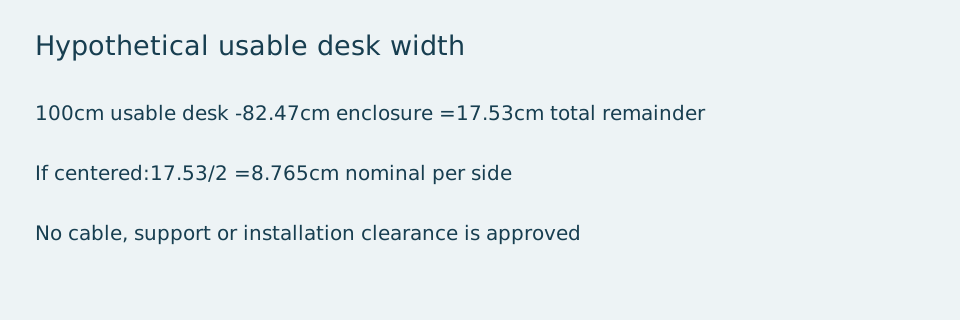
Imagine a desk with a genuinely usable width of 100 cm. Subtracting the example enclosure width gives 100 − 82.47 = 17.53 cm remaining across the whole desk. That is not 17.53 cm on each side. If the monitor were centered in that simplified drawing, the nominal remainder would be 8.765 cm on each side, before accounting for other equipment. Those figures are a hypothetical planning exercise, not an installation clearance specified by Dell.
Do not turn a positive remainder into an automatic fit approval. The support footprint, furniture edges, cable routing and the position you actually want to use still matter. Measure the real available area instead of relying on the desk’s marketed overall size. Draw the proposed arrangement on paper and label every measurement as either manufacturer documentation or your own observation.
Compare the stand and an arm as different configurations
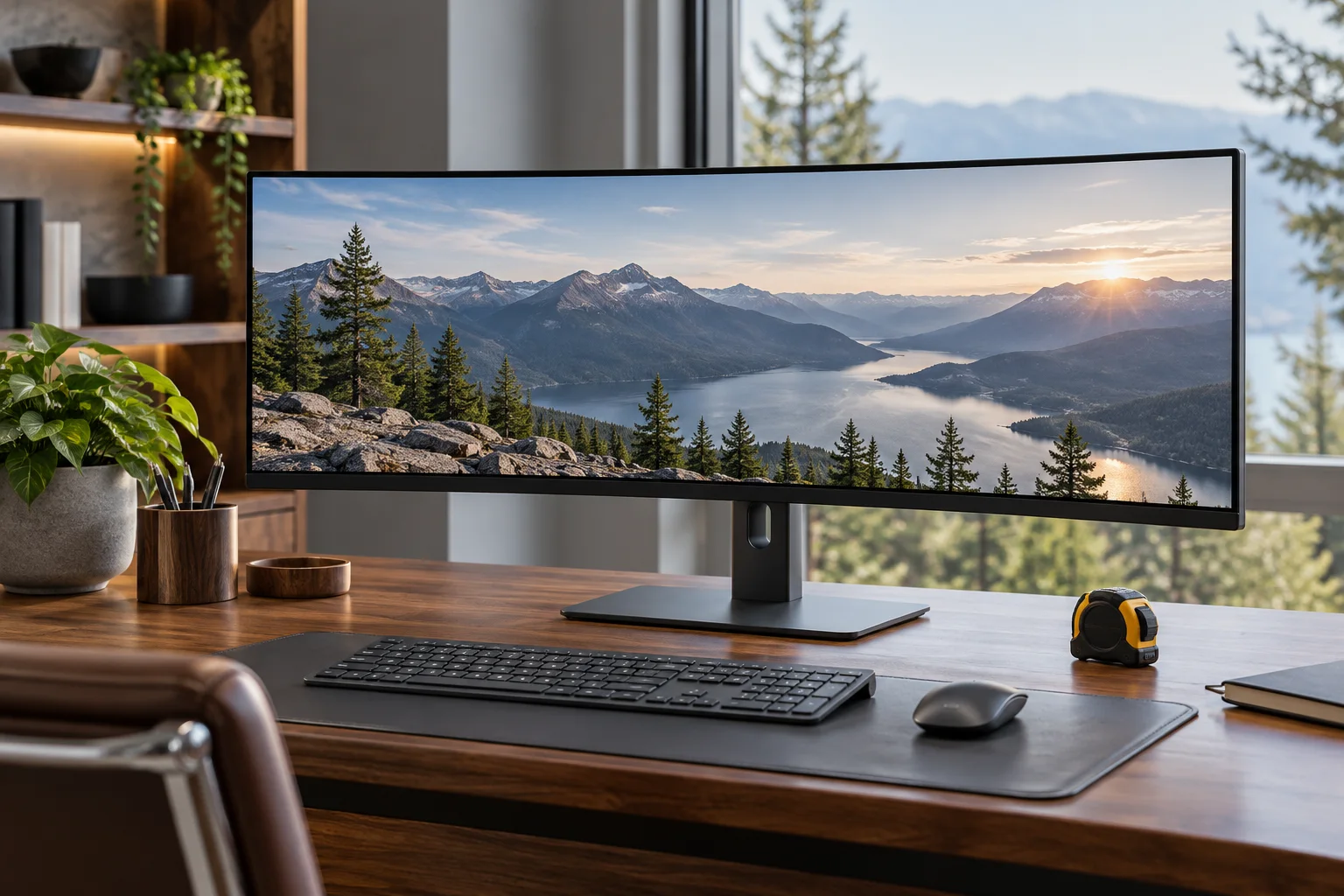
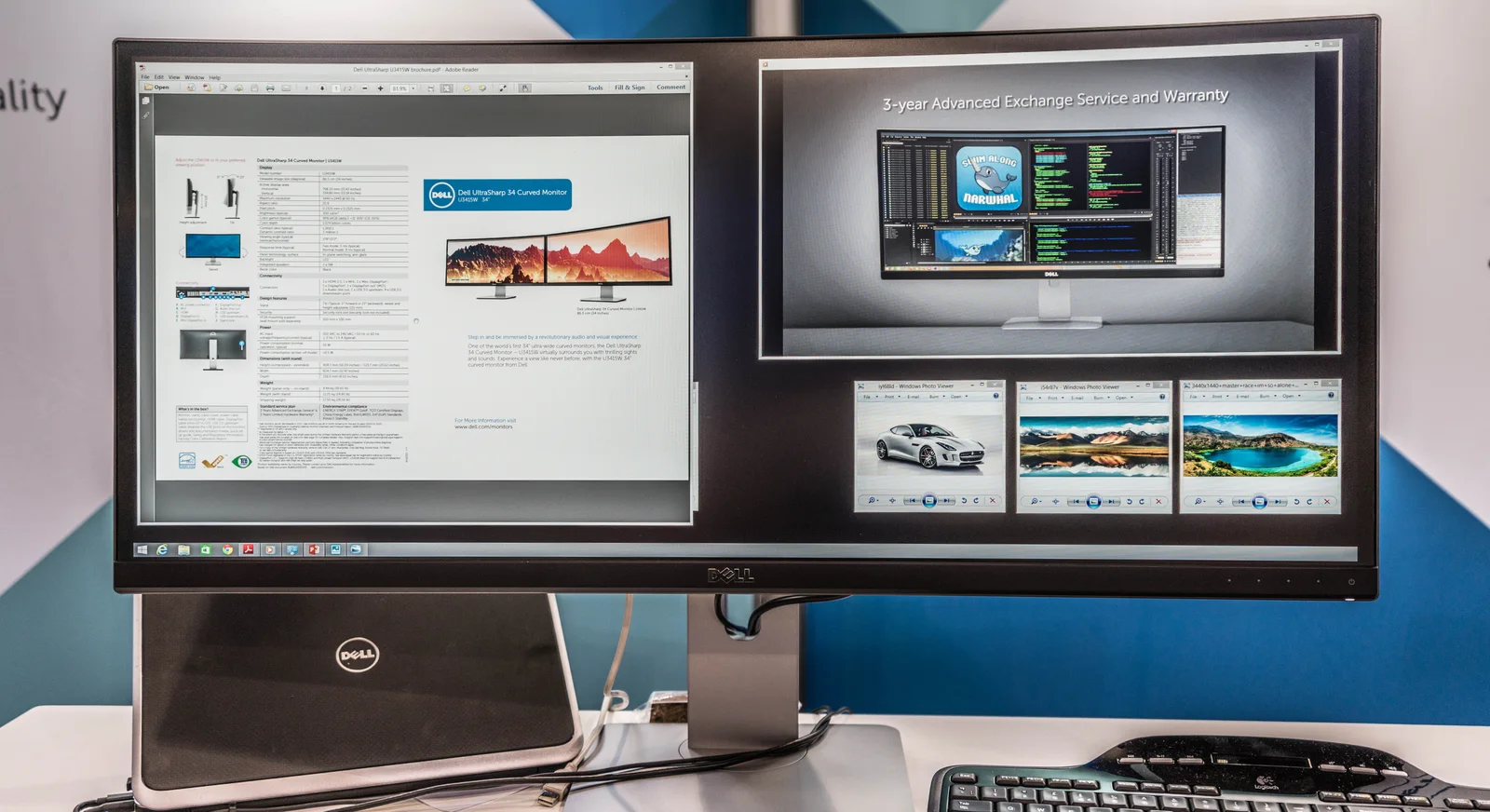
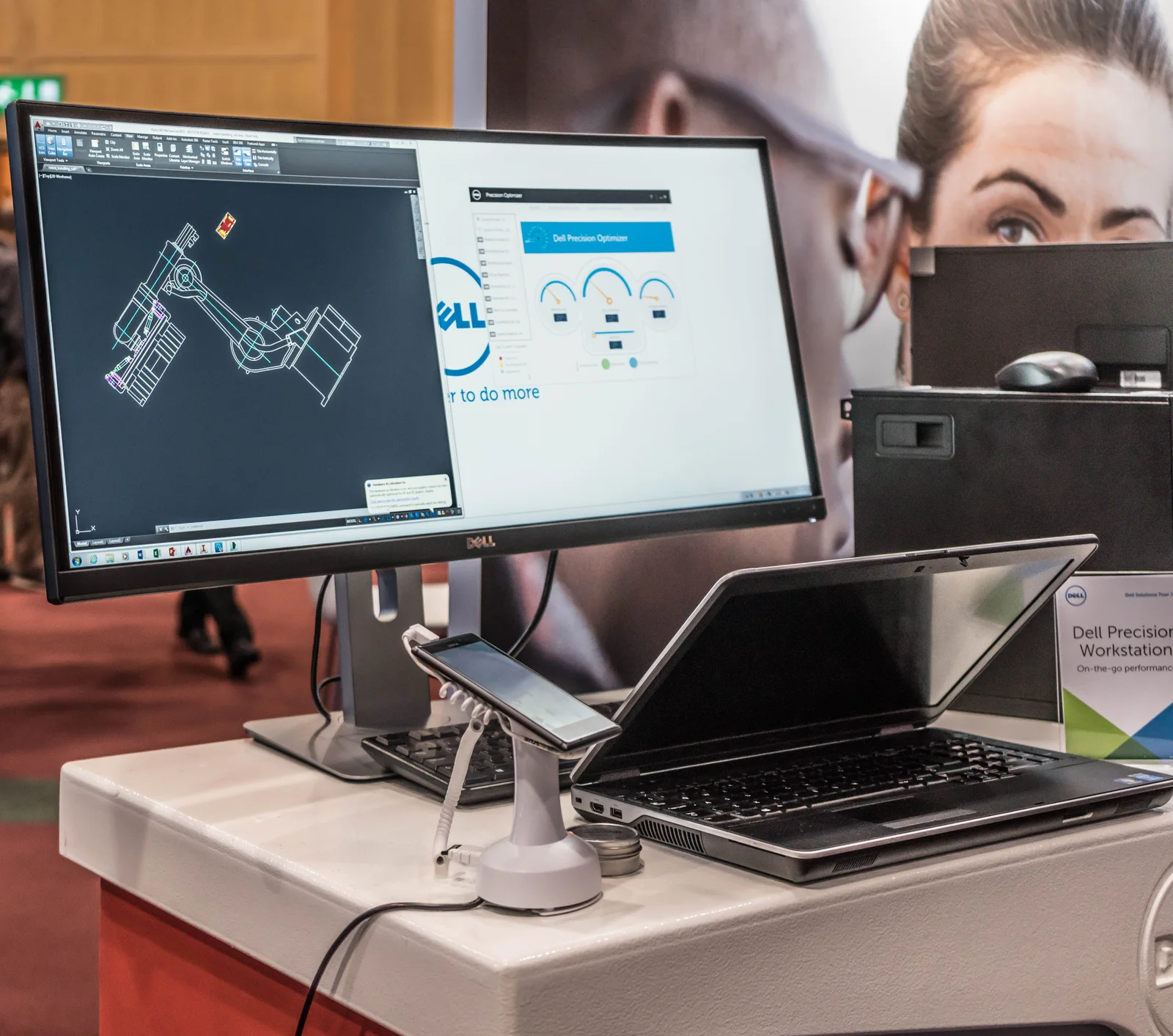
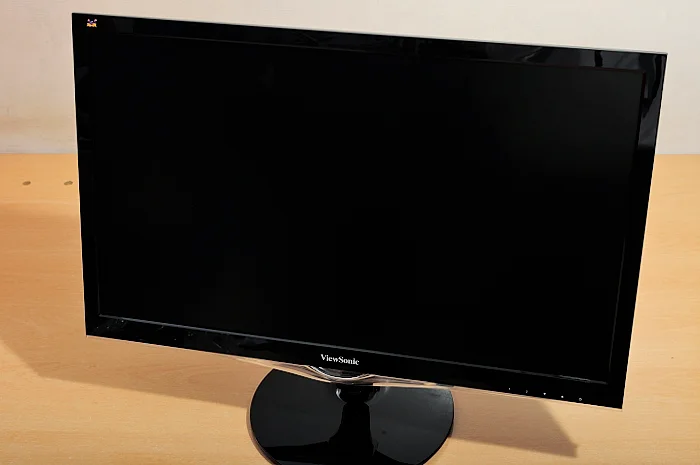
The two archival U3415W photographs show real wide displays in exhibition arrangements. They help distinguish a broad enclosure from the screen image, but they do not reveal every clearance or demonstrate a suitable setup for your desk. The separate standalone-monitor photograph provides a comparison in physical form, without establishing that it has the same dimensions or features. None of these photographs supplies a scale drawing.
If you plan to change from the supplied stand to an arm, create a separate configuration record. Use the display’s documented mount interface and the exact arm’s limits, along with the furniture requirements in the arm instructions. Do not subtract the stand footprint and assume the problem is solved. An arm can change where the enclosure moves, the required space behind it and the load applied to furniture. A match in one specification leaves the other checks unresolved.
Do not confuse useful workspace with pixel count
A wide physical enclosure, a wide native pixel grid and the amount of readable application content are separate questions. Operating-system scaling and application layout can change how much you see at a useful text size. Write down the tasks you want side by side and compare them at your intended settings. A staged image of several windows is not a measurement of your productivity or a promise that a particular application arrangement will suit you.
Keep connection requirements beside the space plan. Confirm that your source and documented cable route support the intended display mode before paying for a larger image area. A display that fits on the desk can still leave an unresolved connection requirement. Equally, a supported video mode does not establish comfortable text, a suitable viewing position or safe mounting.
Use a complete decision record
Keep a shortlist containing the exact monitor, the support method, the documented width and depth, the usable furniture measurements and any unresolved clearances. Choose only after the configuration has a documented place to go and a compatible source path. If the measurements do not settle the question, obtain the exact installation drawing or support instructions before ordering. The arithmetic above is a way to expose missing space, rather than approve a finished installation.
Compare two named ultrawide enclosures
The older U3415W and the U3425WE are not interchangeable installations. The latter’s US specification lists 32.03 inches width with stand and 9.47 inches depth with stand. Against the older brochure’s 32.47 inches and 8.50 inches, the newer model is nominally 0.44 inches narrower and 0.97 inches deeper in these documented configurations. A narrower enclosure can therefore require more desk depth. Rounded source dimensions limit the precision of this comparison.
This is a physical-planning comparison, not evidence that either support is suitable for your furniture. The photographs show the older U3415W and are not photographs of the U3425WE. Consult the support drawing for the exact proposed model and configuration before deciding.
| Named model and source | Width with stand | Depth with stand |
|---|---|---|
| Dell U3415W; NorthAmerican brochure rev6 June2016 | 32.47 inches | 8.50 inches |
| Dell U3425WE; US Tech Specs checked2026-10-28 | 32.03 inches | 9.47 inches |