Keep a curved monitor’s radius and dimensions separate
Compare actual radius specifications while keeping enclosure size, stand depth and source modes in separate records.
Updated:
What does the radius number answer?
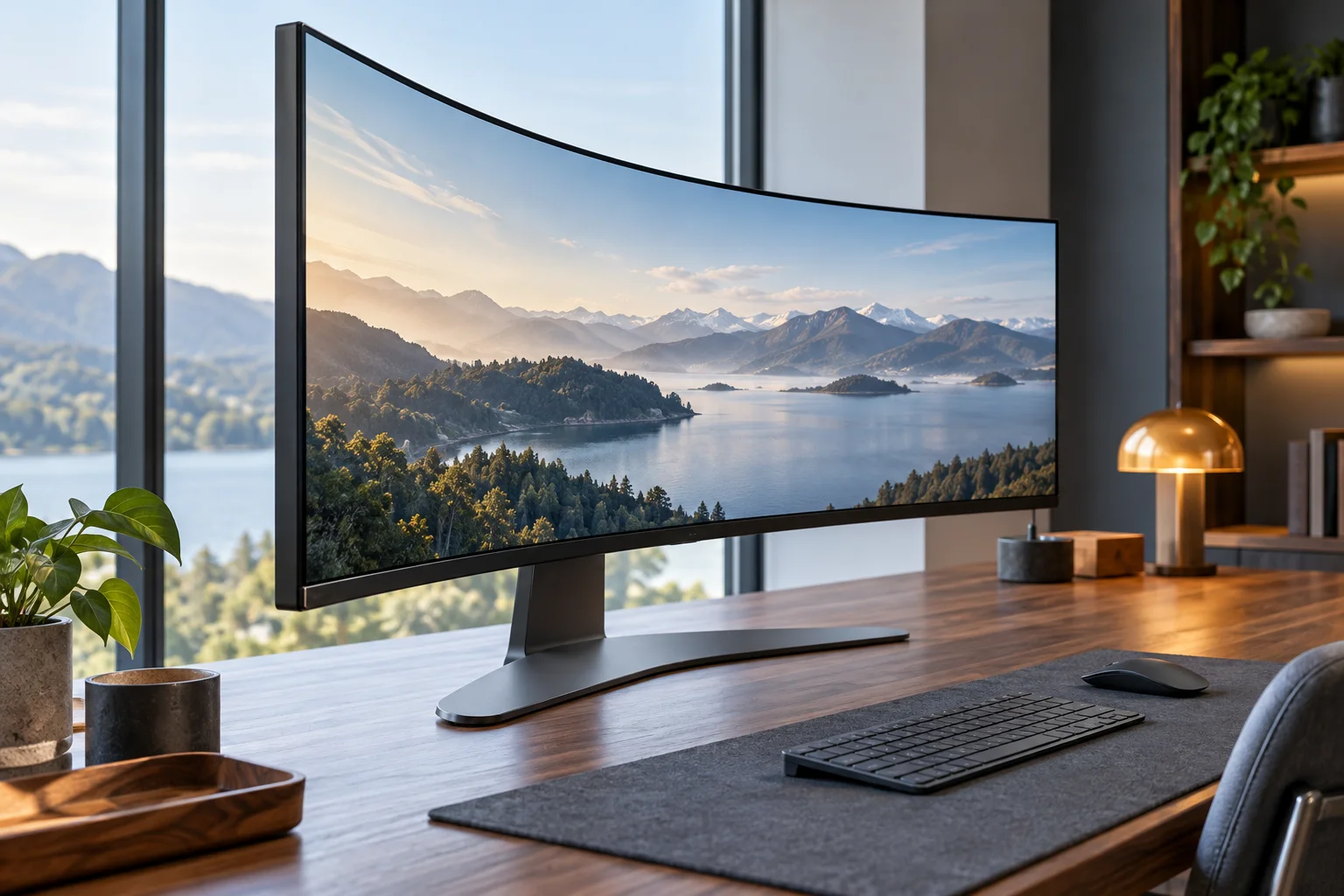
A curved monitor’s radius describes the curvature of its screen, not the width of the enclosure, the distance its stand projects onto a desk, or a compulsory seating distance. A smaller radius number denotes a tighter nominal curve. The 1000R and 1800R examples below therefore differ in shape, but the numbers alone cannot identify which screen fits your furniture or feels preferable. Start with the exact model code rather than a photograph labeled curved. Record the radius in millimeters alongside the diagonal and aspect ratio. Keep physical measurements in a separate part of the same purchase record.
Samsung US G55C LS27CG552ENXZA exact model specifications ? Dell US S3422DWG exact model technical specifications ?
Two actual US-model specifications
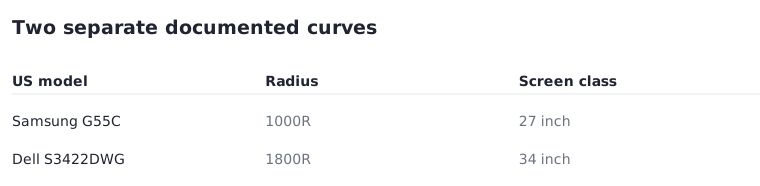
Samsung lists the 27-inch-class Odyssey G55C LS27CG552ENXZA with a 1000R curve. Dell lists the 34-inch S3422DWG with an 1800R curve and a 21:9 aspect ratio. These are documented alternatives, not interchangeable sizes or independently tested comfort results. Their difference is useful when you want to compare a tighter curve on a smaller class of screen with a wider-format display. It is not evidence that one is universally more immersive, healthier, or more suitable for spreadsheets. Verify the complete model suffix because nearby products and regional versions can have different specifications.
| Exact model | Documented radius | Screen class / format |
|---|---|---|
| Samsung LS27CG552ENXZA | 1000R | 27-inch class; 16:9 |
| Dell S3422DWG | 1800R | 34-inch; 21:9 |
Samsung US G55C LS27CG552ENXZA exact model specifications ? Dell US S3422DWG exact model technical specifications ?
Use enclosure and stand dimensions for the desk
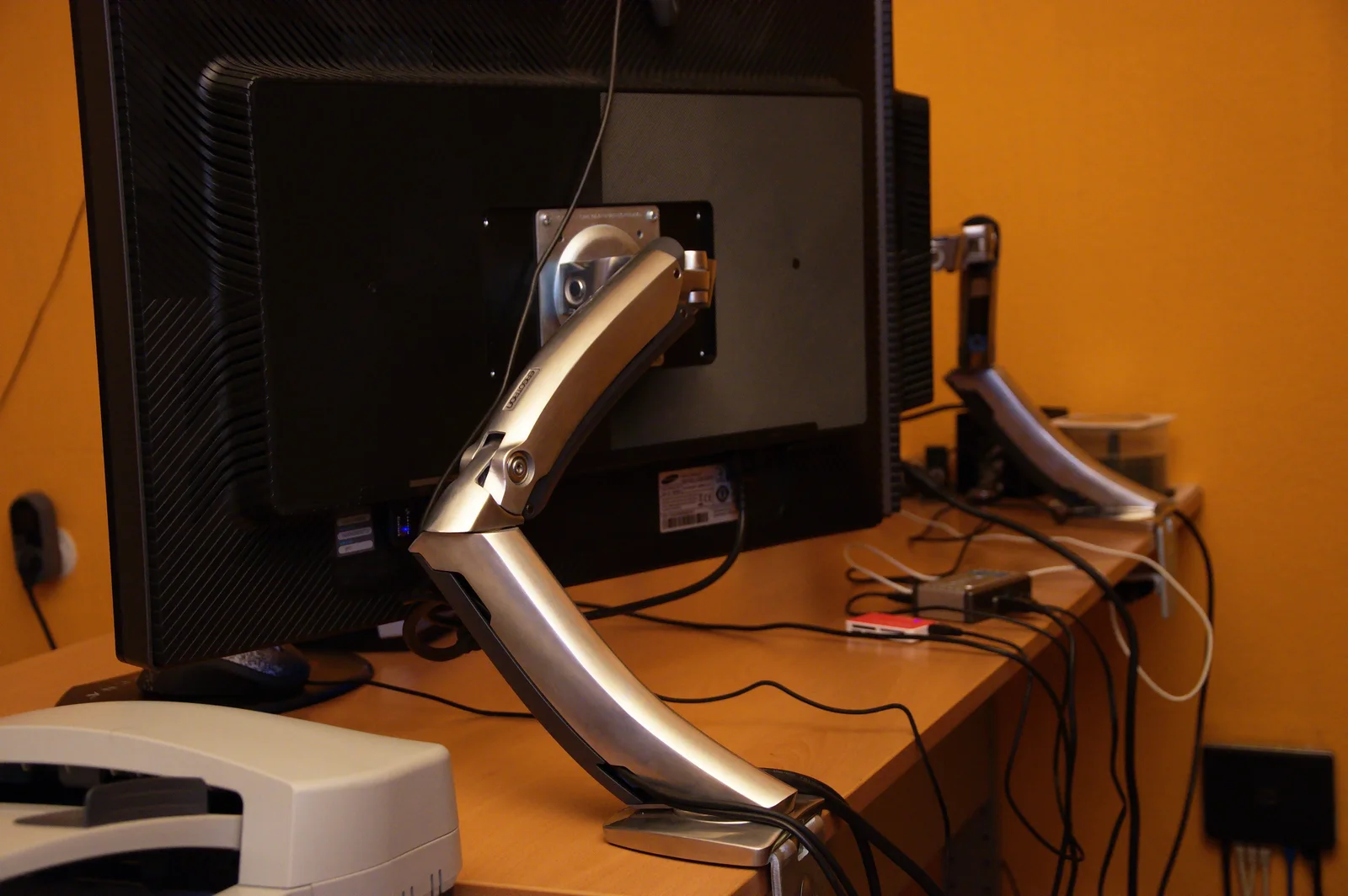
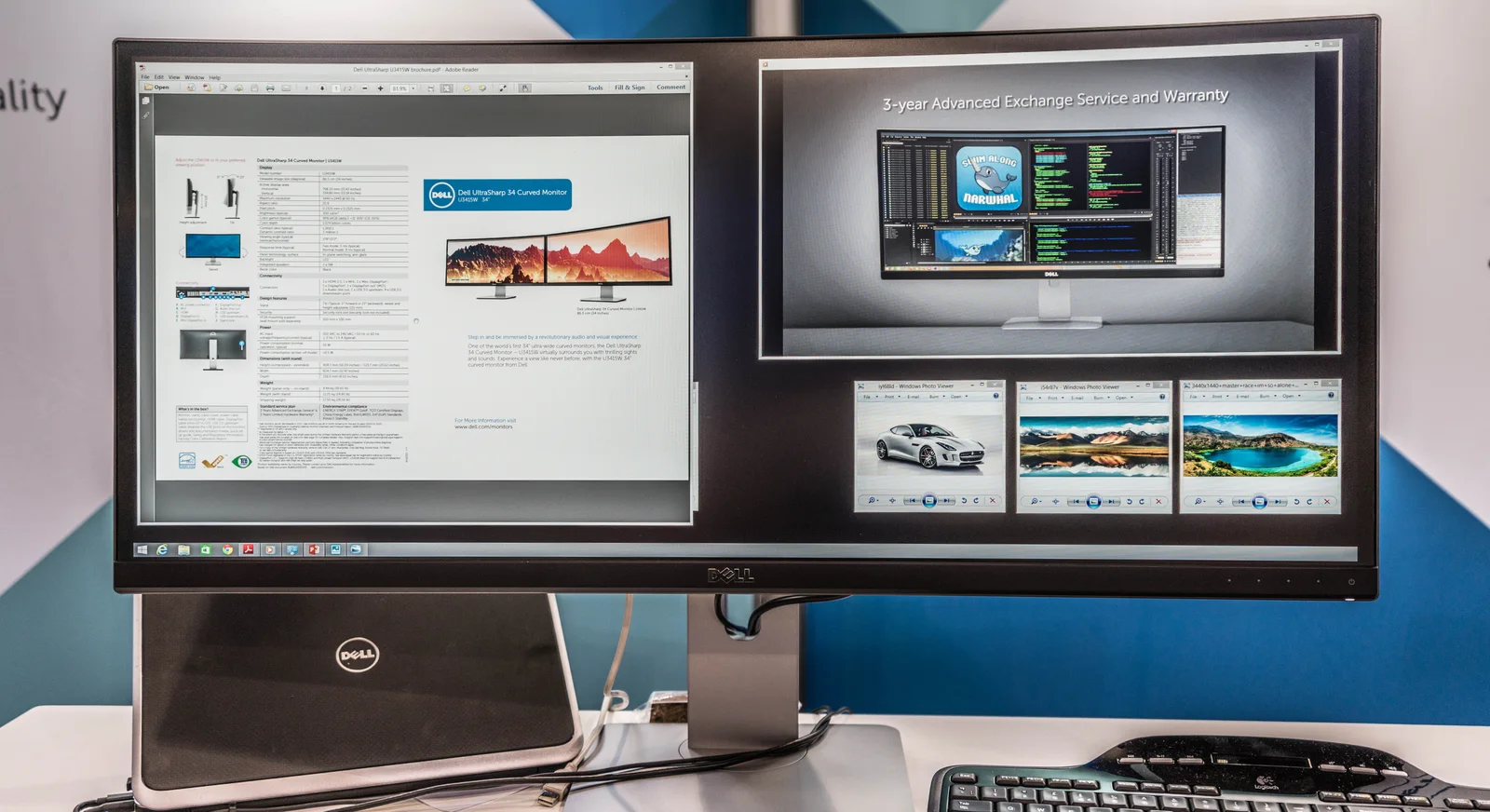
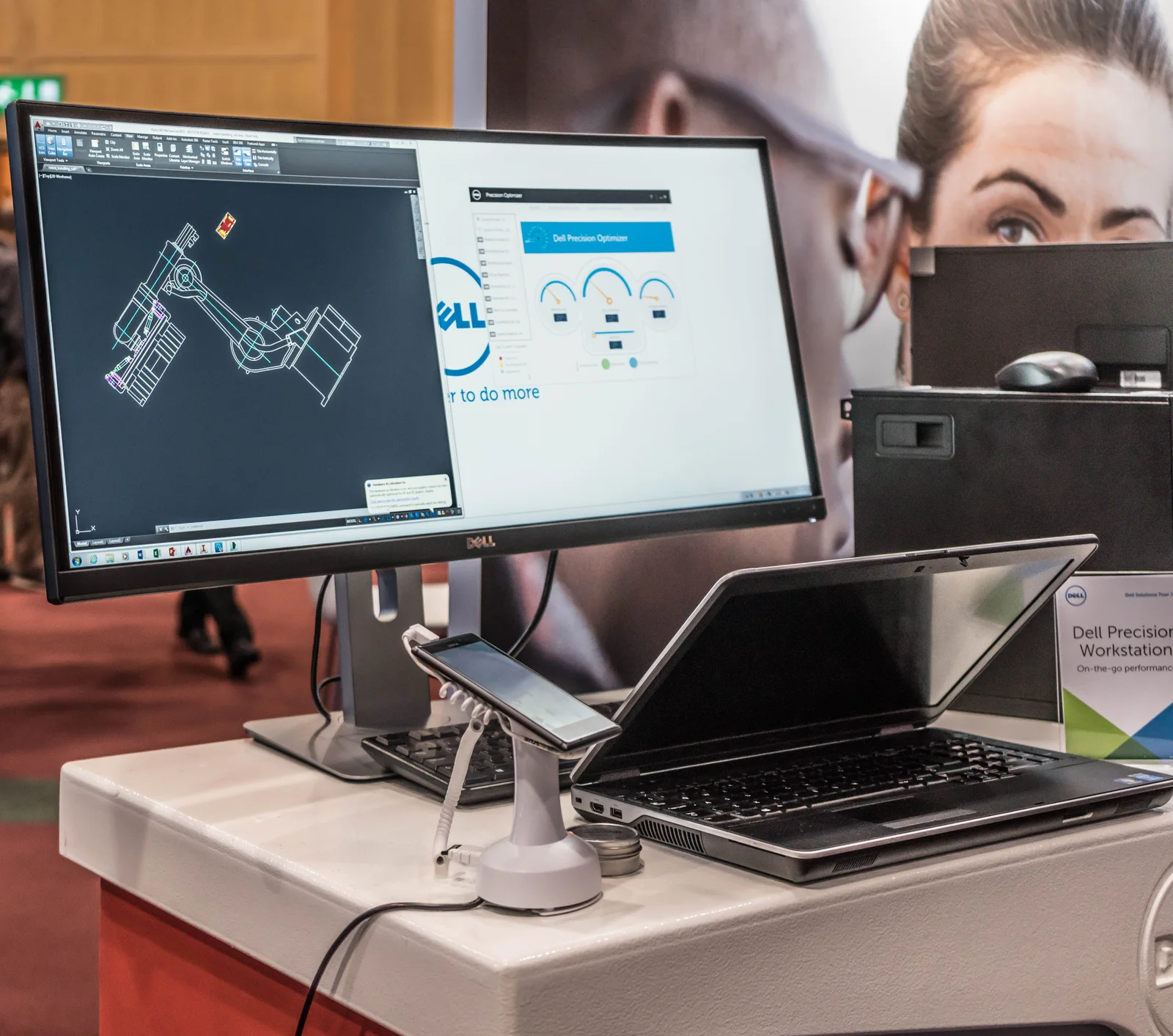
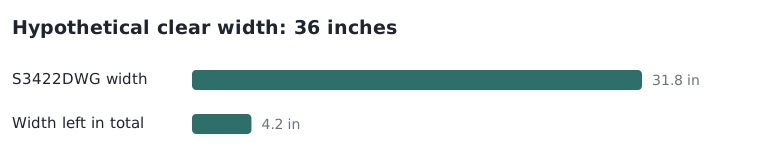
For the S3422DWG, Dell’s US technical specifications list a with-stand width of 31.8 inches and depth of 9.2 inches. Those dimensions answer a different question from its 34-inch diagonal. On an explicitly hypothetical 36-inch-wide clear desk area, subtracting 31.8 leaves 4.2 inches in total, before allowing for anything else. That is not 4.2 inches on each side and is not a guaranteed usable clearance. Measure the actual position of speakers, a laptop, the wall and the stand. The archival U3415W photographs illustrate physical enclosures and mixed-device arrangements, not the dimensions of either compared model.
Dell US S3422DWG exact model technical specifications ?
Do not convert curvature into source capability
The S3422DWG specification also separates its native-resolution refresh modes by input: DisplayPort supports the listed 144 Hz mode, whereas HDMI is listed at 100 Hz at 3440 by 1440. The shape of the panel does not determine that difference. Check the source computer, its output, the intended cable path and the chosen input before treating a curved display as an upgrade for a particular gaming mode. Likewise, a photograph of an attached laptop proves only what is visible in that historical arrangement. It does not establish current operating-system support or the capabilities of your laptop.
Make the decision with three independent records
Keep a shape record, a physical-envelope record and a signal-path record. Prefer the model whose documented properties answer your actual task, then confirm any missing measurement before ordering. If the available desk depth is the unresolved issue, ask for the exact stand drawing rather than inferring it from the radius. If shape preference is unresolved, a returnable real-world inspection may be useful, but first verify that seller’s current eligibility and return conditions. No current price, stock status, personal comfort outcome or mounting approval is established by this guide. The published model pages are specification evidence, not a promise of availability.
Samsung US G55C LS27CG552ENXZA exact model specifications ? Dell US S3422DWG exact model technical specifications ?