Compare HDMI and DisplayPort by the desired mode
Use two real Dell gaming-monitor mode tables to choose an input route;connector badges alone do not establish resolution or refresh rate.
Updated:
The same monitor can have different limits on each input
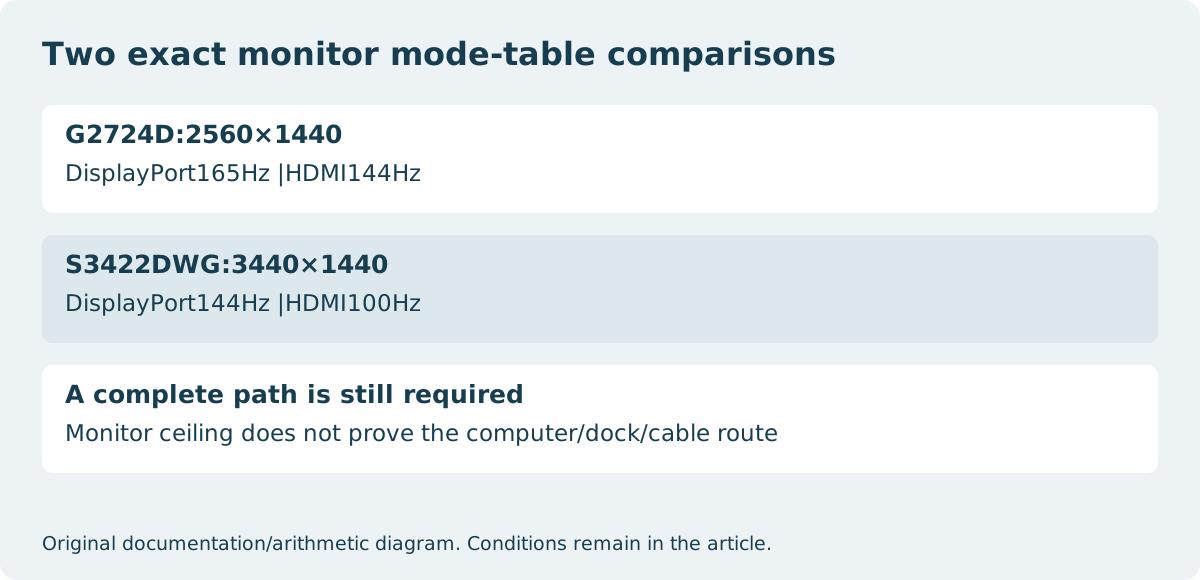
Choose the input route from the exact monitor’s supported mode and the source’s output capability. Dell G2724D documents2560×1440 at 165 Hz through DisplayPort and 144 Hz through HDMI. Dell S3422DWG documents3440×1440 at 144 Hz through DisplayPort and 100 Hz through HDMI. These are actual manufacturer mode distinctions, not a hypothetical HDMI-versus-DP benchmark.
For a G2724D buyer whose required mode is its listed165Hz QHD mode, the HDMI route does not meet that documented target. For an S3422DWG buyer needing its listed144Hz ultrawide mode, the corresponding shortlist uses DisplayPort. That conclusion comes from these two models’ specifications; it does not mean DisplayPort is universally superior or that another monitor cannot offer equal modes through HDMI.
| Exact model | DisplayPort listed mode | HDMI listed mode |
|---|---|---|
| Dell G2724D | 2560×1440 at 165 Hz | 2560×1440 at 144 Hz |
| Dell S3422DWG | 3440×1440 at 144 Hz | 3440×1440 at 100 Hz |
Version labels do not replace the mode table
A connector generation can describe a family of capabilities without proving which optional features or maximum mode an exact device implements. Dell’s G2724D documentation gives a specific HDMI timing limit rather than inviting a buyer to assume every possible mode associated with an HDMI label. Read resolution and refresh rate together, then keep HDR, color format and variable-refresh conditions separate where they matter.
If a required mode is absent from the exact model documentation, do not fill the gap using a cable advertisement. A higher-rated cable cannot add a missing output mode to the computer or a missing input mode to the monitor. Conversely, choosing HDMI can be appropriate when its documented mode already meets the actual requirement.
Trace the source and every intermediate device
Write one complete proposed route:computer or console output, cable, any adapter or dock, and the selected display input. Verify simultaneous-output restrictions and the desired mode at each step. A laptop’s USB-C receptacle may provide a DisplayPort path only when its exact source documentation says so; the physical shape alone is insufficient.
Adapters also have direction and feature limits. Do not assume that an accessory working from one interface to another is reversible, or that video alone establishes support for every requested refresh/HDR feature. When the proposed source route is uncertain, ask for compatibility with the complete named arrangement rather than buying an isolated connector promise.
Keep refresh rate separate from frame delivery and response time
A 165 Hz supported display mode describes refresh opportunities, not a promise that an application will produce165new frames every second. Rendering workload, the source and other settings affect the delivered experience. A manufacturer’s gray-to-gray response-time number describes another quantity and cannot be substituted for the mode table.
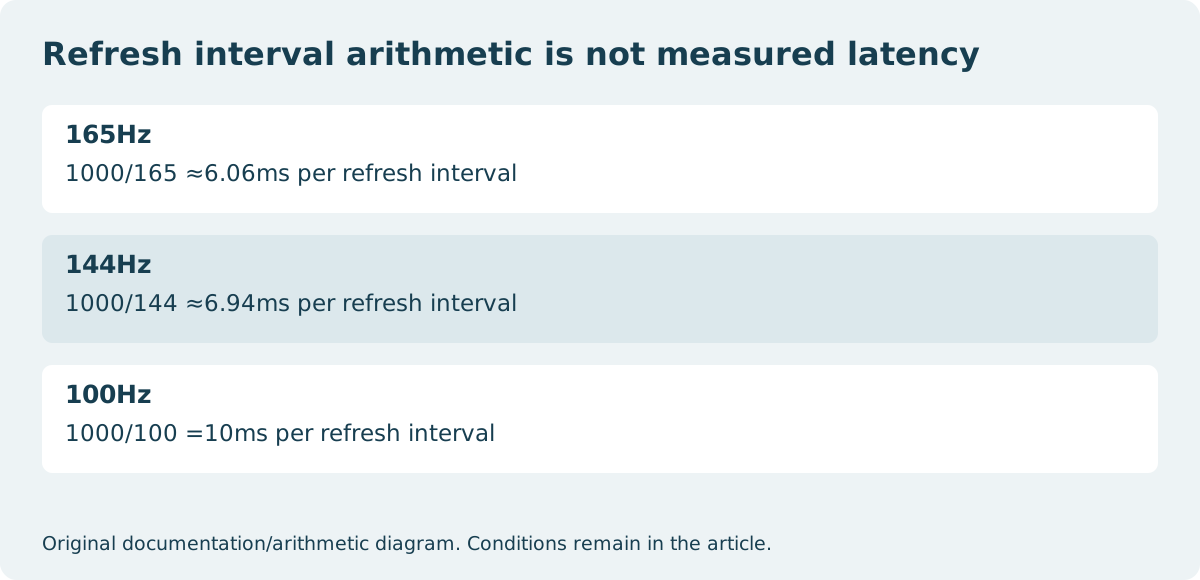
For perspective, one refresh interval is approximately 1000 divided by frequency in milliseconds. That gives about 6.06 ms at 165 Hz,6.94 ms at 144 Hz and 10 ms at 100 Hz. These are interval calculations, not measurements of input lag, pixel transitions or total system latency. We have not compared the two monitors in a gaming test.
Buy the route that satisfies the stated requirement
If the target is144Hz ultrawide on S3422DWG, document the source’s compatible DisplayPort output and cable route before treating that panel’s specification as an achieved system result. If100Hz HDMI meets the task, the higher DisplayPort ceiling does not by itself make an extra adapter worthwhile. Apply the same reasoning separately to G2724D’s two listed limits.
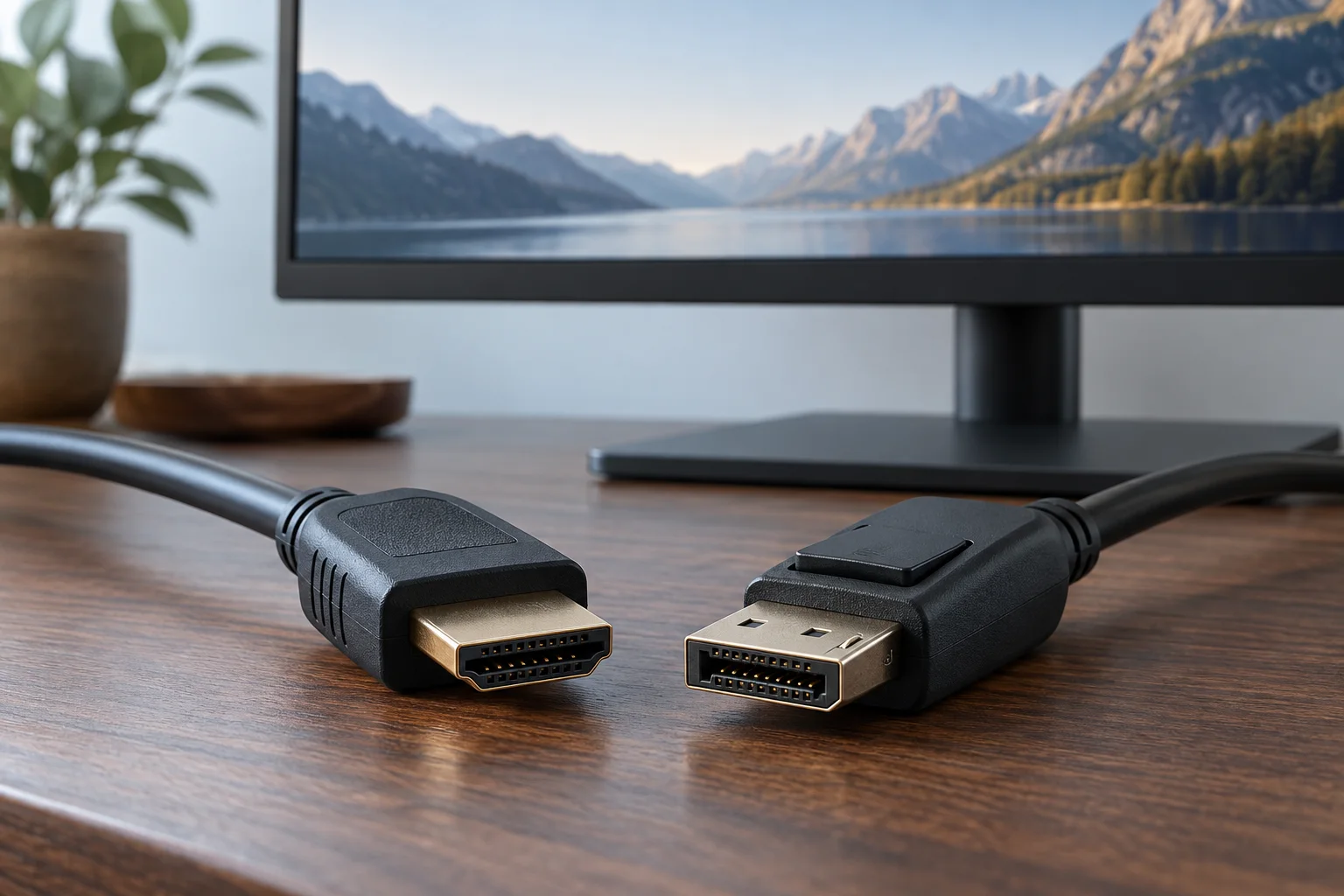
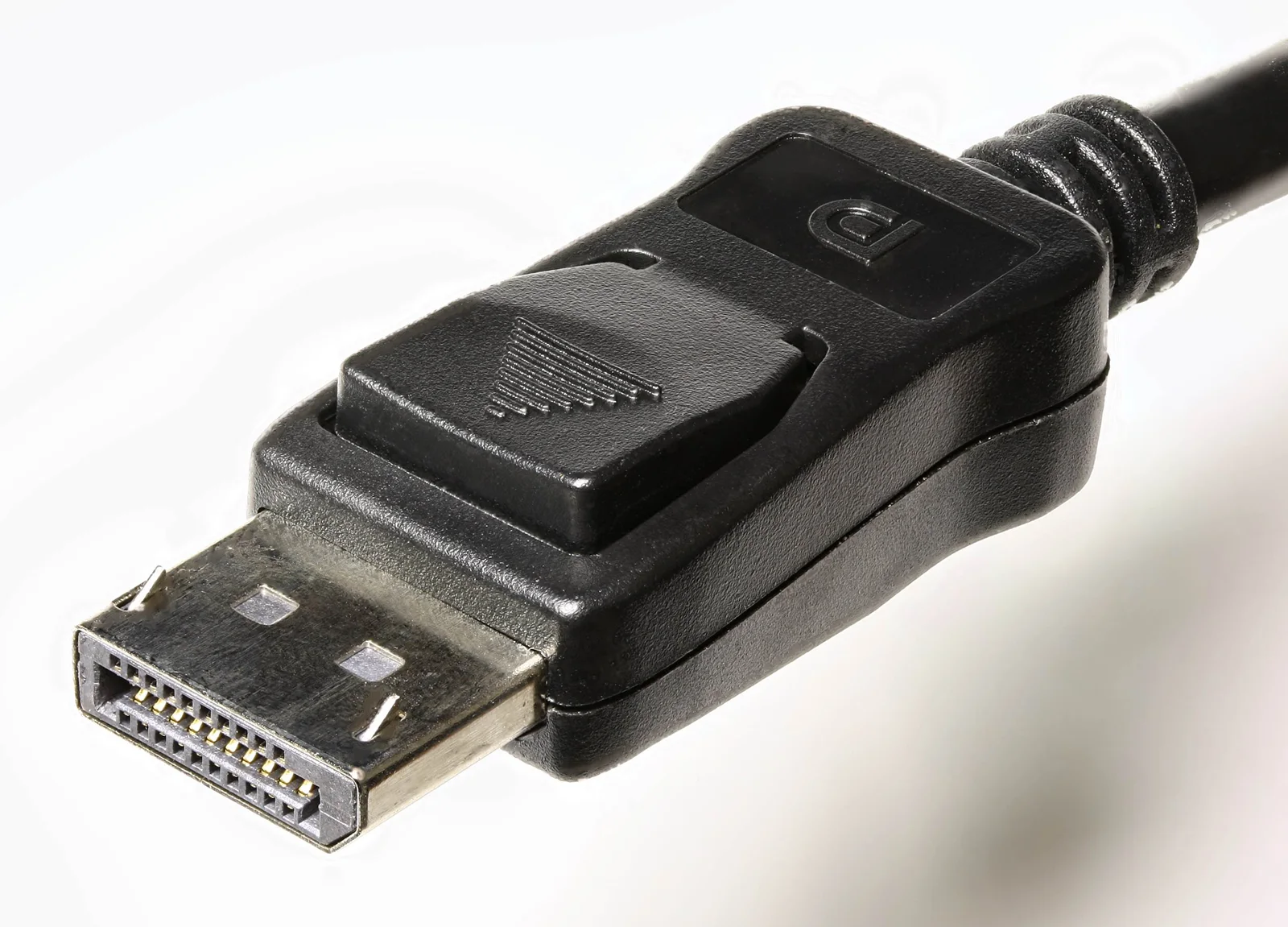
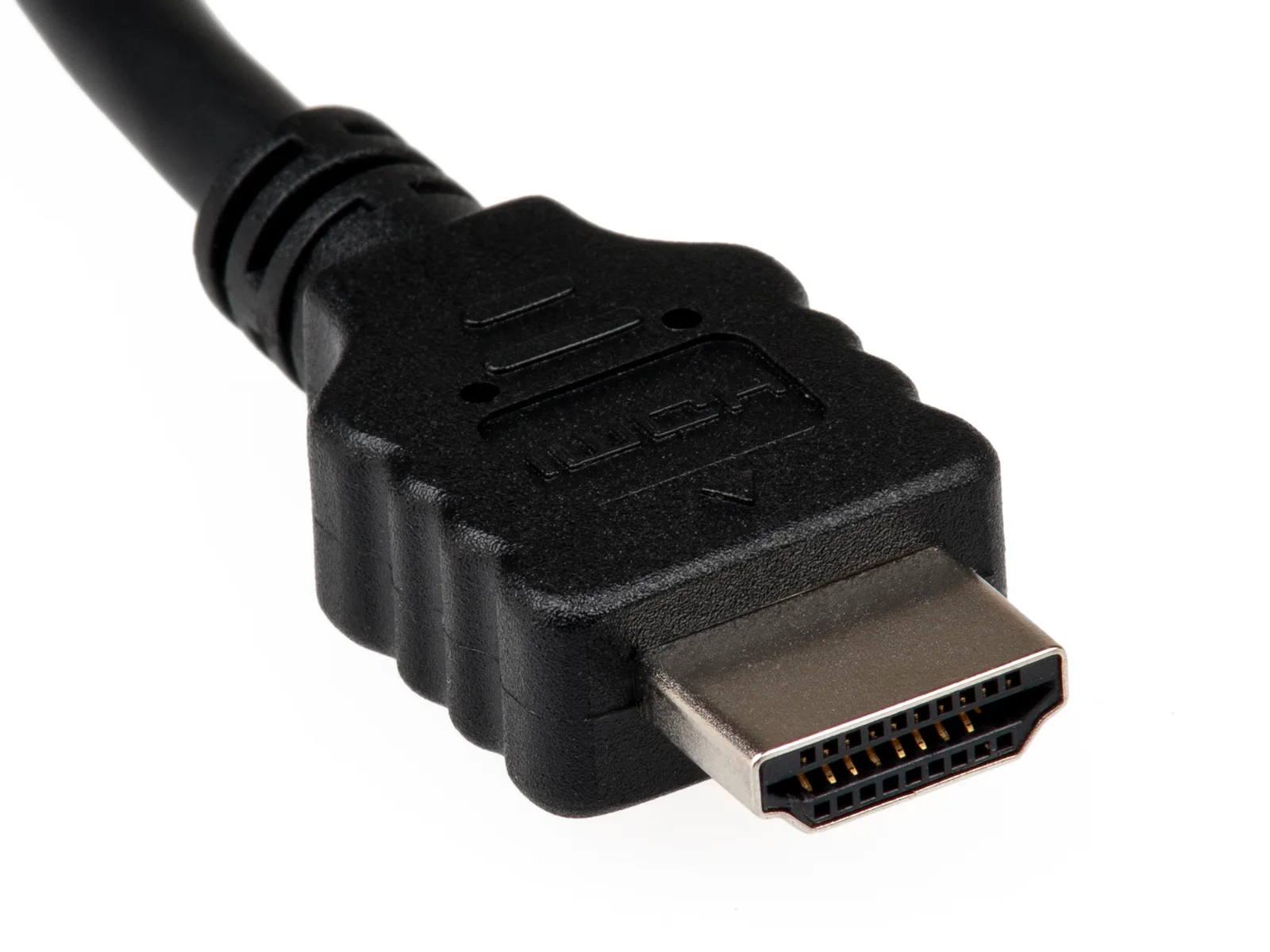
The plug photographs identify real connector forms; the older ultrawide photo depicts a different DellU3415W, not either tested mode. None establishes bandwidth from appearance. Keep the exact model table with the complete source route and unresolved conditions. No present deal, console compatibility shortcut or universal best cable is asserted here.