Read a monitor’s power-delivery limit separately from video
Compare Dell P2725QE90W upstream power with MSI MAG272UP15W video input and Dell P2725H’s data-only downstream connector.
Updated:
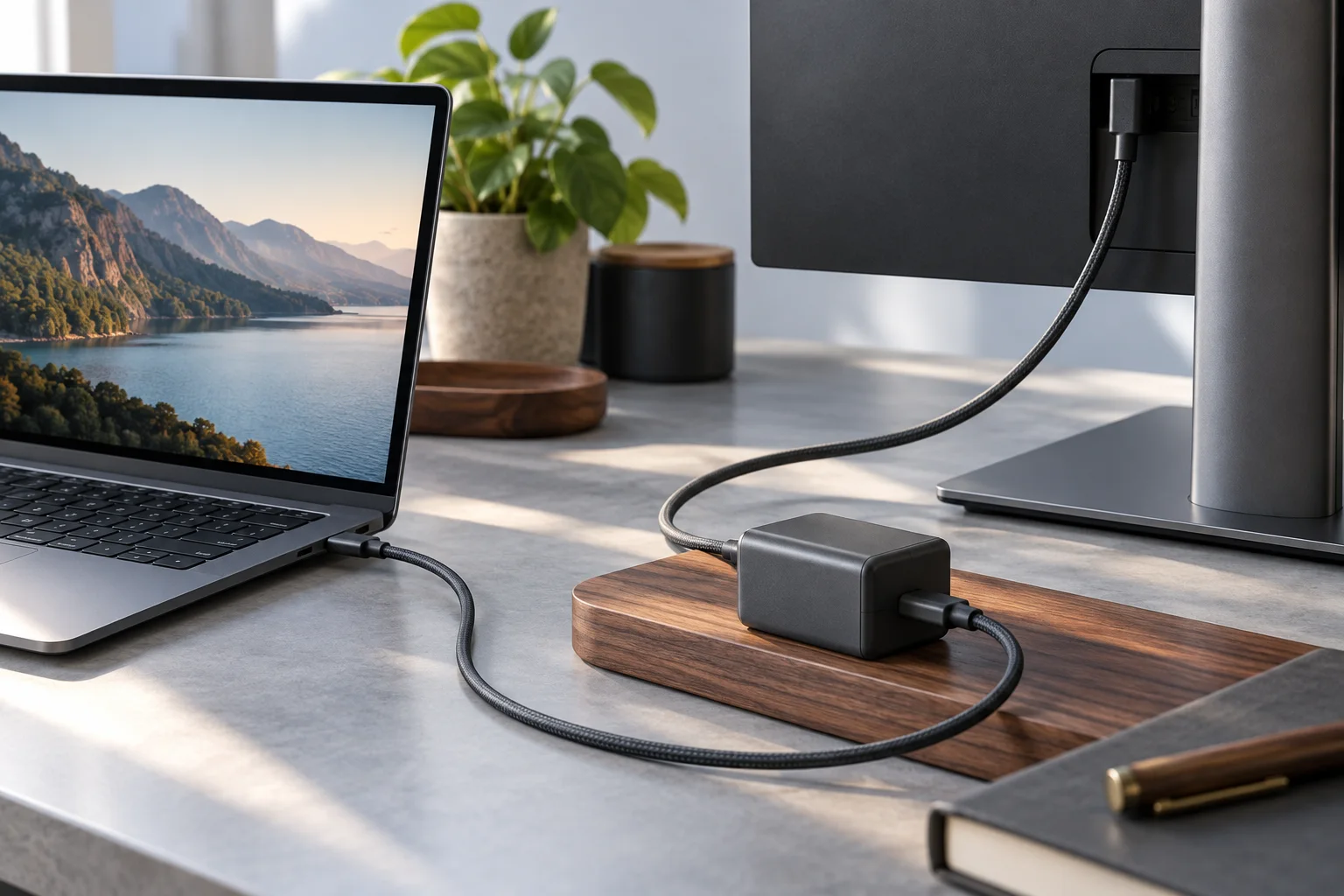
Three real USB-C implementations answer different questions
For a laptop desk, choose a monitor by both its documented video input and its available host power. Dell P2725QE lists a USB-C upstream connection with DisplayPort1.4 Alternate Mode and power delivery up to 90 W. MSI MAG272UP QD-OLED X24 lists Type-C DisplayPort Alternate Mode with15W PD. Both describe video-capable inputs, but their power ceilings differ substantially.
Dell P2725H supplies a useful counterexample:its USB-C downstream connector is documented as data only, with up to 15 W PD. It is not a laptop video input. Thus15W does not mean video is absent, and a USB-C socket does not mean video is present. Read the role and feature wording for the exact socket rather than inferring one capability from the other.
| Exact model and port | Documented video role | Published PD ceiling |
|---|---|---|
| Dell P2725QE USB-C upstream | DisplayPort1.4 Alternate Mode | Up to 90 W |
| MSI MAG272UP QD-OLED X24 Type-C | DP Alternate Mode video | 15 W |
| Dell P2725H USB-C downstream | Data only; not host video input | Up to 15 W |
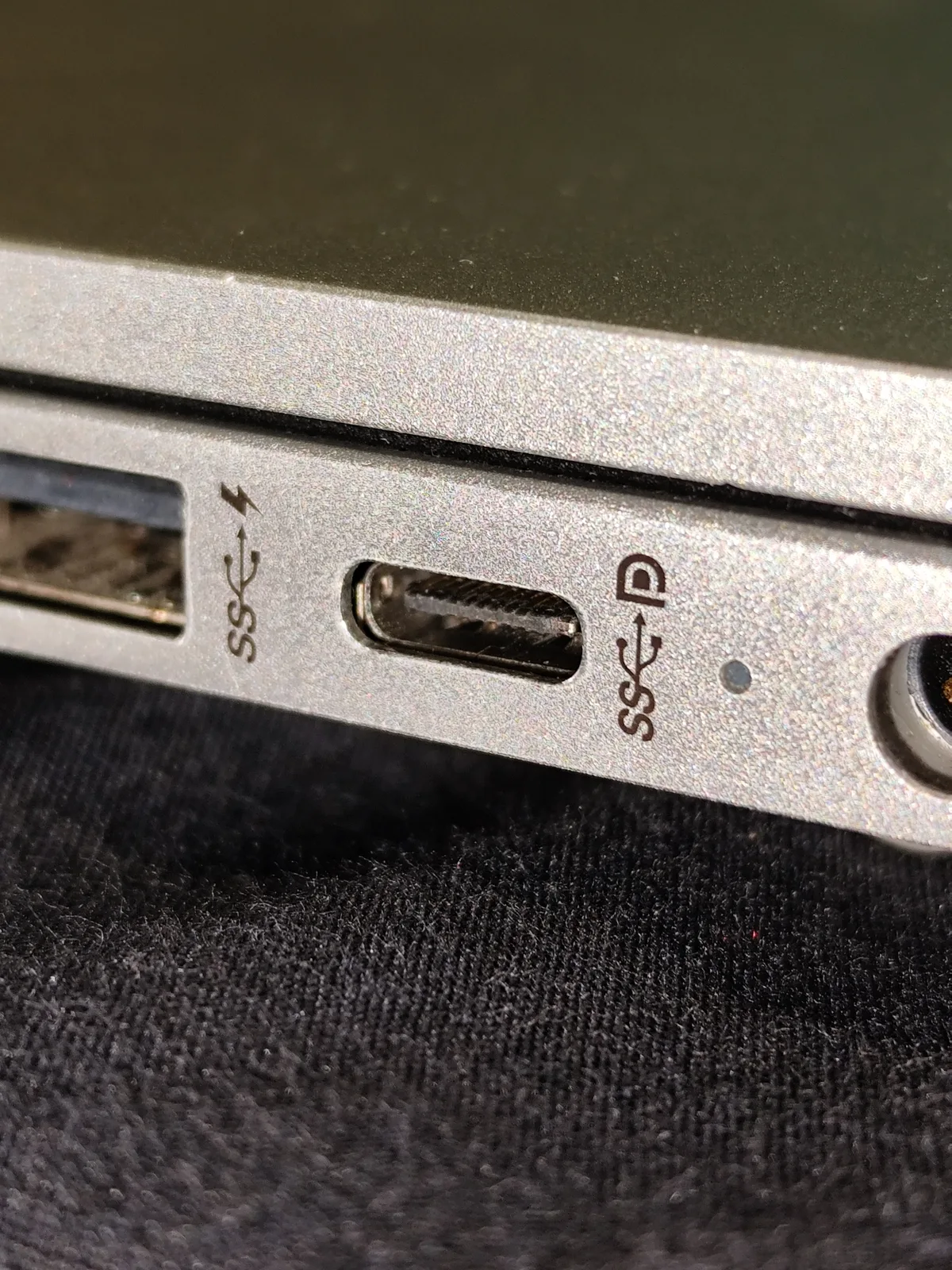
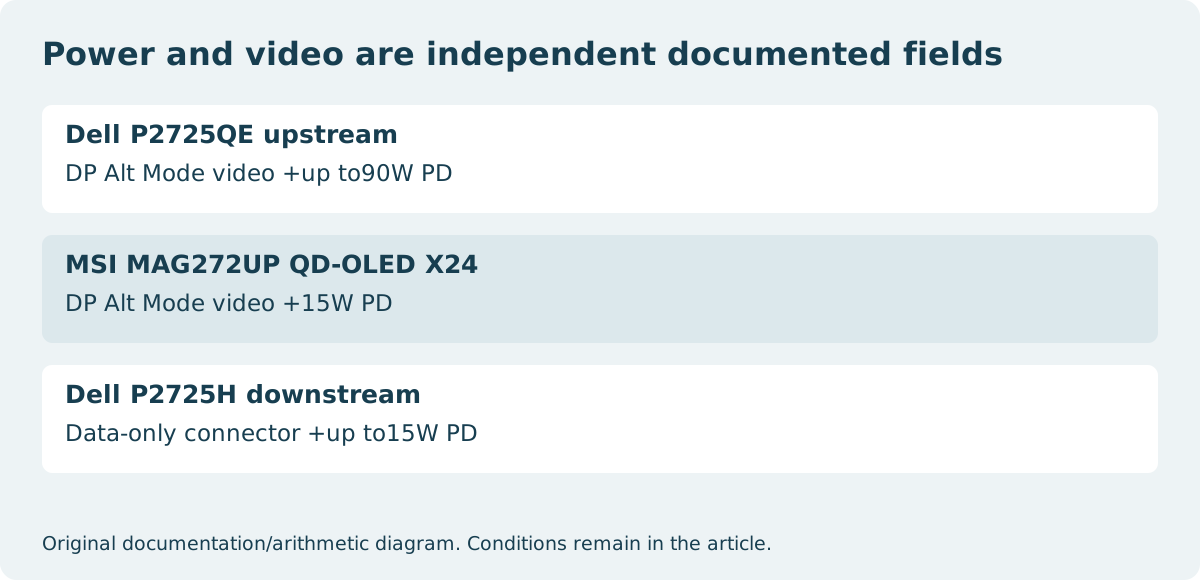
Compare the laptop’s requirement with the right ceiling
A monitor offering more power can be a better shortlist for a laptop whose documented power requirement exceeds the lower offer. The90W and 15 W labels still do not guarantee that either monitor will meet every laptop’s needs. Check the computer manufacturer’s supported charging method, required power and any performance restrictions when an insufficient supply is connected.
A laptop that accepts the lower supply may still draw more power under some workloads, charge slowly or need its own adapter; the exact behavior belongs to its documentation. We have not tested charging speed or battery behavior on these combinations. Do not convert a monitor’s maximum offer into a promised continuous delivery to an arbitrary computer.
Keep the port direction and cable in the record
Upstream and downstream identify different roles within a monitor’s USB arrangement. P2725QE itself has a downstream USB-C connector as well as its upstream host connection. Selecting the wrong socket can change the purpose of the cable even when both ends physically fit. Use the exact model’s port drawing and the stated function of each connector.
The connection also needs a cable documented for the intended video path and power requirement. A charging cable is not automatically a suitable video cable, and a successful video signal does not prove that the full desired charging power is available. Where a dock or adapter intervenes, its own stated limits become another part of the complete arrangement.
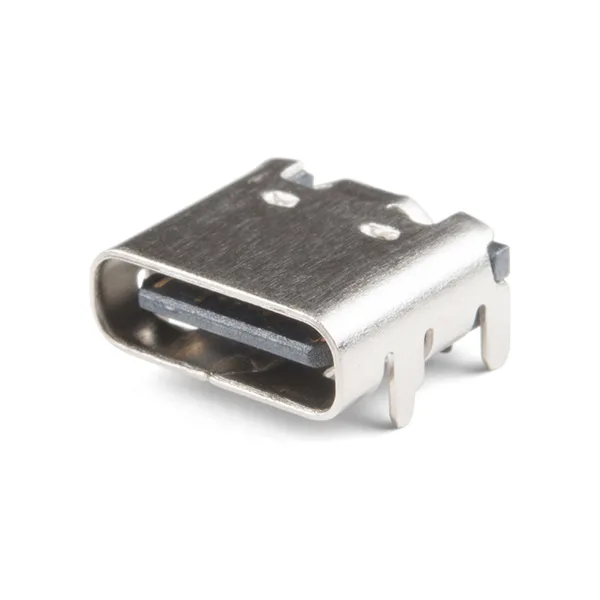
A stated wattage is a limit rather than a battery-life result
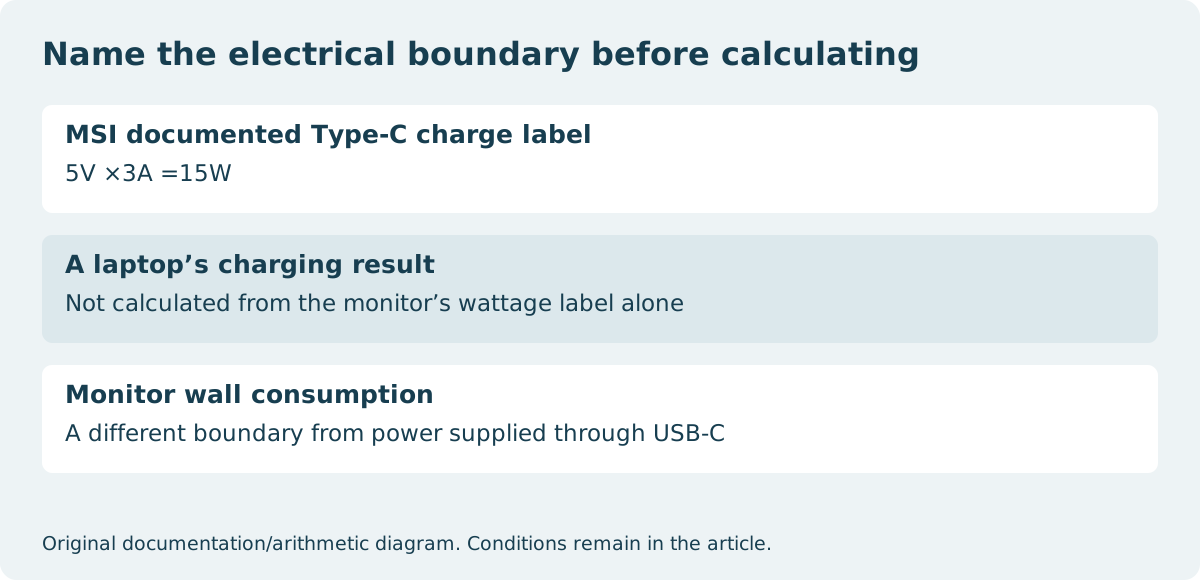
MSI’s user guide identifies its15W Type-C charge feature as5V at 3A. Multiplication gives15W; it does not calculate how many minutes a laptop will run or how rapidly an empty battery will fill. Charging negotiation, device requirements, cable capability and the computer’s simultaneous consumption remain relevant.
Likewise, a monitor’s own wall-power consumption is not the same quantity as USB power delivered to a connected computer. Keep those fields in separate columns. A product page can list operating consumption, standby consumption and USB PD without those values being alternative descriptions of the same electrical boundary.
Choose the arrangement that meets the whole desk brief
If a documented one-cable90W host arrangement is the requirement, P2725QE is a relevant candidate and the15W MSI offer does not establish that requirement. If video over USB-C is needed but laptop power will come from a separate approved adapter, the MSI’s lower PD ceiling need not eliminate it. P2725H’s data-only USB-C port does not answer either USB-C-video brief.
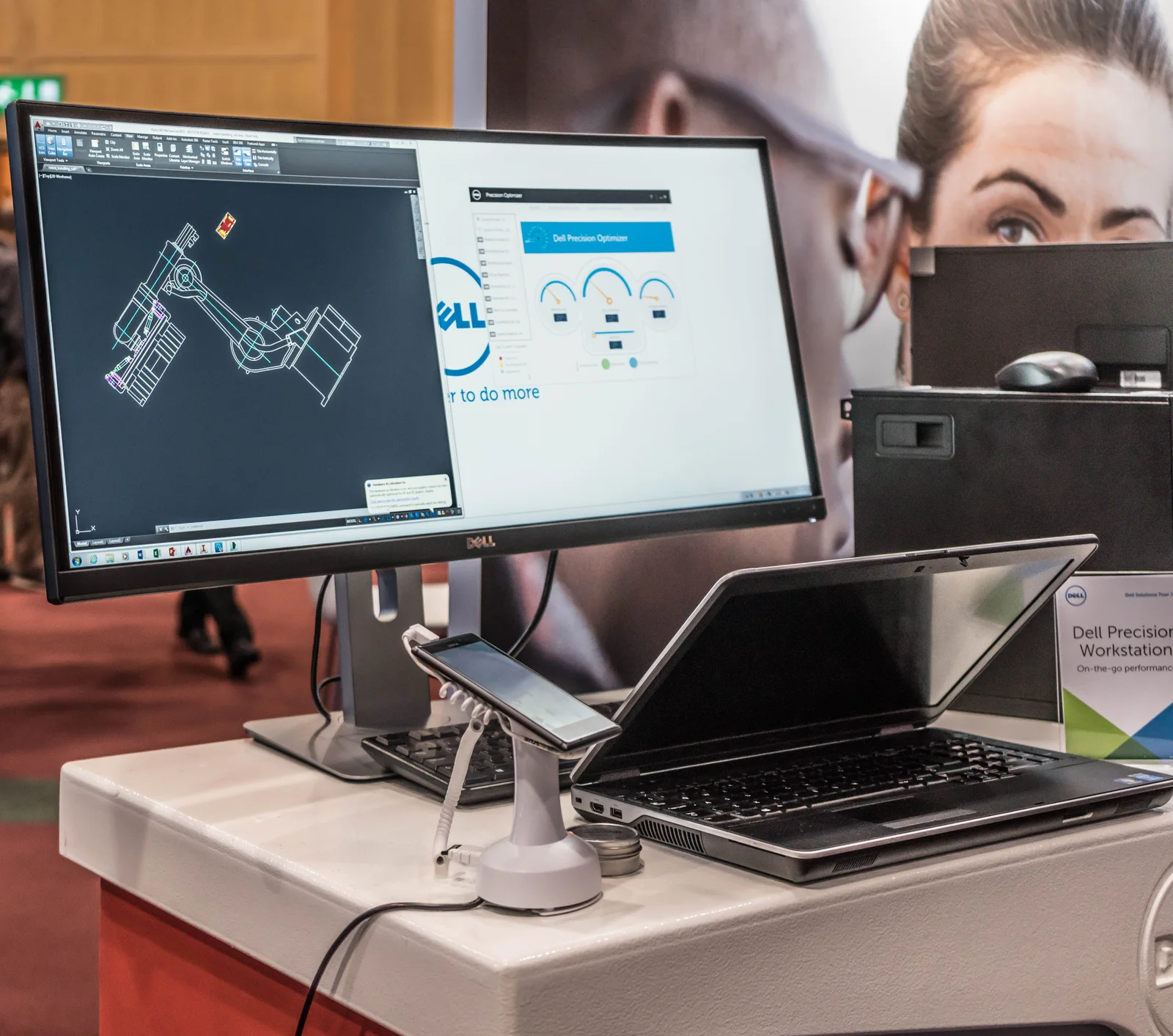
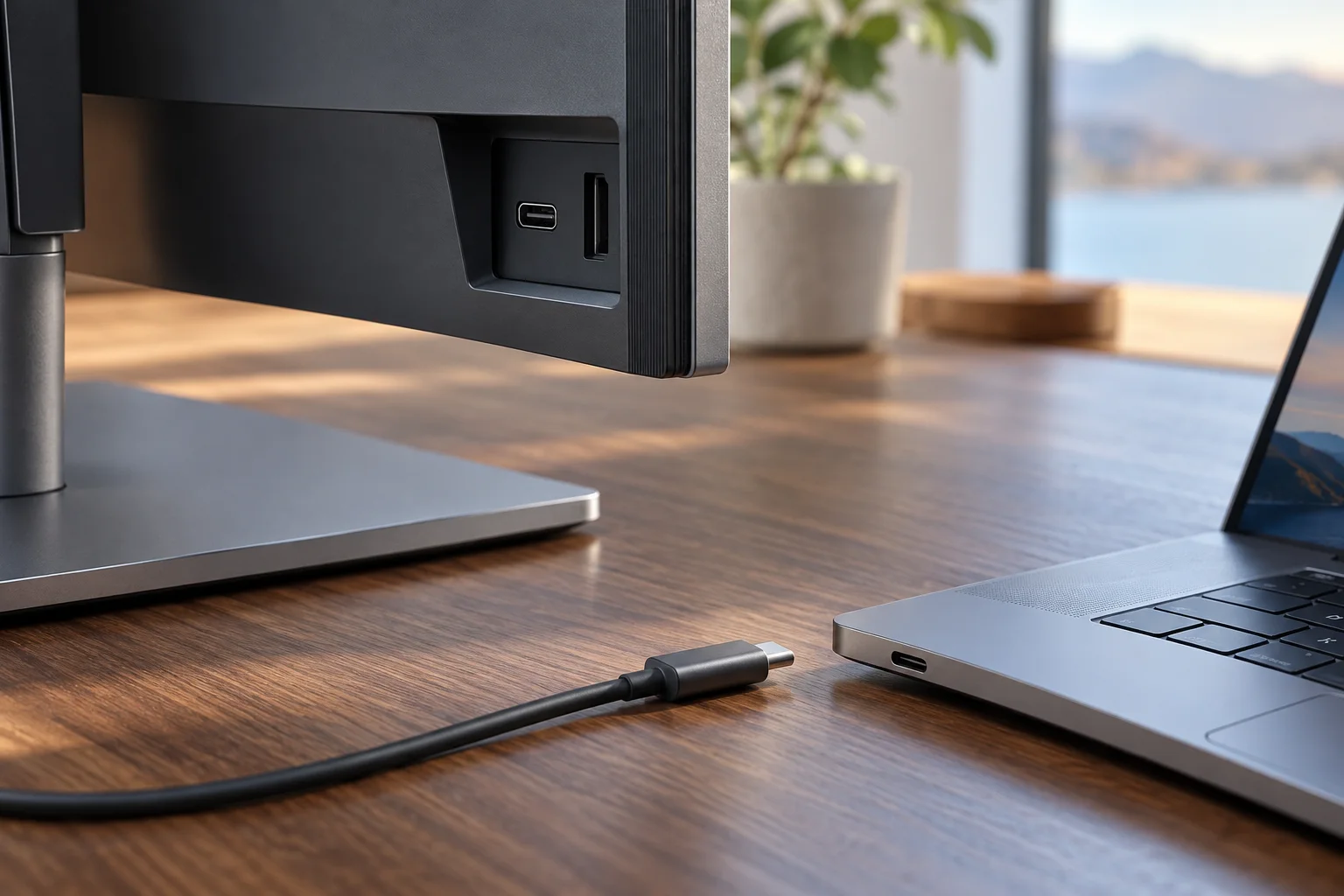
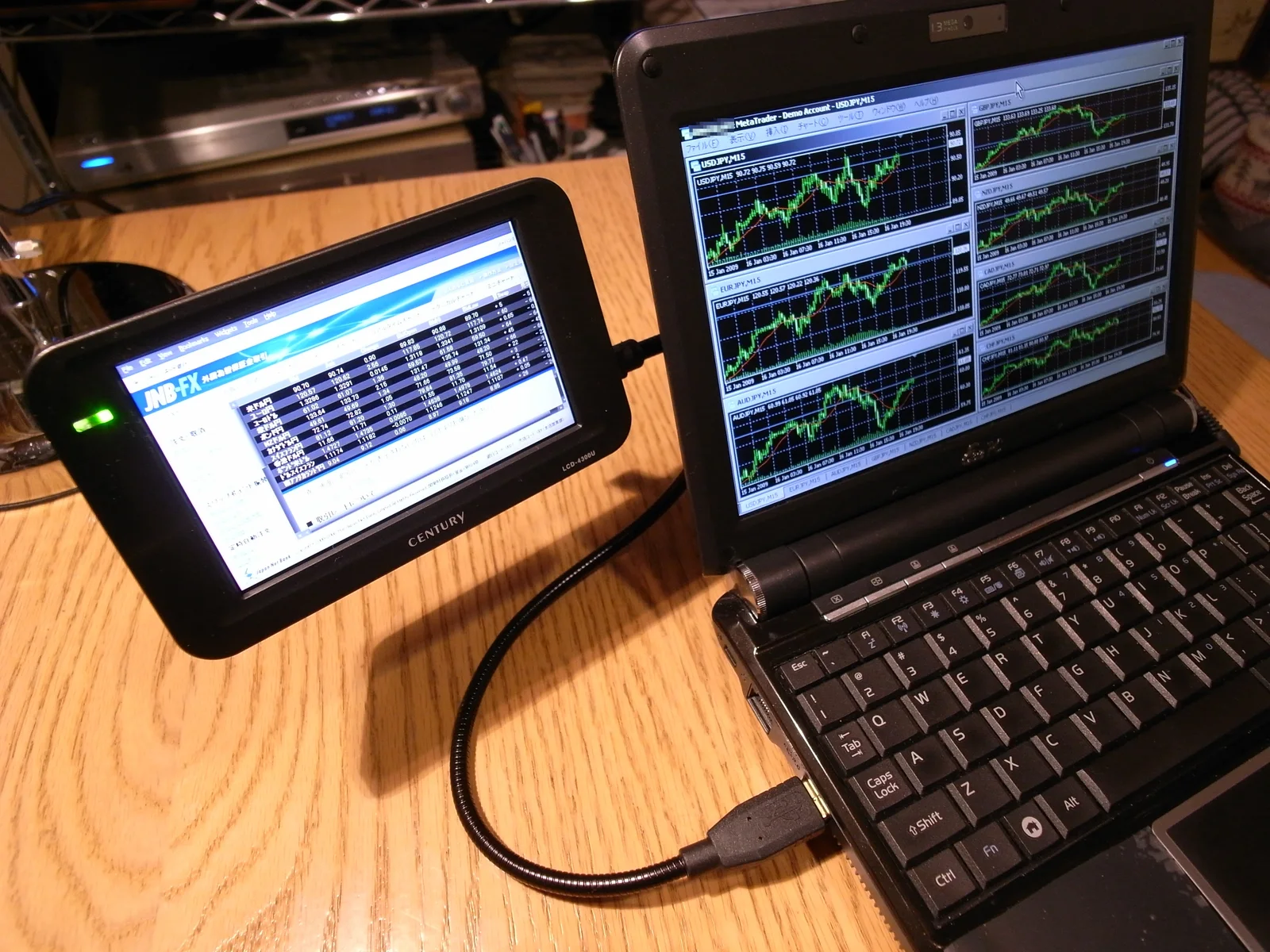
The photographs show real connector hardware and a historical laptop/display arrangement, not these exact power negotiations. Preserve the model, port role, cable and laptop power evidence together. This is a comparison of manufacturer-listed limits, not a live offer, an electrical modification guide or a claim that more advertised watts always make the better monitor.