Read a hub monitor’s power, network and daisy-chain figures
A hub monitor publishes several different watt and port numbers. They answer different questions, and mixing them up is what produces a disappointing desk.
Updated:
What a hub monitor is being sold as
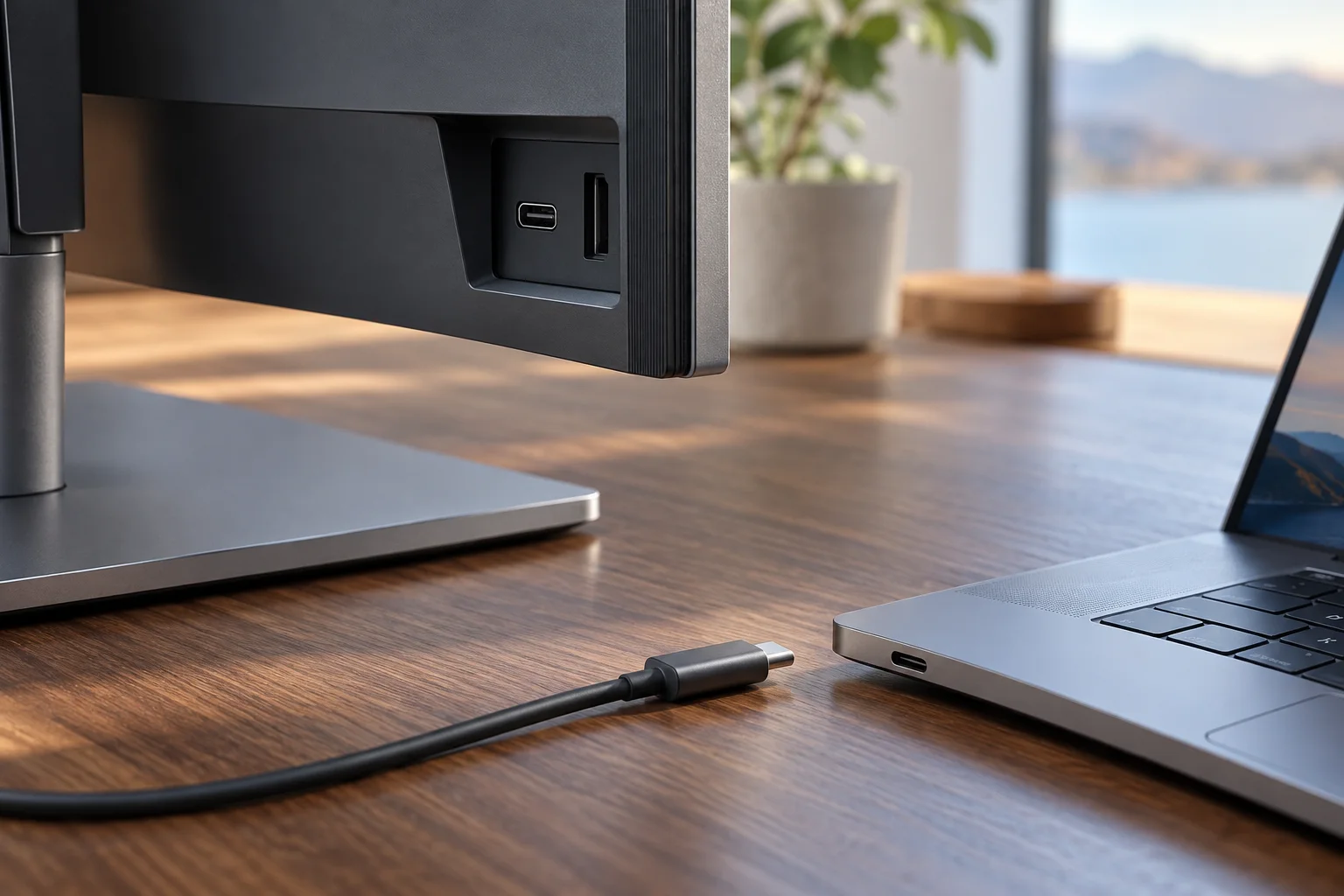
A hub monitor is a display that also acts as the dock: one cable to the notebook, and the monitor supplies the network, the peripherals and the charge. The specification sheet is therefore doing two jobs at once, and the numbers on it belong to different subsystems.
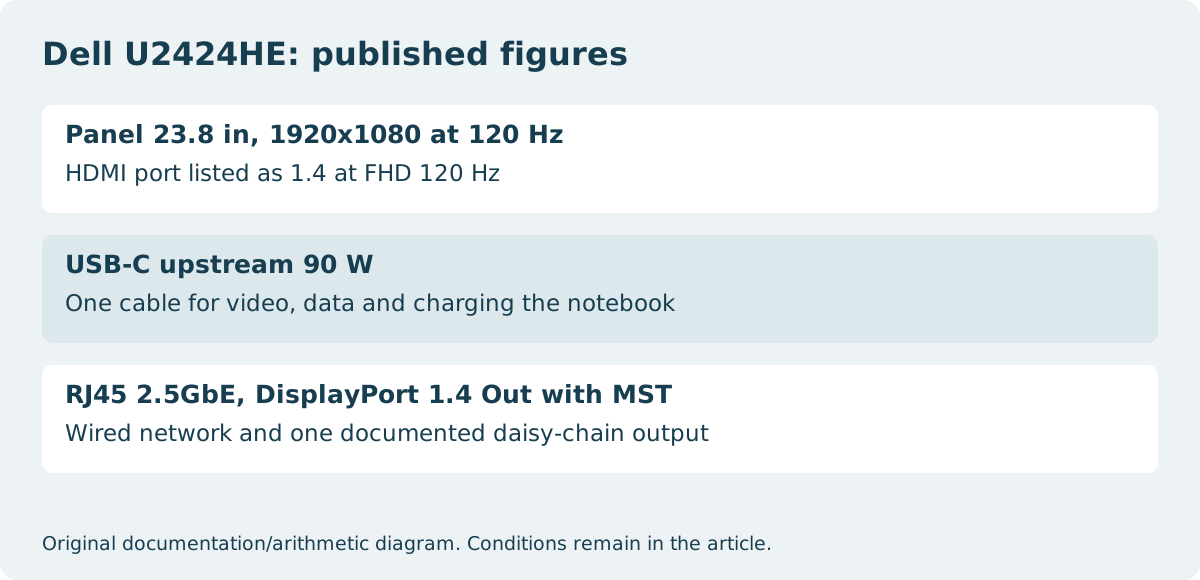
The Dell UltraSharp U2424HE is a useful worked example because every figure below is published on its specification page rather than inferred. It is a 23.8-inch panel with a maximum resolution of 1920 x 1080 at 120 Hz — a reminder that hub capability and panel specification are separate purchases that happen to arrive in one box.
Upstream watts and downstream watts are different numbers
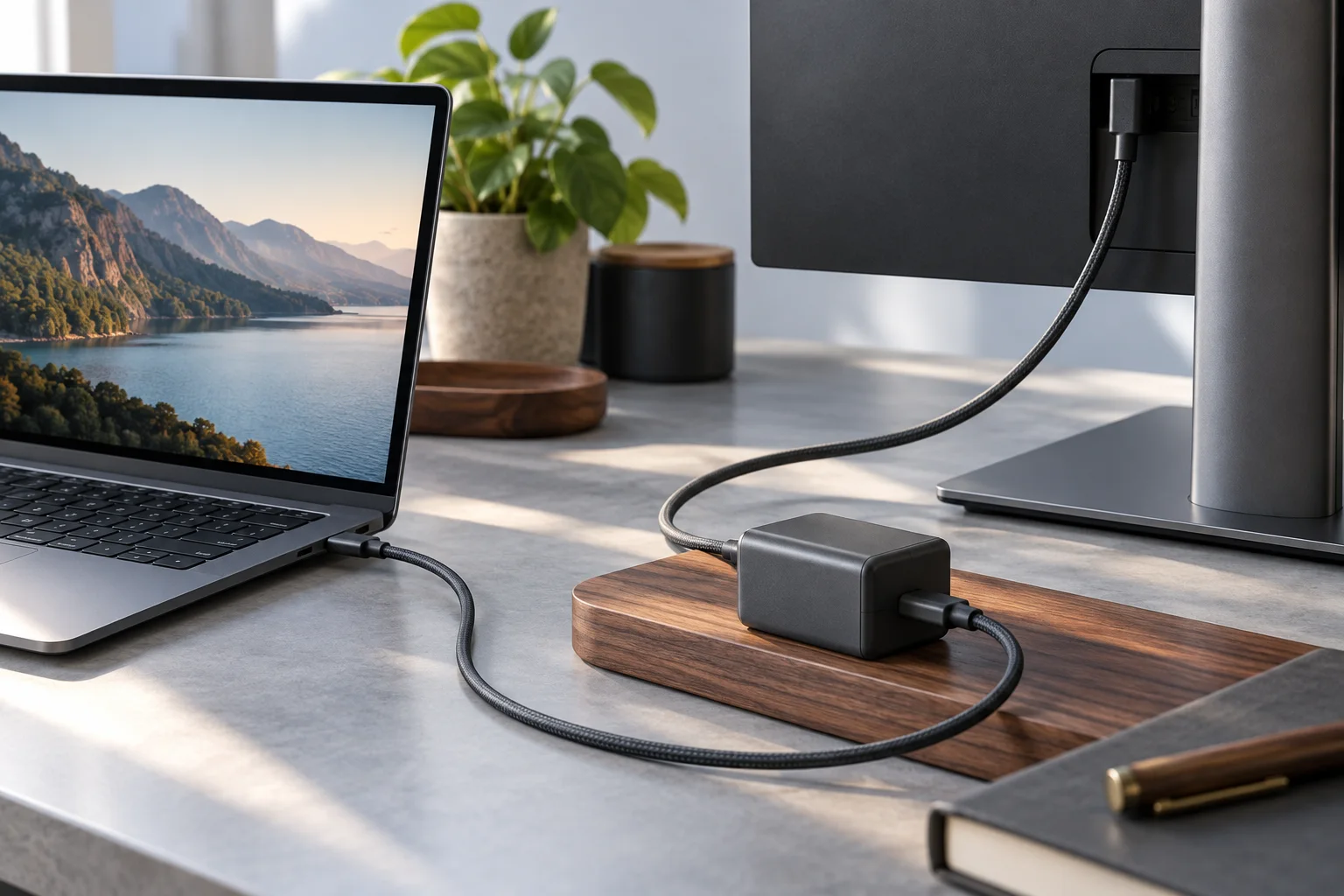
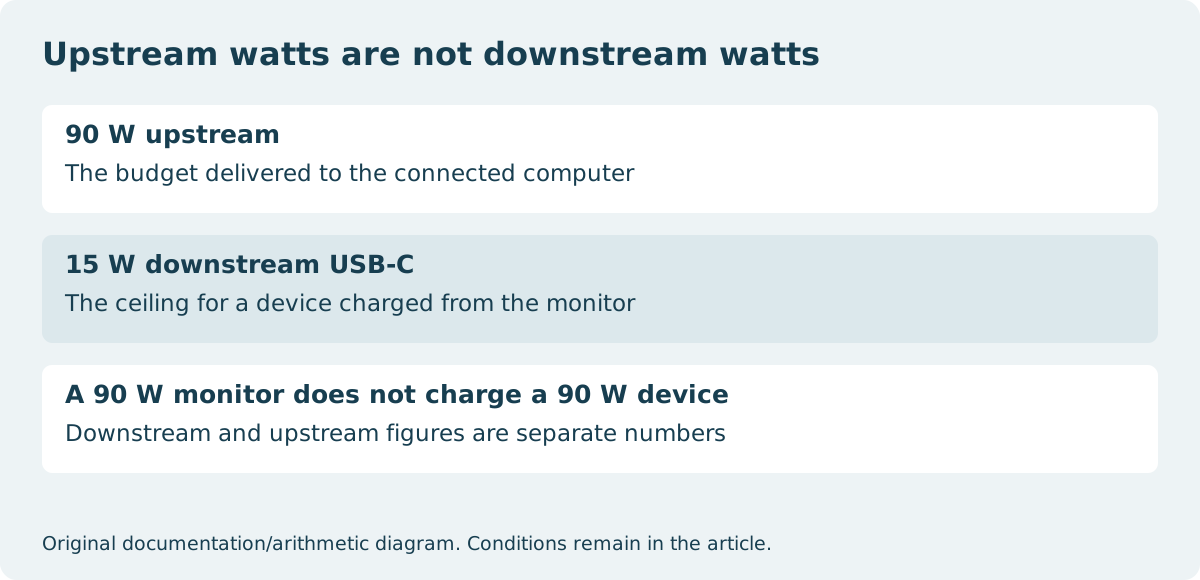
The headline figure on this model is 90 W, delivered through one USB Type-C upstream port that carries video and data. That is the budget going out to the computer you connect.
The downstream figure is much smaller and is easy to misread as the same thing. The USB Type-C downstream port on the same monitor provides 15 W with power charging. A phone or a second small device charged from the monitor is working inside that 15 W ceiling, not inside the 90 W one. A monitor advertised at 90 W does not charge a 90 W device from its downstream port.
| Figure | Published value | What it governs |
|---|---|---|
| USB-C upstream | 90 W | Charge delivered to the connected computer |
| USB-C downstream | 15 W | Ceiling for a device charged from the monitor |
| Ethernet | RJ45, 2.5GbE | Wired network reaching the computer over the same cable |
| DisplayPort out | DisplayPort 1.4 (Out) with MST | The documented daisy-chain output |
The network port is part of the one-cable claim
The U2424HE lists one RJ45 Ethernet port at 2.5GbE. On a hub monitor this is not an afterthought: it is what makes the single-cable claim true for a notebook that has no Ethernet socket of its own.
It also changes how the desk fails. If the monitor is the network path, unplugging the monitor cable takes the wired connection with it. That is usually acceptable, but it is a different arrangement from a dock that stays powered and connected when the display is moved.
Daisy-chaining is an output, and it is listed as one
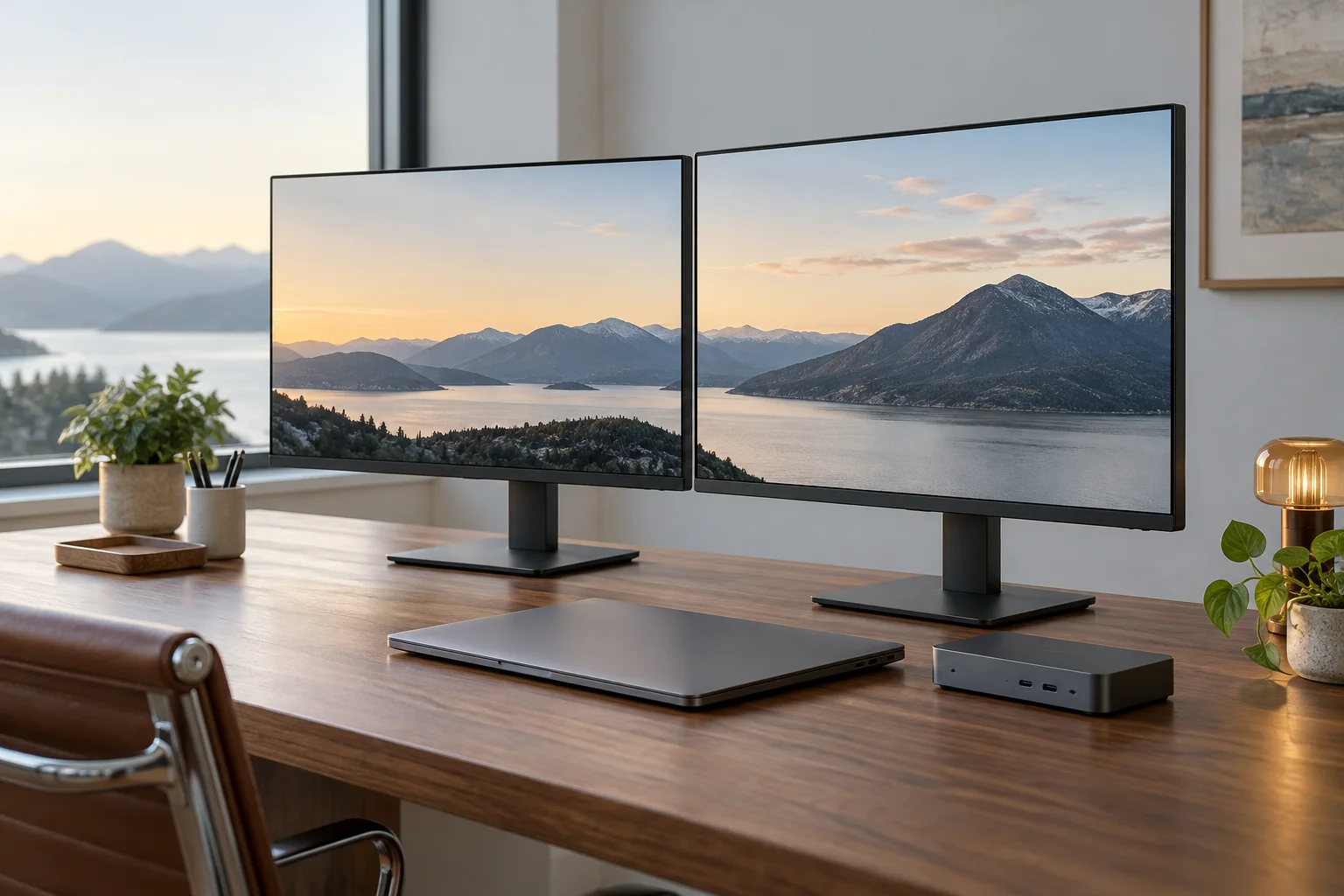
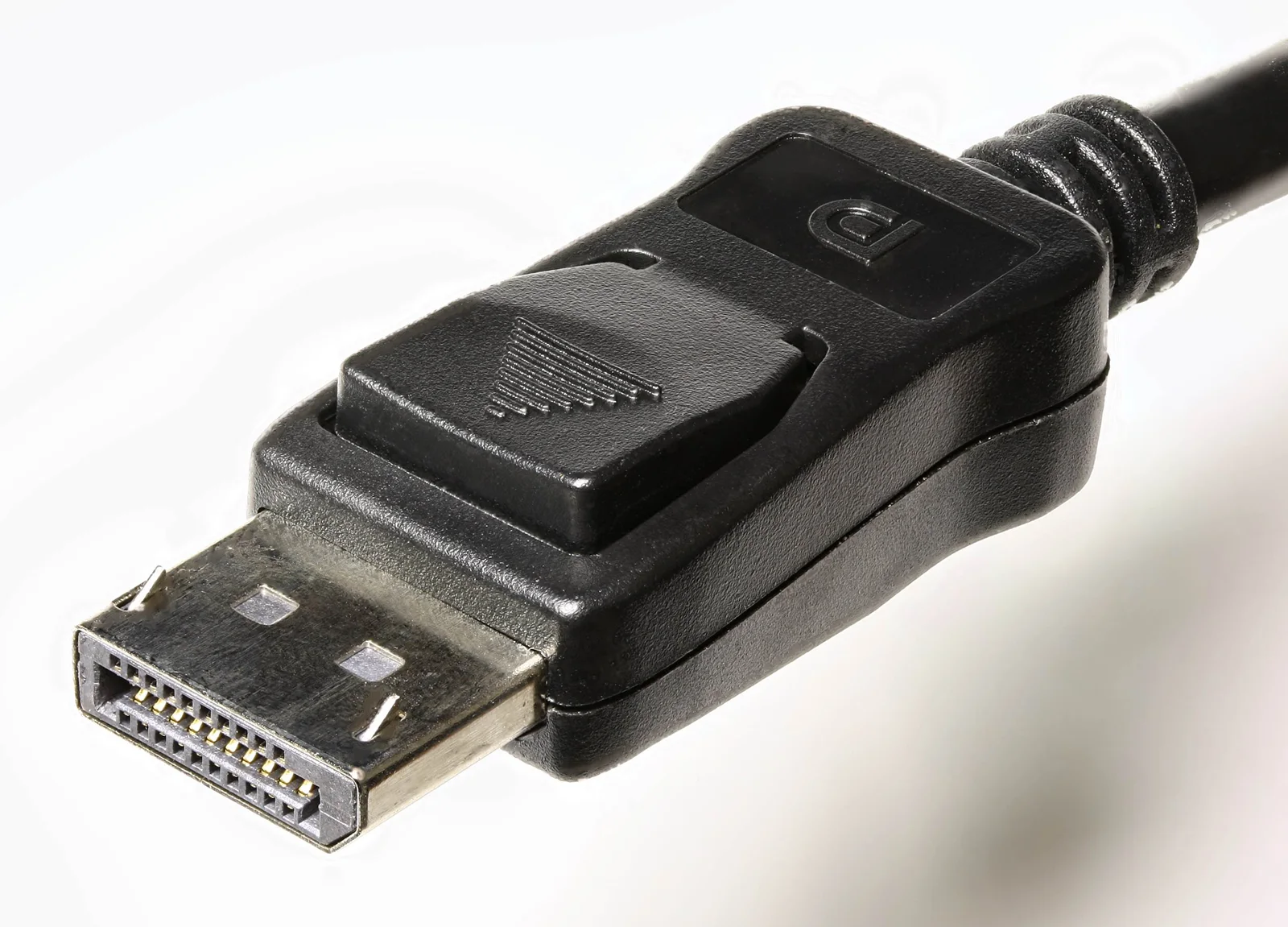
The specification names the feature precisely: 1 x DisplayPort 1.4 (Out) with MST. Multi-Stream Transport is the mechanism that lets a second display hang off the first rather than off the computer.
Reading it as an output is the useful habit. An input and an output both appear as DisplayPort sockets on the back of a monitor, and only the one marked as an output participates in a chain. Where a second display is part of the plan, the output has to exist on the first monitor and the computer has to be capable of driving both streams — the monitor’s port list does not settle the second half of that.
Count the downstream ports against the desk
This model publishes three USB Type-A downstream ports at SuperSpeed USB 10 Gbps (USB 3.2 Gen 2), one USB Type-C downstream port at the same speed with 15 W charging, and an additional Type-A port with BC1.2 power charging.
That is the number worth comparing against what is actually on the desk — keyboard, mouse, headset receiver, external drive — before concluding that the monitor removes the need for a separate hub. A KVM switch is also listed among the built-in devices on this model, which means some of those downstream ports may be carrying the shared keyboard and mouse rather than being free.
What to confirm before ordering
All of the following appear on the manufacturer specification page for the individual model, which is where a claim about a hub monitor should be settled.
- The upstream wattage, and whether it covers your notebook’s own charging requirement.
- The downstream wattage, separately, for anything you intend to charge from the monitor.
- Whether the DisplayPort socket you are counting on is an input or an output with MST.
- The Ethernet speed, if the monitor is replacing a dock.
- The downstream port count and types, against the devices already on the desk.
- The panel specification itself — resolution and refresh rate are not improved by hub features.