Record a portable display’s whole packing arrangement
Compare a Dell and ASUS portable display’s documented envelope, then add the actual sleeve, cable and support arrangement.
Updated:
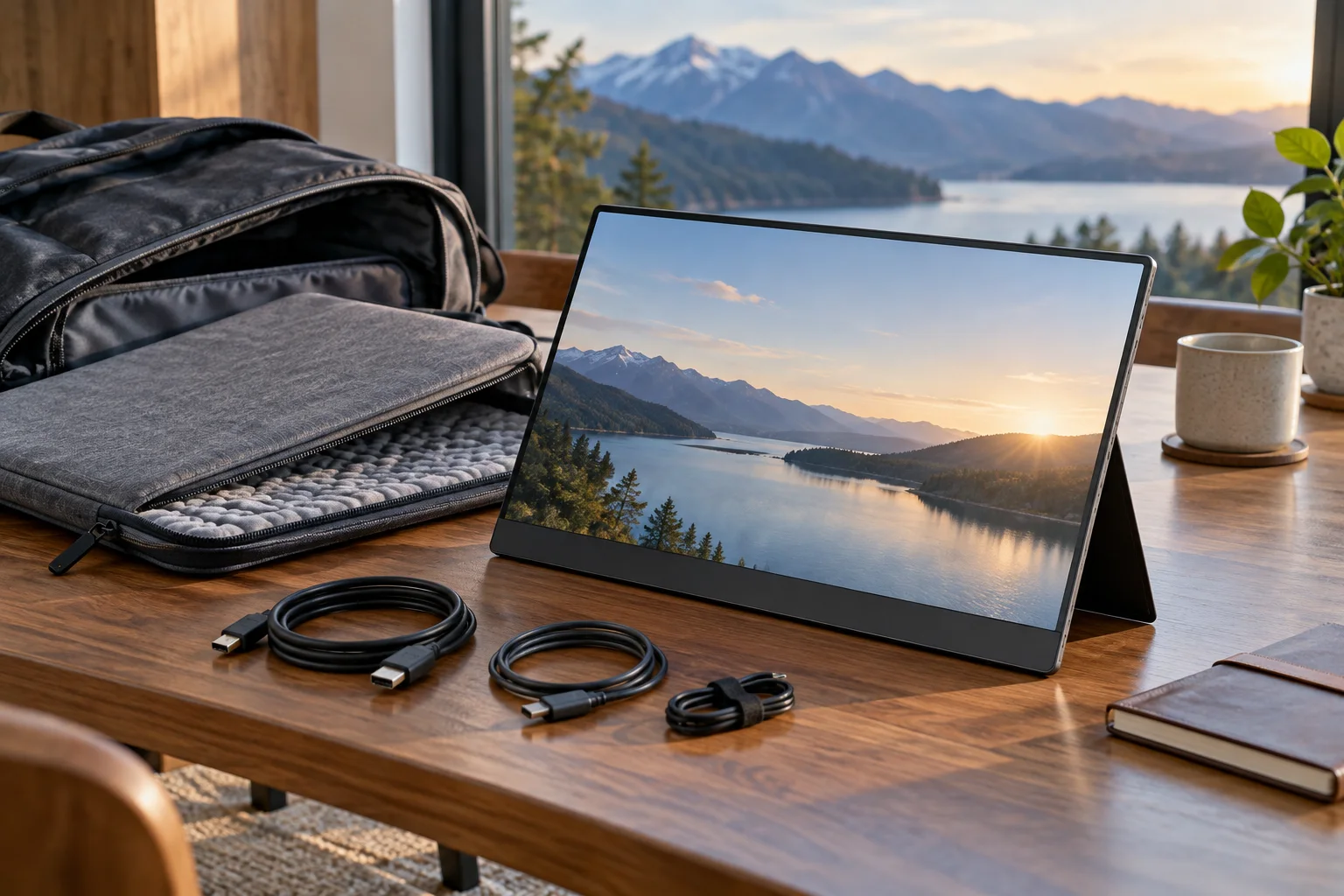
What needs to fit in the bag?
Pack for the whole display arrangement rather than the diagonal printed in its name. A monitor, its sleeve, its support method and the cable path occupy different spaces and may be packed separately. Begin with the manufacturer’s enclosure dimensions and their stated measurement boundary. Then measure the bag opening and the usable compartment, including padding. A successful width subtraction is not proof that a display can be inserted without pressure or that the bag protects it. Keep fragile-screen handling within the exact product instructions. This guide compares documented physical records and does not report a drop test or an airline baggage approval.
Dell US P1424H exact model technical specifications ? ASUS ZenScreen MB166C technical specifications (regional variation stated) ?
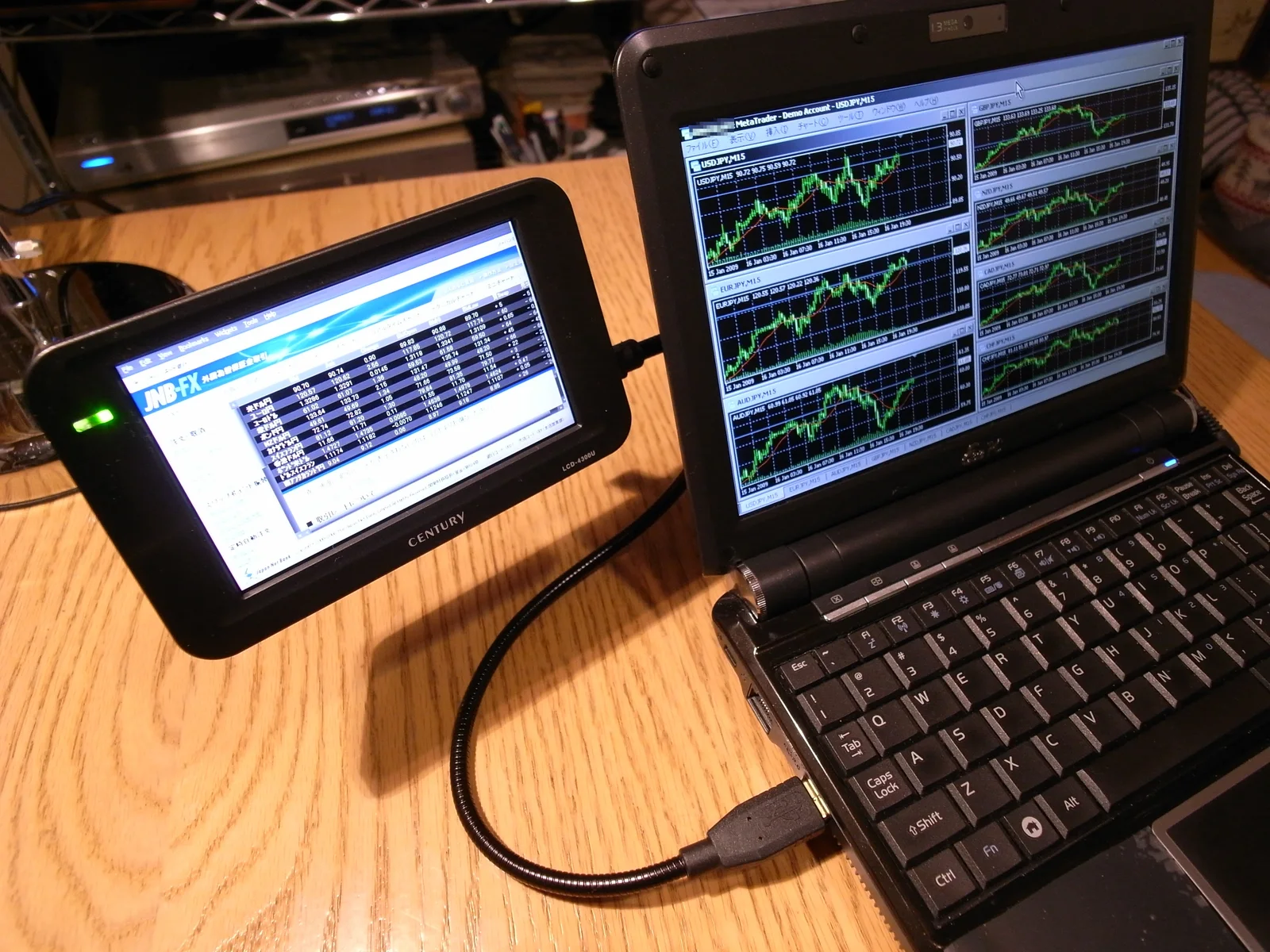
Compare two actual portable-display envelopes
Dell’s US P1424H technical specifications list 12.7 by 0.6 by 8 inches in width, depth and height, and a weight of 20.81 ounces. ASUS’s MB166C specification page lists estimated dimensions without a stand of 14.18 by 8.88 by 0.46 inches in width, height and depth, with an estimated net weight of 1.72 pounds. ASUS explicitly notes regional variation. The dimension order is different between the sources, so it has been normalized in the table. Neither record is the final thickness of your padded carrying arrangement.
| Model | Width × height × depth | Published weight boundary |
|---|---|---|
| Dell P1424H | 12.7 × 8 × 0.6 inches | 20.81 oz; product listing |
| ASUS MB166C | 14.18 × 8.88 × 0.46 inches | 1.72 lb estimated; without stand |
Dell US P1424H exact model technical specifications ? ASUS ZenScreen MB166C technical specifications (regional variation stated) ?
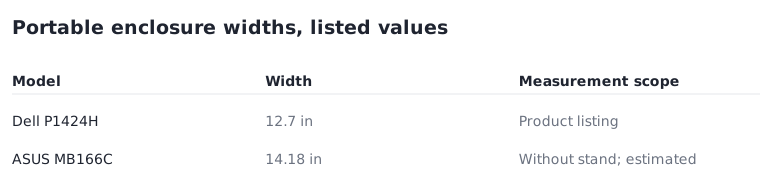
What changes the choice?
For a hypothetical compartment with 14 inches of usable internal width, the listed Dell width is smaller by 1.3 inches, while the ASUS width exceeds that assumption by 0.18 inch. These arithmetic results address only the stated dimension. They do not include the sleeve, seam shape, a zipper, height, thickness, or the method of inserting the monitor. Measure again using the real protective arrangement. The ASUS page distinguishes its enclosure from its shipping box; do not substitute box dimensions for the object you intend to carry. Likewise, the Dell listing’s included sleeve is not a verified measurement of a fully packed bag.
Dell US P1424H exact model technical specifications ? ASUS ZenScreen MB166C technical specifications (regional variation stated) ?
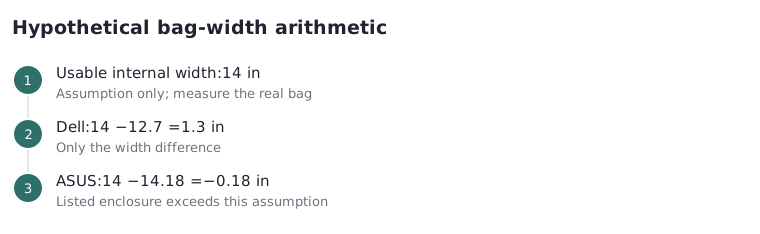
Carry the verified connection rather than any cable that fits
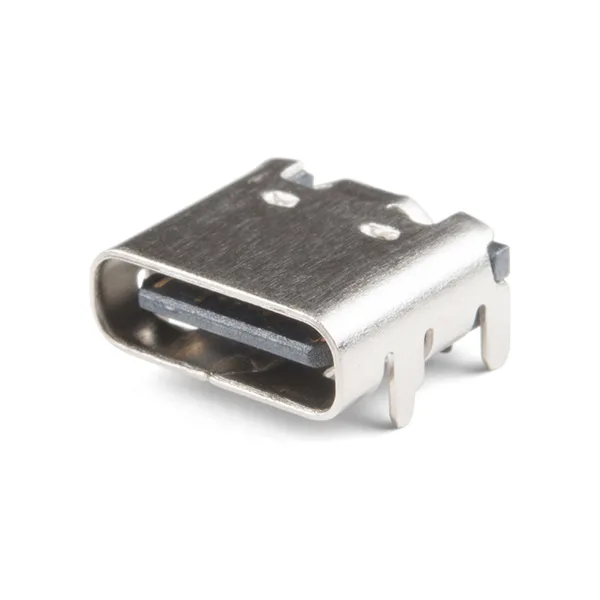
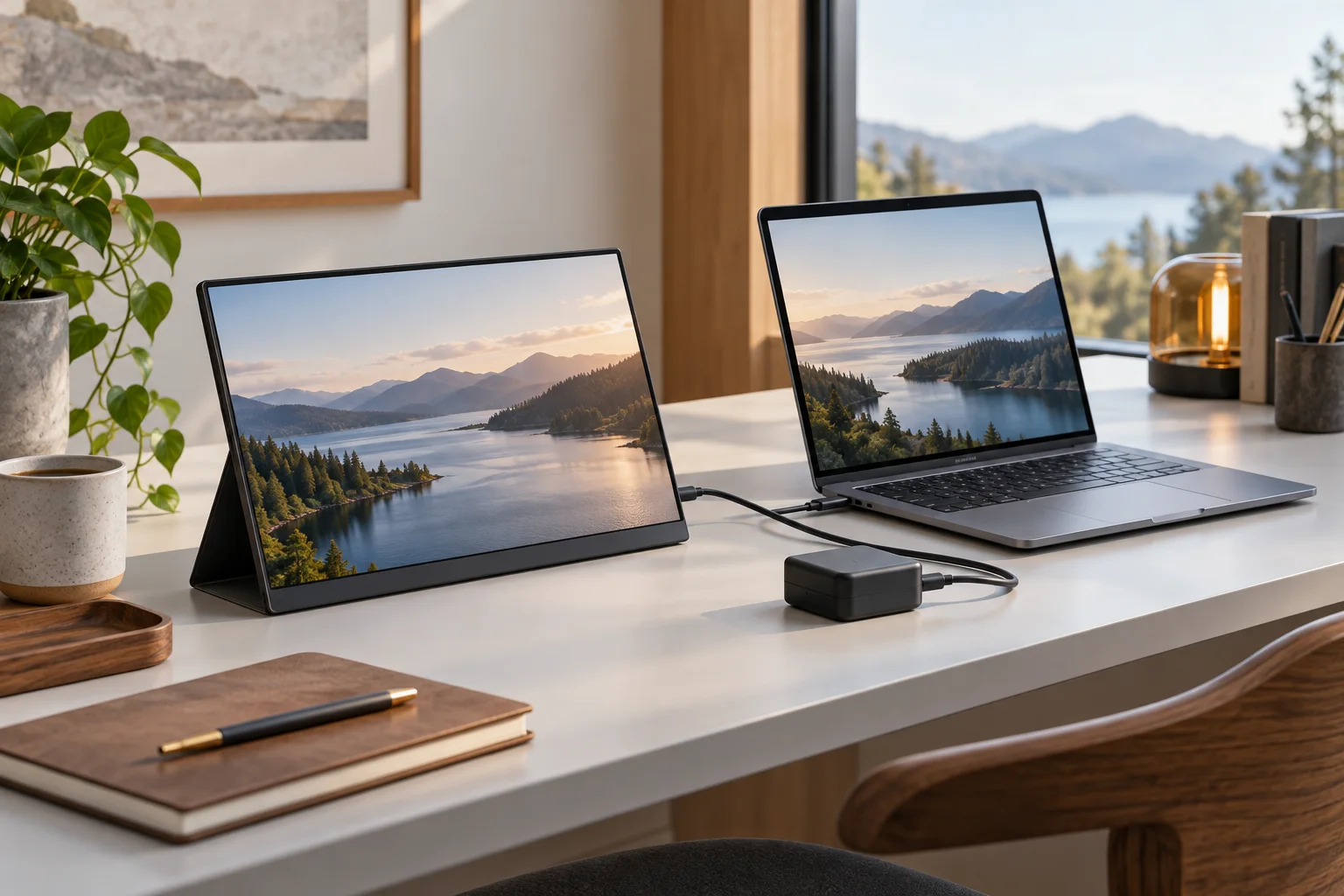
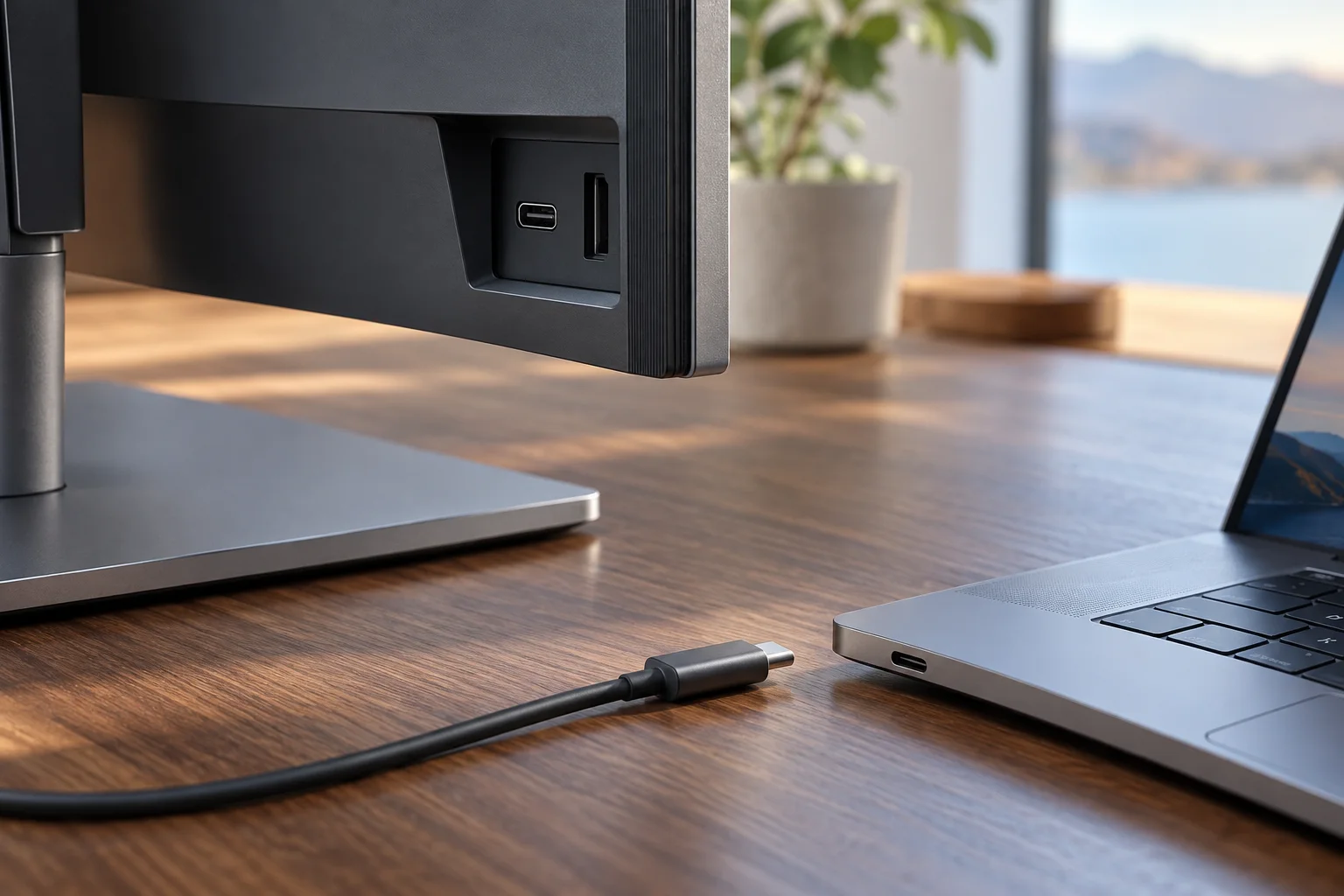
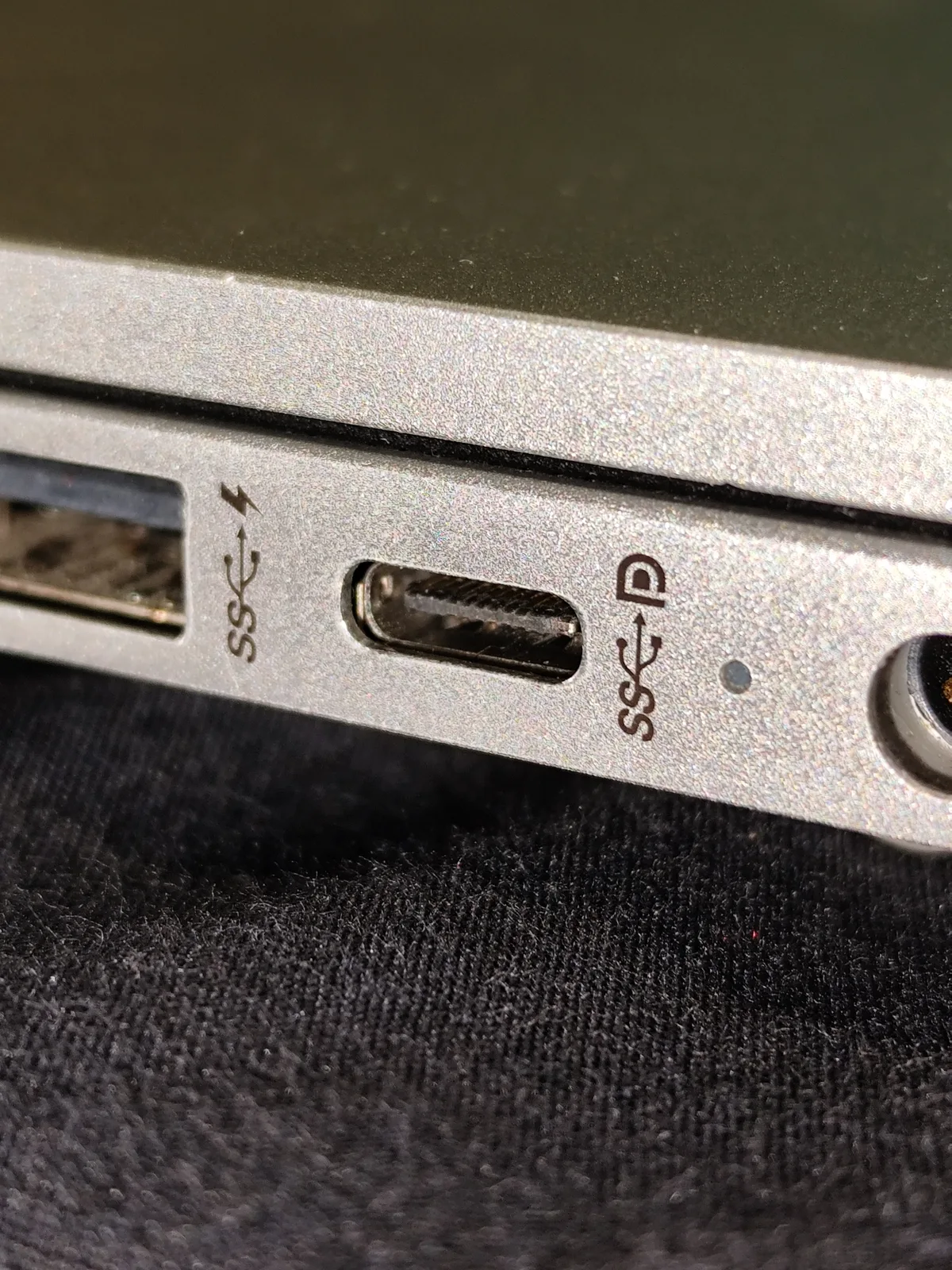
Dell lists an included USB-C-to-USB-C cable of 3.3 feet with the P1424H. ASUS lists USB-C DisplayPort Alt Mode for the MB166C and includes a USB-C cable among accessories that can vary by region. Check the actual purchased bundle and host port before leaving. The physical USB-C receptacle in the photographs does not guarantee video or the necessary power path. The older USB-connected portable-display photograph shows a historical arrangement with trading software; it is not evidence of modern USB-C capability and carries no financial recommendation. Avoid packing an unverified adapter as though its connector shape completed the video path.
Dell US P1424H exact model technical specifications ? ASUS ZenScreen MB166C technical specifications (regional variation stated) ?
Finish with an actual packing record
Write down the monitor model, protective sleeve, required cable, any separate support and the host computer used in the verified arrangement. Record each item’s actual packed dimensions or weight if total carrying mass matters. Do not add a published monitor-only weight to an invented accessory allowance and call it a measured kit. Confirm that cables and hard objects cannot press on the screen in the proposed compartment. If a stand is carried separately, keep it outside any monitor-only thickness comparison. Current prices, individual baggage rules, packing protection and the exact regional bundle remain separate questions to verify before purchase or departure.
Dell US P1424H exact model technical specifications ? ASUS ZenScreen MB166C technical specifications (regional variation stated) ?