Compare a portable monitor’s video and power requirements
Build a complete portable-display configuration from exact video, power, enclosure and carrying requirements.
Updated:
Compare the whole travel setup
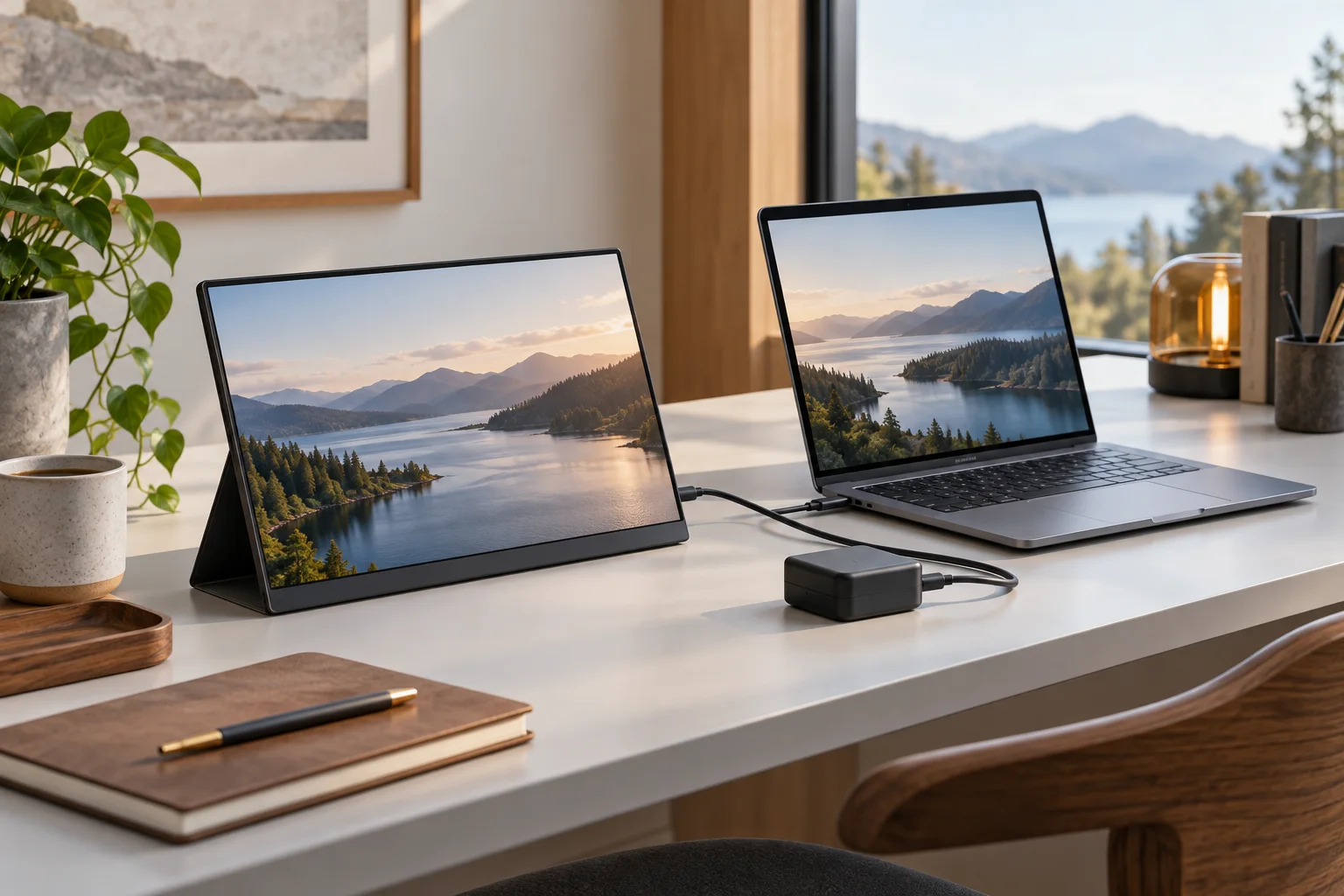
For a portable monitor, compare the equipment you will actually carry and connect. Start with the computer model, the display model and the place where you intend to use them. Decide whether your intended arrangement includes a nearby wall outlet, a separate adapter, a dock or only the notebook. A portable label describes a product category; it does not establish that one cable can deliver every function in your proposed setup.
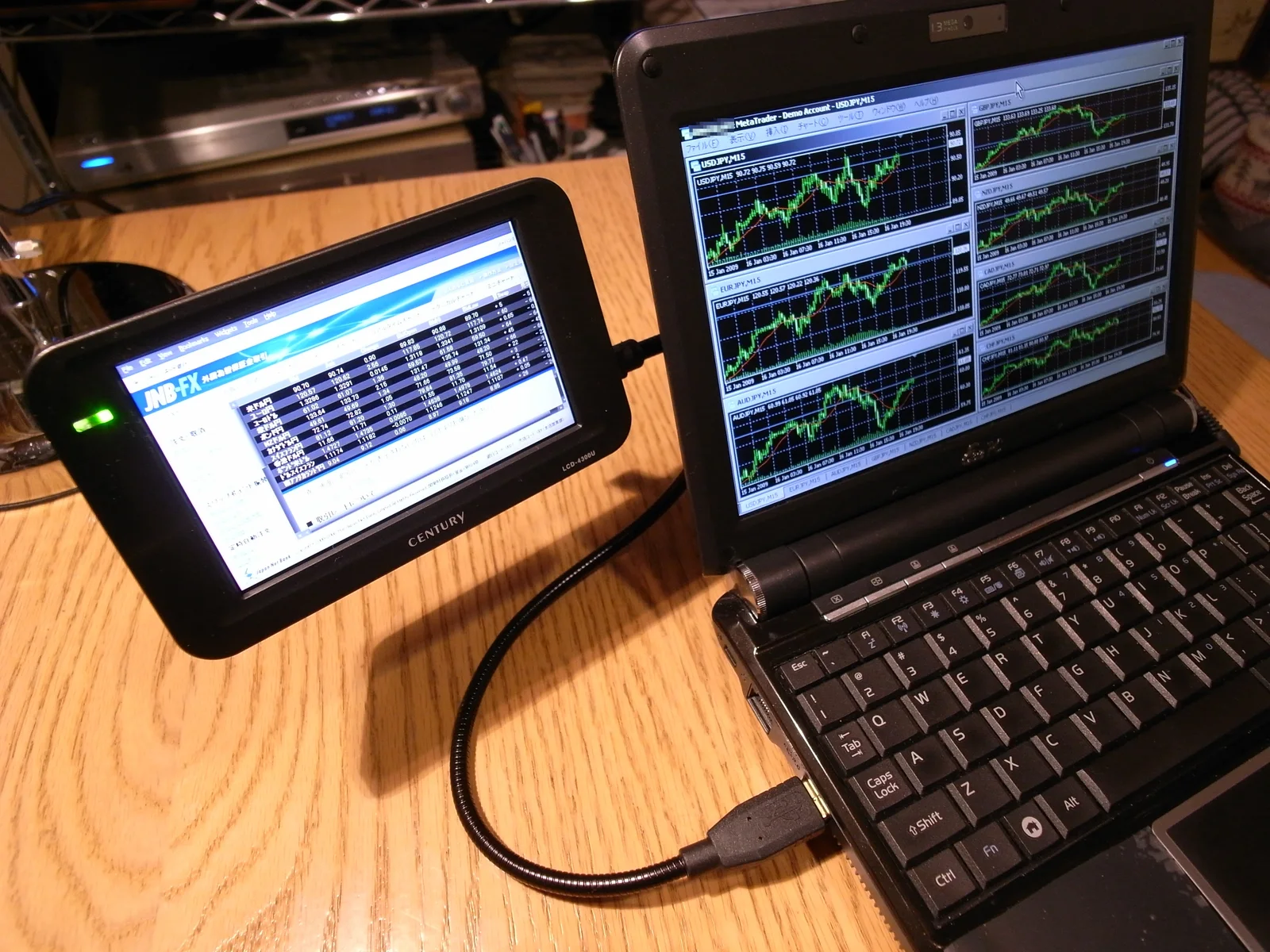
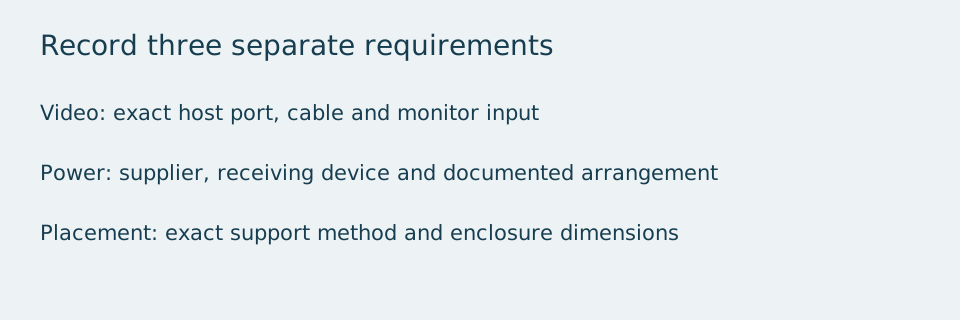
Write separate requirements for a picture, operating power and physical support. The archival photograph below shows an older small USB display beside a notebook. It proves that this sort of arrangement existed, not that today’s USB-C portable monitors use the same interface or driver. The visible trading software is incidental historical screen content and provides no financial or display-performance recommendation.
Make a specification card for the exact model
Dell’s US P1424H page, checked on 2026-10-28, supplies a useful bounded example: a 14-inch display with 1920 × 1080 native pixels and a sleeve listed among its included accessories. The listed dimensions are 12.7 inches wide, 0.6 inches deep and 8 inches high. Record those manufacturer dimensions with their original labels instead of estimating the enclosure from the screen diagonal. This is a documentation example, not a claim that the model is currently available.
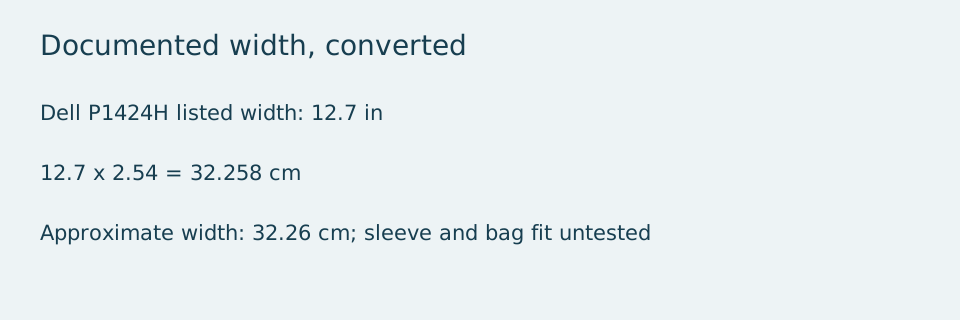
Convert only when needed for your own bag measurements. A listed width of 12.7 inches becomes 32.258 cm using 2.54 cm per inch, approximately 32.26 cm. A nominal bag opening of 32 cm is therefore already narrower than that documented width, before allowing for padding or the sleeve. This hypothetical comparison does not describe a tested bag fit. Rounded dimensions, a zip opening and an irregular interior can change the practical result.
Keep video and power requirements on separate lines
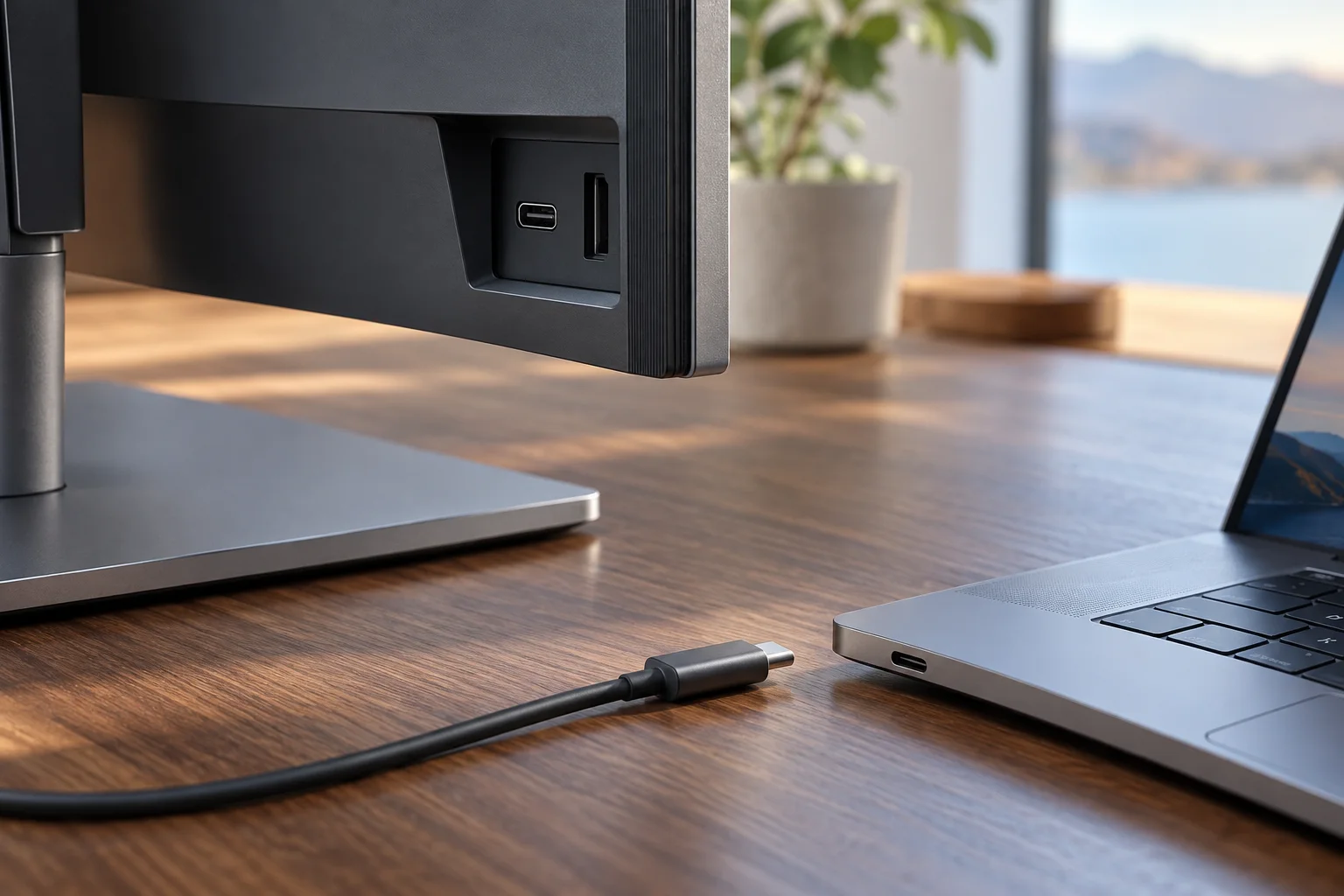
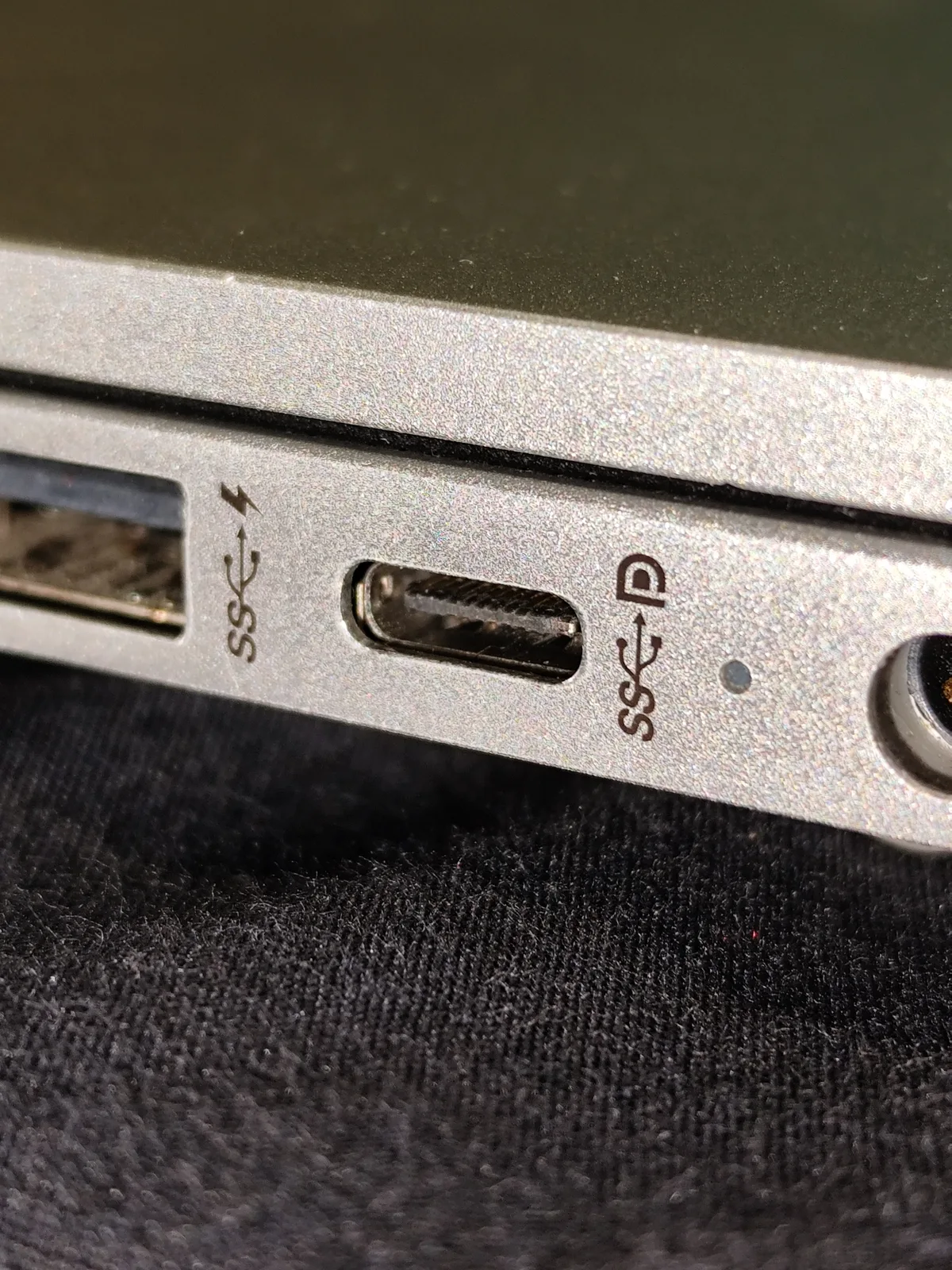
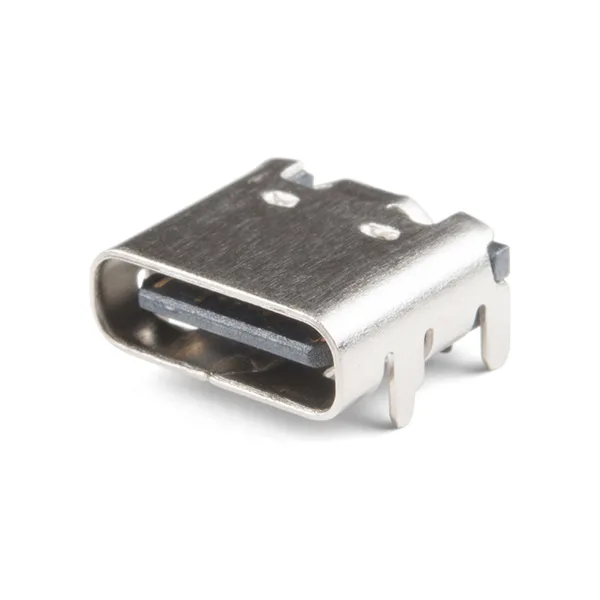
Do not infer power behavior from the fact that a connector fits. Check the portable display’s manual for the required source capability and adapter arrangement, and check the notebook’s documentation for the specific port being used. A port photograph can help identify the physical socket; it cannot establish your computer’s implementation. A separate USB-C connector component makes the same limitation visible: hardware shape is not a complete feature specification.
Before buying an adapter, identify the direction of the intended connection and the required input on the display. An adapter sold for a different direction or a different input is not established as suitable by its connector names. Keep the cable included with the exact display in the comparison, and investigate an alternative only against the documented requirements. This guide does not certify a particular third-party cable or power supply.
Test the proposed work surface on paper
Draw the usable surface at your destination and mark the notebook, display support and cable route. Use documented enclosure and support measurements rather than treating the active image as the outer size. Leave the exact support method to the product instructions. A narrow desk, moving transport surface or unknown mount cannot be approved from a photograph. If you cannot establish a stable, manufacturer-supported arrangement, resolve that question before ordering.
Include the packed equipment in your comparison: display, protective sleeve, required cable and any documented power equipment. The number of pieces can matter more than the display alone. Avoid quoting a complete carrying weight when you have only a manufacturer’s display weight and have not weighed or documented the remaining items.
Choose after the unknowns are resolved
A useful portable-display shortlist contains complete configurations, each with a documented video path, power arrangement and supported placement. Compare those configurations against your actual bag and destination. Keep unknown entries visible rather than replacing them with a reassuring assumption. The result may be a suitable portable display, a different monitor input or a decision to use the notebook alone until a requirement is confirmed.
Two real portable models, with different published requirements
The manufacturer documents below were checked on 2026-10-28. These are specification comparisons, not verified stock or a price ranking. The ASUS enclosure is wider than the Dell enclosure, so an arrangement that fits the smaller display is not evidence of fit for the larger one. Both publish a 1920 × 1080 pixel grid: the larger diagonal does not add native pixels.
ASUS specifies a 5 V, 3 A DC supply condition for MB16ACV. Multiplication gives a nominal 15 W supply rating, not its actual consumption; the same page lists consumption separately as 6.64 W. Dell’s P1424H page instead lists 5 W on-mode and 7.5 W typical figures, under different labels. They are not matched-method efficiency measurements, and those consumption figures do not replace the Dell setup manual’s power-source instructions. Do not treat the Dell port’s up-to-65 W listing as a statement that its panel consumes 65 W.
| Exact portable model | Native image and enclosure | Published connection / power information |
|---|---|---|
| Dell P1424H | 14 inches; 1920 × 1080 pixels; 12.7 × 8 × 0.6 inches | Two USB-C / DP1.2 Alt Mode ports; port listing up to 65 W; consumption labels 5 W on-mode /7.5 W typical |
| ASUS ZenScreen MB16ACV | 15.6 inches; 1920 × 1080 pixels; approx35.8 ×22.5 ×1.0 cm | One USB-C (DP Alt Mode and USB3.2); DC5 V,3 A; published consumption6.64 W |