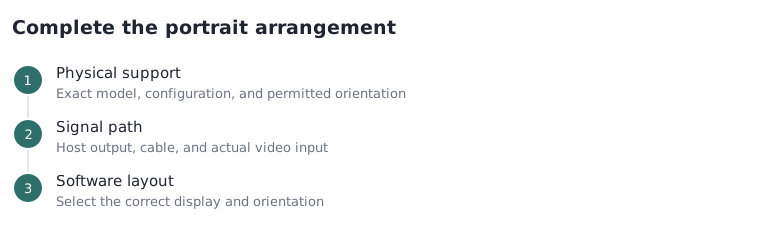
Choose a supported portrait monitor arrangement
Compare a Dell pivot-stand configuration with the 2022 Apple Studio Display VESA configuration, then separate physical rotation from operating-system orientation.
Updated:
What must support portrait operation?
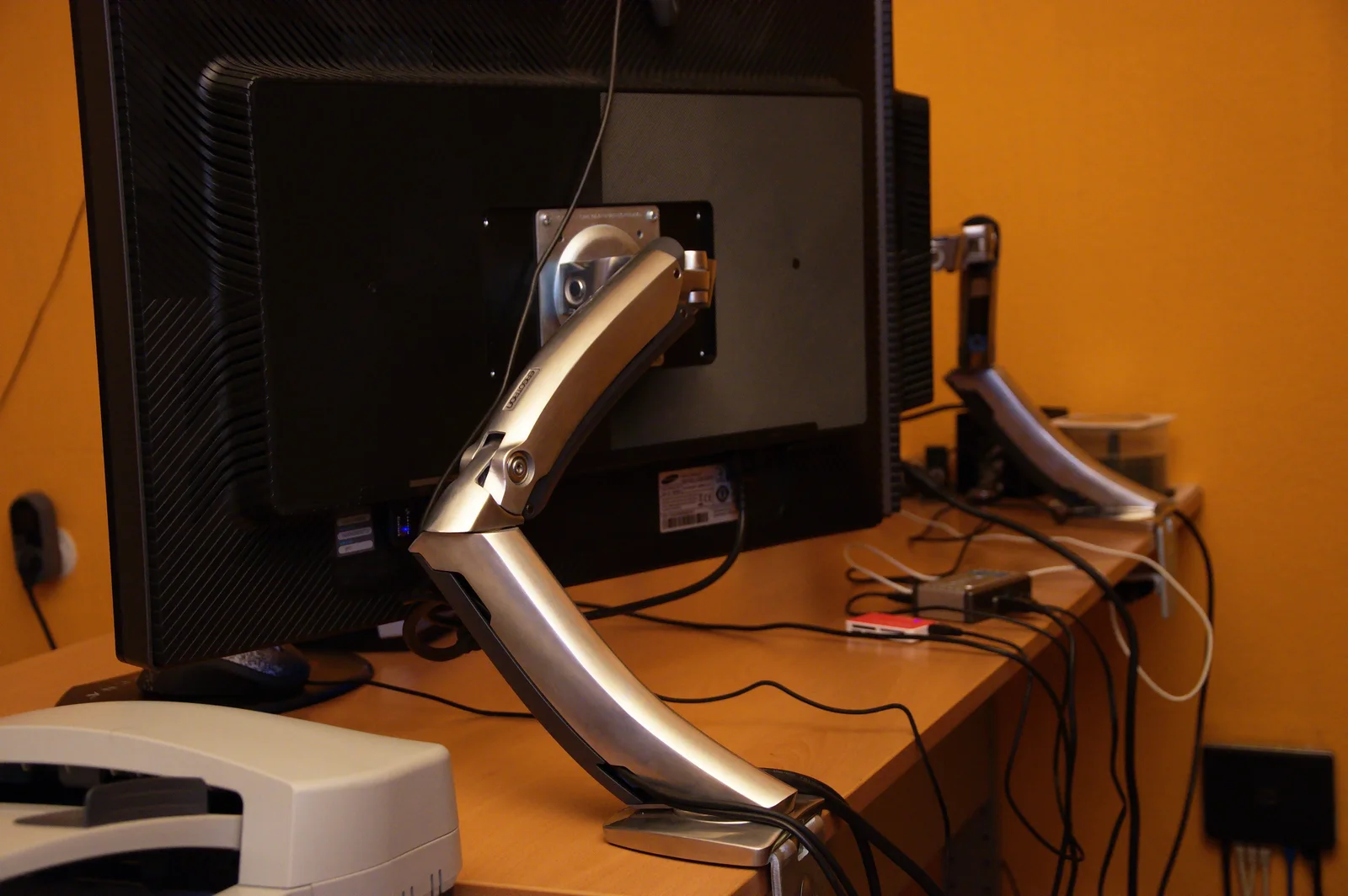
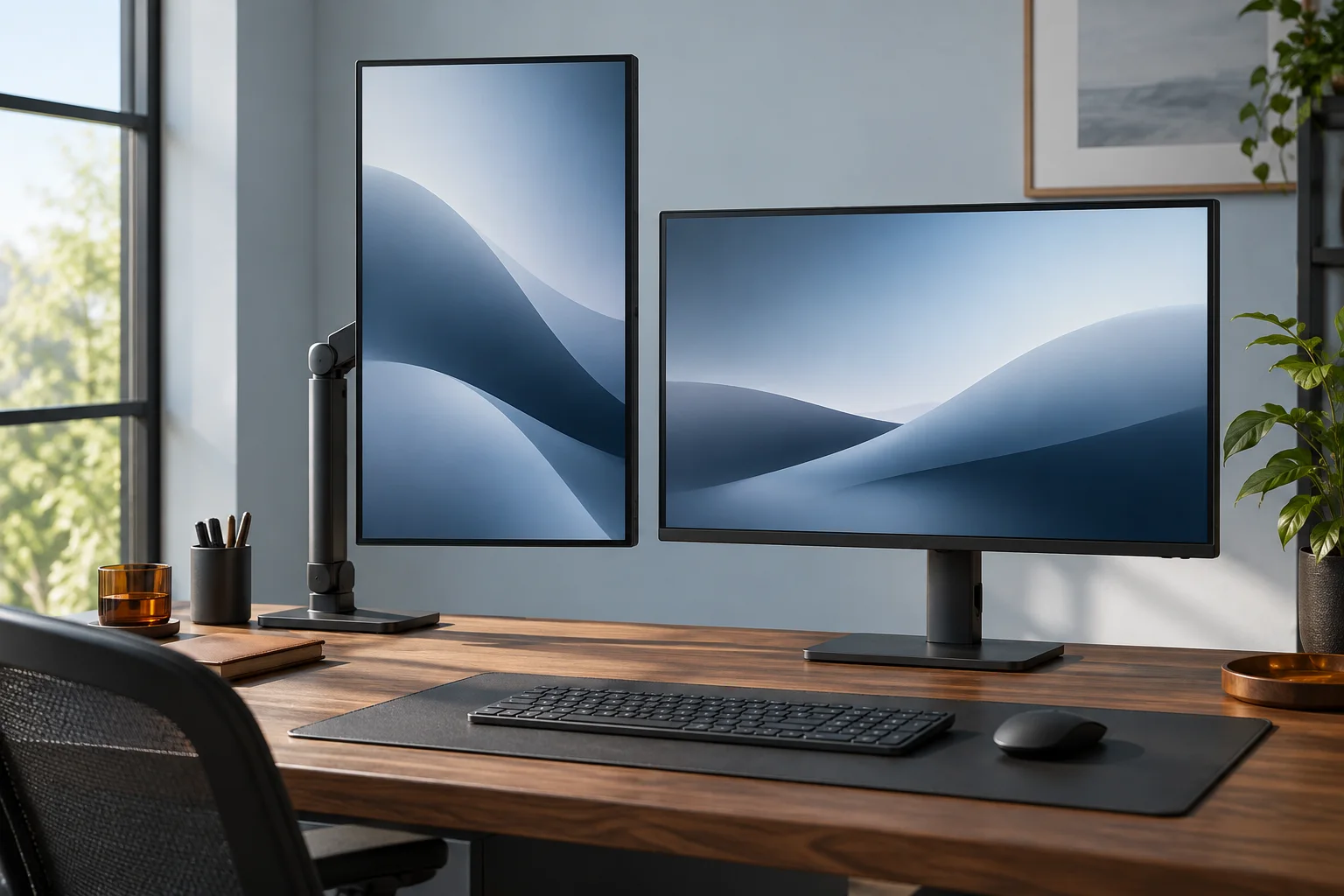
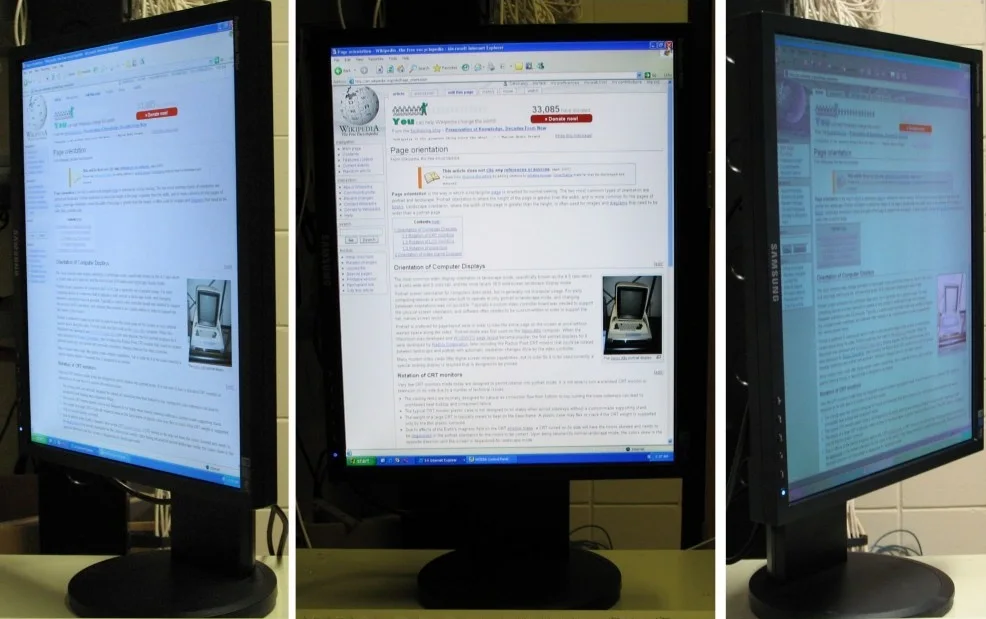
A vertical monitor arrangement needs both a physically supported portrait position and a correctly oriented image from the source. Changing an operating-system setting cannot make a fixed stand rotate safely. Conversely, turning an approved monitor physically does not guarantee that the desktop image will change automatically. Start with the exact display and support configuration. The two actual alternatives below have different mechanical routes, different source connections and different pixel dimensions. They are not universal substitutes based on a shared 27-inch diagonal. The photographs show real historical portrait arrangements and a support mechanism; they are not photographs of either compared configuration.
Dell US P2725H exact model technical specifications ? Apple US Studio Display technical specifications, year introduced 2022 ? Microsoft: Windows 11 screen resolution, layout and display orientation ?
Two actual configurations offer different routes
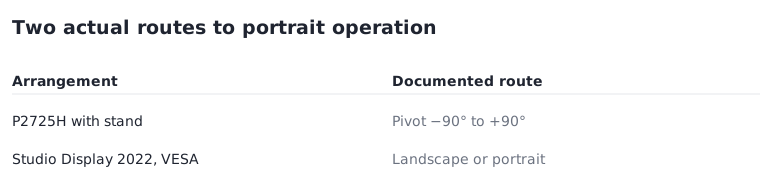
Dell’s P2725H US technical specifications list pivot from minus 90 to plus 90 degrees for the configuration supplied with its stand. Apple’s Studio Display technical page explicitly identifies the model introduced in 2022 and lists landscape or portrait orientation for its VESA mount adapter configuration, compatible with a 100 by 100 mm stand or mount. Apple separately lists tilt-adjustable and tilt-and-height-adjustable stands; do not assign the VESA configuration’s portrait statement to those stand options. If buying a standless Dell listing or a used Apple unit, first establish which physical configuration is actually included. A similar name is not enough.
| Exact arrangement | Documented portrait route | Configuration limit |
|---|---|---|
| Dell P2725H with its stand | Pivot −90° to +90° | Do not transfer stand features to a standless purchase |
| Apple Studio Display 2022, VESA adapter | Landscape or portrait; 100×100 mm mount | Not a pivot promise for either Apple stand option |
Dell US P2725H exact model technical specifications ? Apple US Studio Display technical specifications, year introduced 2022 ?
Check the source path and useful pixel arrangement
Dell documents 1920 by 1080 pixels for the P2725H and labels its USB-C downstream connection as data only, with up to 15 watts of power delivery. It must not be treated as the monitor’s USB-C video input. Apple’s 2022 Studio Display record instead specifies 5120 by 2880 pixels and an upstream Thunderbolt 3 connection for the host. Confirm the exact supported computer and operating-system arrangement using Apple’s compatibility section. Rotating the desktop layout exchanges its horizontal and vertical arrangement; it does not create extra physical pixels or make all applications behave the same way. Choose based on the actual document or application you need to see, not a promise that portrait is always more productive.
Dell US P2725H exact model technical specifications ? Apple US Studio Display technical specifications, year introduced 2022 ?
Change software orientation for the selected display
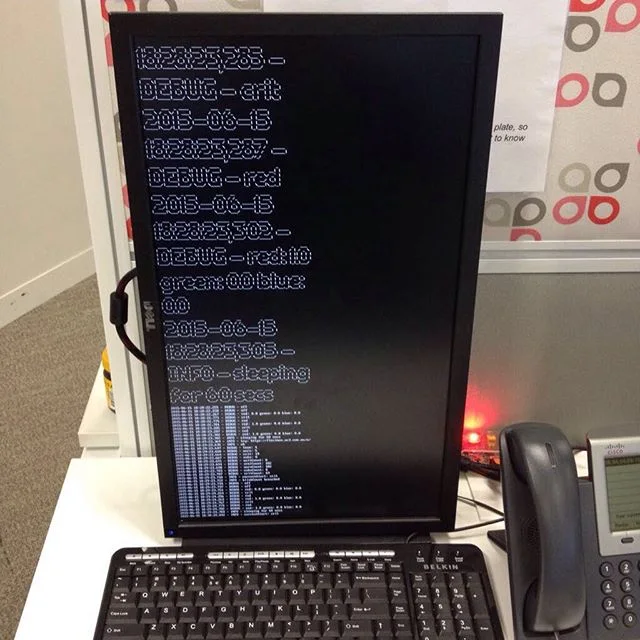
Microsoft’s Windows 11 instructions first require selecting the external display to change, then using Settings, System, Display and the Display orientation control. Its guidance distinguishes that image setting from physically rotating the screen. Keep mechanical movement within the exact monitor and support instructions; this article does not prescribe hardware conversion, an improvised attachment or cable-stressing rotation. If the expected orientation option is missing, verify the selected display and the supported source configuration instead of forcing the hardware. A historical console photograph illustrates a tall workspace, while the Samsung composite demonstrates one specific photographed polarization setup, not a universal viewing-angle result.
Microsoft: Windows 11 screen resolution, layout and display orientation ?
Decide by configuration before ordering a mount or screen
For a buyer needing a documented pivot route in the supplied stand arrangement, the P2725H provides that specific specification. For the 2022 Studio Display, the documented portrait route is the VESA adapter configuration plus a suitable separately verified support, not the tilt stand. That difference changes the complete order and compatibility work. Confirm mass, interface, clearance, permitted orientation, cable movement and source support for the actual arrangement. No photo supplies a structural approval. Current prices, stock, an installation method, automatic rotation in every system and a personal comfort or productivity outcome are not established here. Resolve the exact configuration before calling a vertical-monitor purchase complete.
Dell US P2725H exact model technical specifications ? Apple US Studio Display technical specifications, year introduced 2022 ? Microsoft: Windows 11 screen resolution, layout and display orientation ?