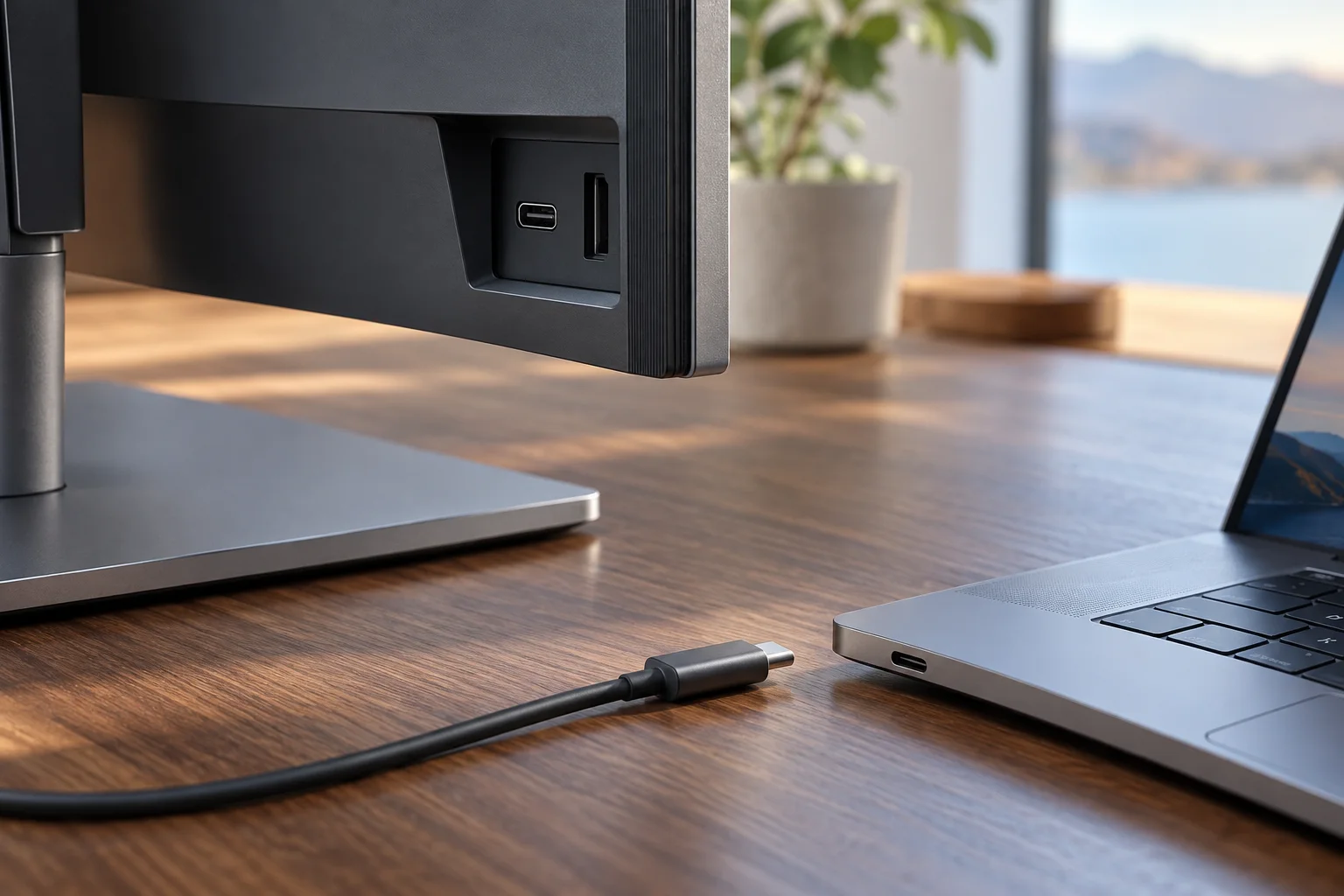
Ports & power
Check USB-C video before buying a monitor
Verify the exact source port, cable route and power arrangement before ordering a USB-C display.
Read the guideTrace video, power and data as separate tasks.
Verify the exact source port, cable route and power arrangement before ordering a USB-C display.
Read the guide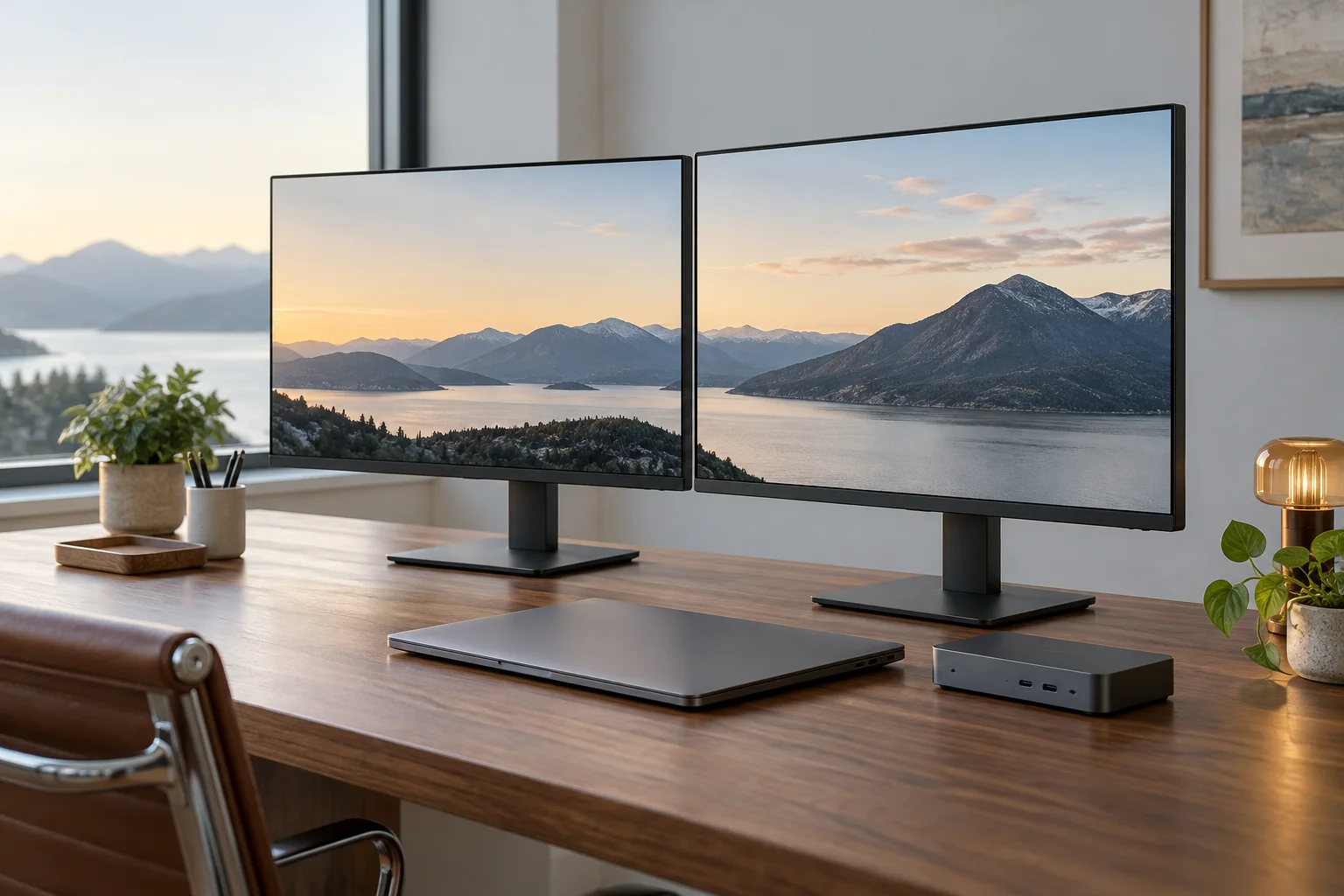
Compare the documented native display limits of M1 and M3 MacBook Air models before buying two screens or a dock.
Read the guide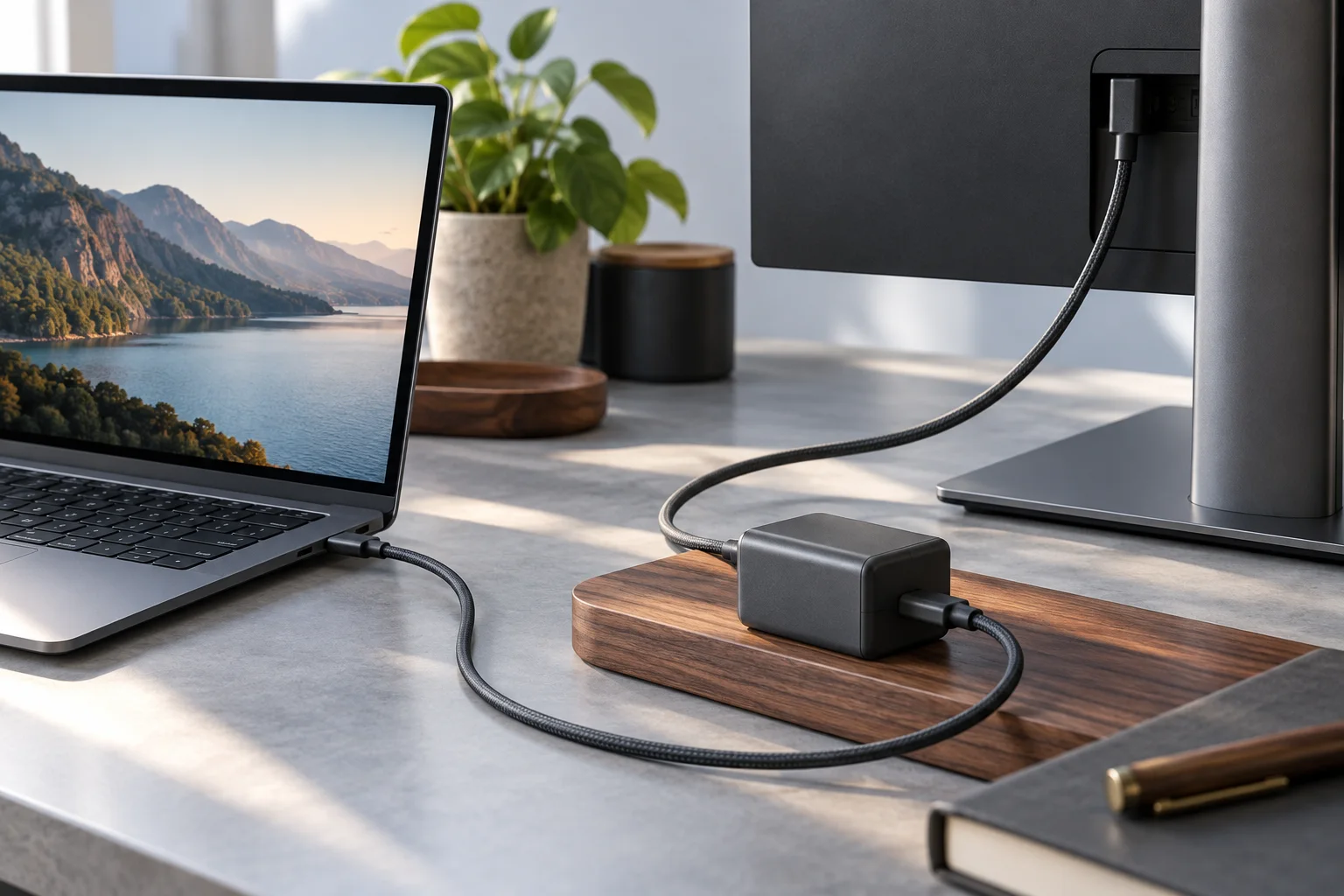
Compare Dell P2725QE90W upstream power with MSI MAG272UP15W video input and Dell P2725H’s data-only downstream connector.
Read the guide
A monitor KVM moves the keyboard and mouse along with the picture, but only when each computer has a video cable and a USB upstream cable.
Read the guide
Touch travels on a USB data link, not on the video cable. Confirm the cabling route and the port it lands on before the monitor arrives.
Read the guide
A hub monitor publishes several different watt and port numbers. They answer different questions, and mixing them up is what produces a disappointing desk.
Read the guide